Live chat for SaaS demo pages.
Your sales team answers the buyer's one question before they book a demo, by chat or a call in the same tab.
Free 30-day trial. No card, no automatic charge.

Shown with a fictional company and fictional people.
What slows a demo page down. And what your team changes.
Through the demo form
Answered on Thursday, two days after he asked
- Tue 10:04 AMForm sentName, work email, team size
- Wed 9:40 AMReply: pick a timeFirst free slot: Thursday
- Thu 3:00 PMDemo callQuestion answered
at minute 12
The same five minutes, zoomed in
- 10:04 AMAsks in the chatOn /integrations
- 10:05 AMMarcus answersIn the same thread
- 10:06 AMVideo callIn the same tab, camera off
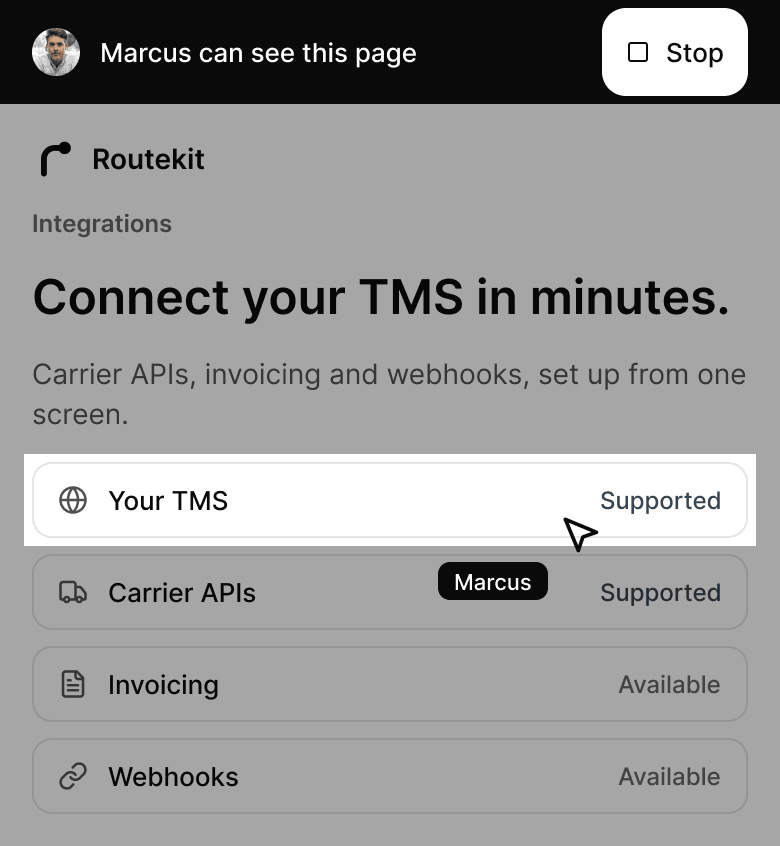
- 10:09 AMYour TMS, on his pageMarcus points at it
In the same visit
Answered at 10:09 AM, five minutes after he asked
Through the demo form
Two days
Answered on Thursday, two days after he asked
- Tue 10:04 AMForm sentName, work email, team size
- Wed 9:40 AMReply: pick a timeFirst free slot: Thursday
- Thu 3:00 PMDemo callQuestion answered
at minute 12
Five minutes
In the same visit
Answered at 10:09 AM, five minutes after he asked
The same five minutes, zoomed in
- 10:04 AMAsks in the chatOn /integrations
- 10:05 AMMarcus answersIn the same thread
- 10:06 AMVideo callIn the same tab, camera off
- 10:09 AMYour TMS, on his pageMarcus points at it
An example visit. Routekit and Lane Freight are fictional.
- Problem: Demo forms answered a day later
- With GreetDock: Talk while the buyer is still on the page.
- Calls
- Problem: One question stops the booking
- With GreetDock: Answer it in the thread, before they look elsewhere.
- Inbox
- Problem: Calls that start from zero
- With GreetDock: See what they read and asked before you say hello.
- Cloud records
- Problem: Demo slots spent on bad fits
- With GreetDock: See how often they came back before the call.
- Inbox
Live chat on the pages SaaS buyers read. From the live list to their own page.
SaaS buyers read pricing, integrations and security before they ask for a demo. GreetDock shows your team who is on those pages right now, with their visit history.
Step 1 of 3: Know who is on the page
- 4th visit · 6 min
Know who is on the page
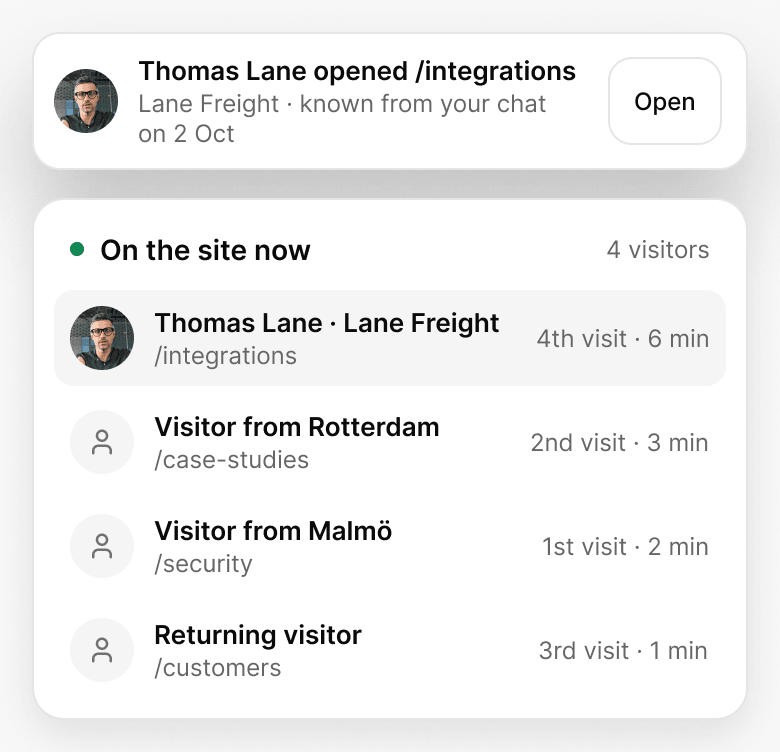
Your teamVisitors on your demo, pricing and integrations pages appear live, with the page, time on it and visit count. A name shows once it is known.
4th visit · 6 min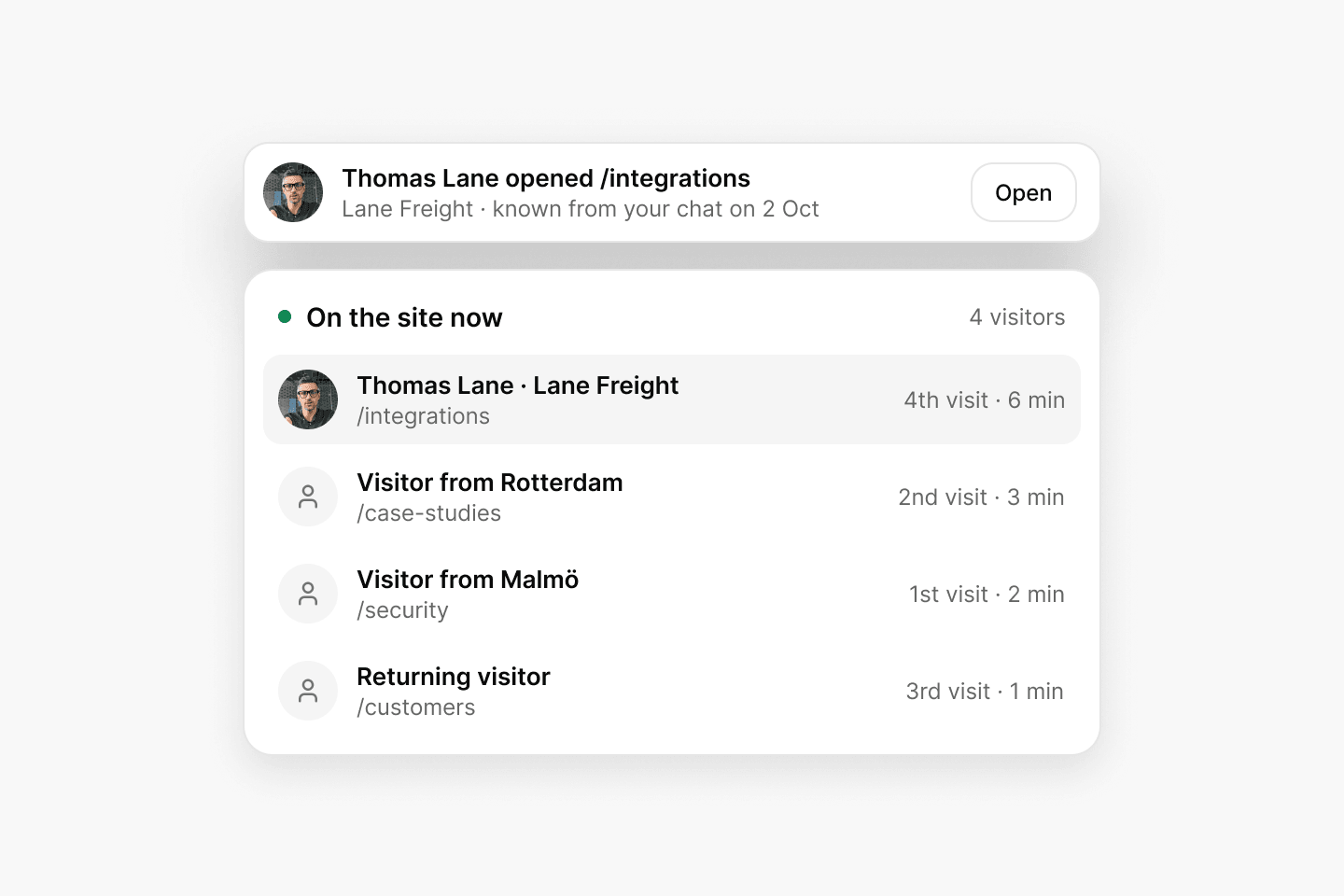
- Video call · 5:02
Talk before they book
BothThe buyer taps Talk now while someone takes calls, or accepts the call your team offers. Your teammate is on video; the buyer chooses the camera.
Video call · 5:02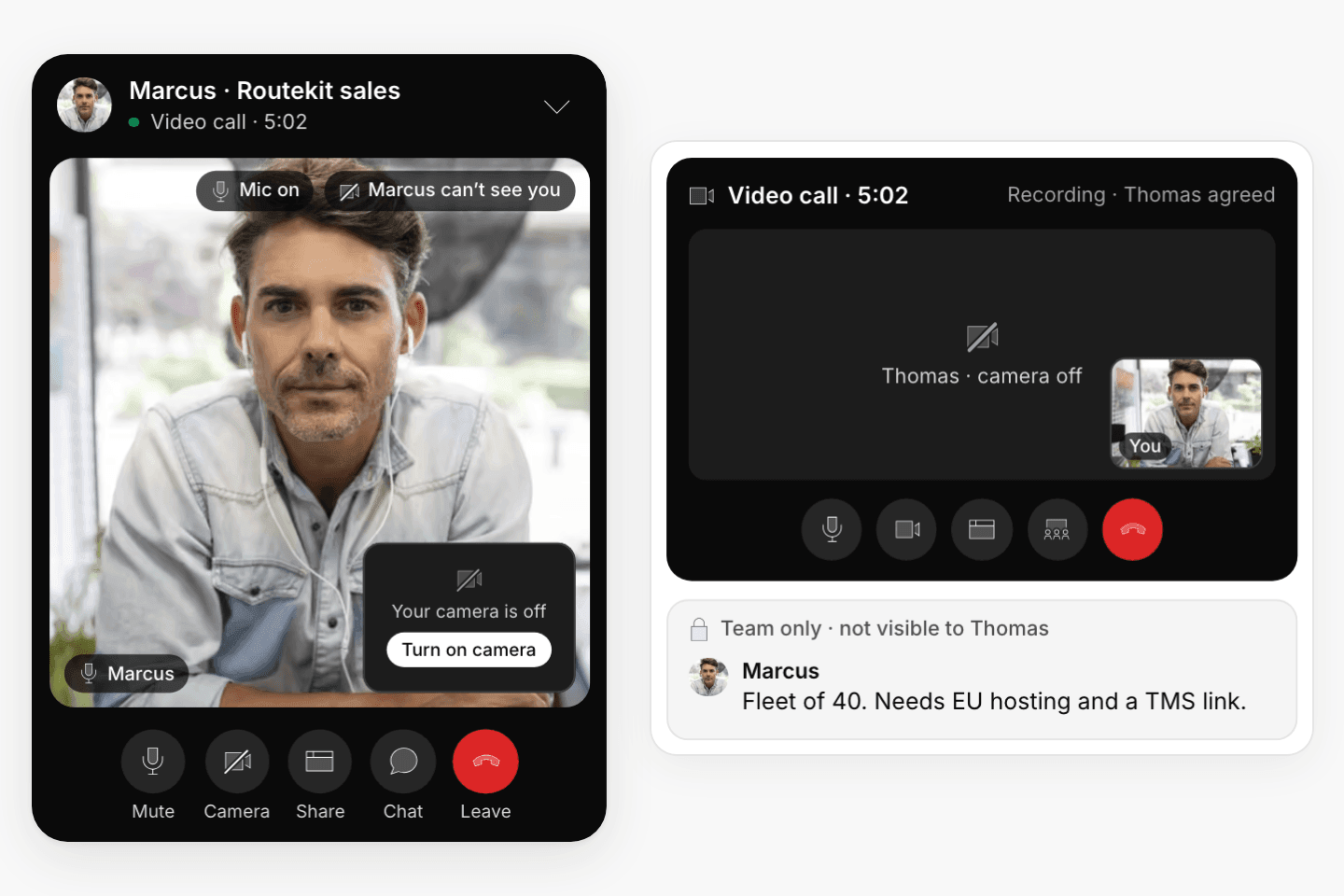
- Video call · page shared
Point at the answer on their page
BothWith the buyer's OK, your team sees their page during the call and points at the answer. The buyer can stop sharing at any time.
Video call · page shared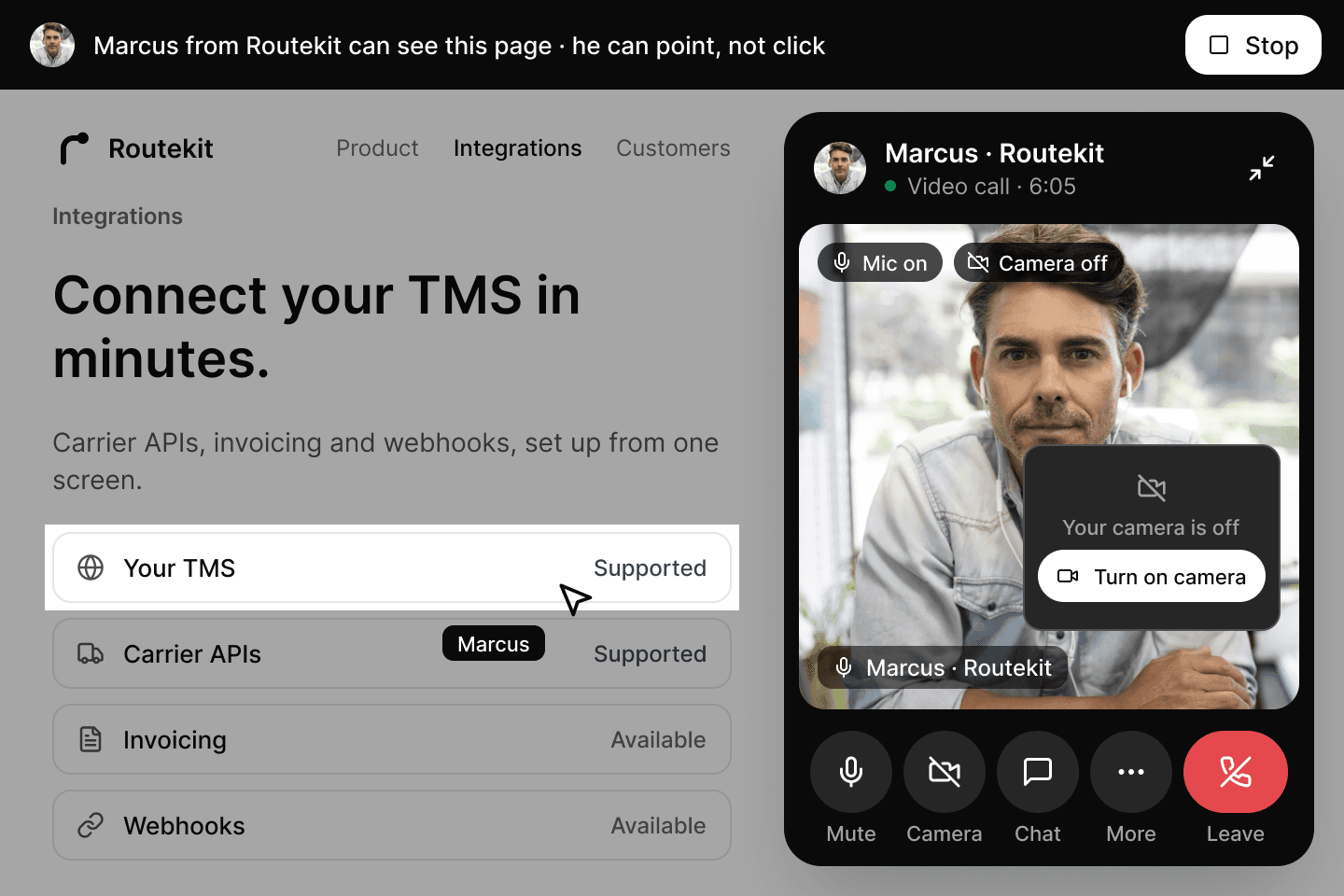

By Edvinas B., co-founder of GreetDock · Published · Updated · 6 min read
Key takeaways
- A demo form moves the buyer's one question to a call days later. Your sales team can answer it on the page.
- Start on the demo page with one person online, then add pricing and integrations.
- Offer a call when the answer needs a screen. The buyer accepts it in the same tab.
- After a month, compare demo requests with the month before, and read what buyers asked.
In this guide 8 chapters
What is live chat for a SaaS demo page? Your team, where the buyer decides.
Live chat for a SaaS demo page is your sales team, available on the page where a buyer decides whether to ask for a demo. The buyer asks the one question holding them back, and your team answers while they are still there.
When typing is slow, the buyer taps Talk now, or your team offers a call, in the same browser tab. That makes it different from a chatbot, which answers only from the content it was given.
In short: Chat settles the one question on the page, and a call in the same tab covers what typing cannot.
Why do buyers leave a demo page? Usually one unanswered question.
A demo request asks for a name, a work email and half an hour of the buyer's week. Many have one question first:
- Does it connect to what we already use?
- Will our security team sign it off?
- Is it worth the meeting?
A form cannot answer any of those, so the next vendor on their list gets the question. You never see it happen, because nobody filled anything in.
In short: Find the question your demo form cannot answer, and answer it on the page instead.
Demo form, chatbot, scheduling link or your sales team? What each one does on a demo page.
| Compared on | Your sales team, with GreetDock | Demo form | Chatbot | Scheduling link |
|---|---|---|---|---|
| Answers a specific question | Yes, your team, in the thread | Later, by email | If its content covers it | No |
| Talk right now | Talk now, or a call your team offers, in the browser | No, someone replies later | No | At the booked time |
| Show the answer on screen | After the buyer allows it: your team points and draws, and never clicks or types | No | No | In the booked meeting |
| What you keep | One record: thread, recorded call, transcript and files | A name, an email and a message | A chat transcript | A calendar entry |
| When nobody is free | A place in line, a callback or a booked time, in the widget | Works the same at any hour | Works the same at any hour | Works the same at any hour |
| What it asks of your team | Someone online while buyers read | A quick follow-up by email | Content kept up to date | Free time in the calendar |
Answers a specific question
- Your sales team, with GreetDock
- Yes, your team, in the thread
- Demo form
- Later, by email
- Chatbot
- If its content covers it
- Scheduling link
- No
Talk right now
- Your sales team, with GreetDock
- Talk now, or a call your team offers, in the browser
- Demo form
- No, someone replies later
- Chatbot
- No
- Scheduling link
- At the booked time
Show the answer on screen
- Your sales team, with GreetDock
- After the buyer allows it: your team points and draws, and never clicks or types
- Demo form
- No
- Chatbot
- No
- Scheduling link
- In the booked meeting
What you keep
- Your sales team, with GreetDock
- One record: thread, recorded call, transcript and files
- Demo form
- A name, an email and a message
- Chatbot
- A chat transcript
- Scheduling link
- A calendar entry
When nobody is free
- Your sales team, with GreetDock
- A place in line, a callback or a booked time, in the widget
- Demo form
- Works the same at any hour
- Chatbot
- Works the same at any hour
- Scheduling link
- Works the same at any hour
What it asks of your team
- Your sales team, with GreetDock
- Someone online while buyers read
- Demo form
- A quick follow-up by email
- Chatbot
- Content kept up to date
- Scheduling link
- Free time in the calendar
These describe each kind of tool in general, not a review of one product. For named tools, read GreetDock vs Intercom, GreetDock vs Drift or GreetDock vs Crisp.
Should you build it or buy a tool? Chat is the easy part.
A chat box looks like a weekend of work. The time goes into everything around the message:
- Presence: who is online, and what the buyer sees when nobody is free.
- Calls: media relays, browser permissions, and camera and microphone states.
- Page sharing: masked inputs, a visible Stop, and consent you can show later.
- Records: search, retention, and a data processing agreement for security reviews.
Live conversation is part of the product you sell, or you have a rule no vendor can meet.
Your engineers have better uses on the roadmap. GreetDock is one script tag once your application is approved, and you can start on one page.
In short: Build it only if live conversation is part of what you sell. Otherwise, start on one page.
How do you set it up on a demo page? Start with one page and one person.
- 01Add the script to the demo page
One tag before </body>, in Settings → Install. Start with the demo page, then add pricing and integrations, the pages read just before a decision.
- 02Write a greeting for each page
A rule per page path, with up to three suggested questions. The buyer can ignore or dismiss it. Our scripts guide has more.
Four greetings to adapt
- Demo page: Hi, anything you want to check before you book?
- Pricing: Hi, comparing plans for your team?
- Integrations: Hi, connecting a TMS?
- Security: Hi, is a security review coming up?
- 03Decide who answers
Someone who can answer product questions sets their status to Online during the hours buyers read. Outside them, the offline form or a booked time takes over.
- 04Decide when to offer a call
When the answer needs a screen, or the thread has gone back and forth twice. The buyer accepts in the widget, or chooses Not now.
- 05Keep the follow-up in one place
The thread, the call and shared files stay in one record, so whoever runs the demo starts from what was asked.
Setup is guided onboarding, with a guide for every step.
In short: Start with the demo page and one person online. Add pages once you know what buyers ask.
What should your team say? Answer first, then offer the next step.
Answer in one or two sentences, and only then offer something. These replies are for a logistics software company; change the details to your own.
The buyer asks: Does it work with our TMS?
Your team replies: Yes, it connects. Setup takes about a day. Easier to show you on a quick call?
The buyer asks: Will our security team sign it off?
Your team replies: Our DPA is public, and I can send the sub-processor list here.
The buyer asks: What does it cost?
Your team replies: It depends on your team size. Roughly how many people would use it? Then I can give you a straight answer.
Need a colleague first? Ask in a team note, which the buyer never sees, and reply with one clear answer.
In short: Answer first, then offer one next step: a call, a document or a booked time.
How do you know it is working? Read the questions, then count the bookings.
- 01Read the questions
Read every thread for the first few weeks. When your team keeps answering the same question, put the answer on the page.
- 02Count the bookings
Compare a month of demo requests with the month before, from the same traffic sources. With small numbers, treat it as a direction, not proof.
Your own AI tool can read the records over MCP with a read-only token, and tell you what buyers asked this month.

In short: The questions tell you what to fix first. The bookings tell you, slowly, whether it worked.
Is GreetDock a fit for your team? Worth knowing before you apply.
If one of those rules it out, our comparisons say which tool fits better.
A demo page, then a call in the same tab. Thomas has one question before he books.
Routekit and Lane Freight are fictional.
- 10:02 AMVisitorThomas opens Routekit's pages again, his fourth visit this month, and stops on /integrations.
- 10:04 AMVisitorThomas taps Talk now in the widget to ask whether Routekit works with their TMS.
- 10:05 AMYour teamMarcus answers on video and checks with Nadia in a team note. Thomas then lets him see the page.
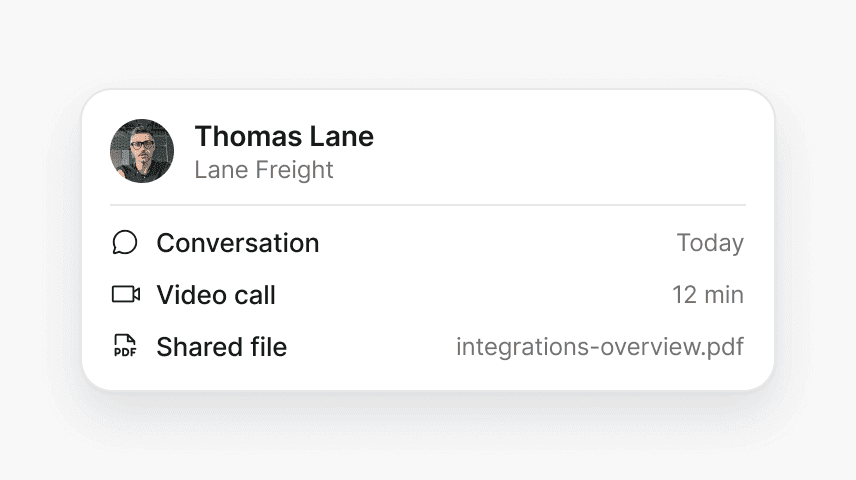
- 10:24 AMGreetDockThe thread, the call and the setup guide stay in one record, so nobody asks Thomas twice.
Around the conversation. Used in the private beta today.
- One record per buyer
The conversation, the call and shared files sit in one record, ready for whoever runs the follow-up.
- Bring in the right colleague
Mention a solutions engineer in a team note, or assign the thread with a transfer note. The buyer never sees either.
- After hours, a message or a booked time
When nobody is online, the buyer leaves an email and a question, with the page it came from.
Booking & callbacks - Read it from your AI tool
Ask what buyers asked before booking this month, over MCP, with a read-only token.
Intelligence - For the security review
The DPA is public. Calls run through a media relay GreetDock self-hosts in the EEA.
Security
Before you put chat on the demo page. What SaaS teams ask.
The products behind it
- CallsMove from the thread to a call in the same tab.
- Co-browsingShow the answer on the buyer's page, with consent.
- InboxSee who is on the demo page right now.
For sales teams: B2B sales, Conversations from your site, Questions before the call, Sales handoff
By industry: Logistics software, Fintech, Cybersecurity, HR and payroll software
Other teams: Online stores, Support teams, Agencies
Comparing tools? GreetDock vs Intercom, GreetDock vs Drift, GreetDock vs Crisp, GreetDock vs HubSpot Meetings Scheduler