Website chat, calls and co-browsing in one platform.
Built for B2B sales teams. Your team sees the page a buyer is reading, talks in the same tab and keeps the whole visit in one record.
Free 30-day trial. No card, no automatic charge.



Nine parts, one visit. Each does one job.
They are laid out in the order a buyer meets them: on your site, in your inbox, then in your records.
Meet
On your site. What the buyer sees.
Talk
In your inbox. Where your team replies.
- InboxEvery buyer in one thread, with their page and earlier visits beside it.
- Team chatPrivate notes and mentions inside the thread. The buyer never sees them.
- CallsVoice and video from the thread, in the browser, with nothing to install.
- Co-browsingSee the buyer's page after they accept, and point at the answer.
Keep
In your workspace. What stays after the visit.
Every part is in the private beta unless it says otherwise.
One visit, start to finish. Four scenes, from live list to record.
An example, not a customer story: Routekit and Lane Freight are made up. It shows which part does what, and when the buyer decides.
1 of 4 · See
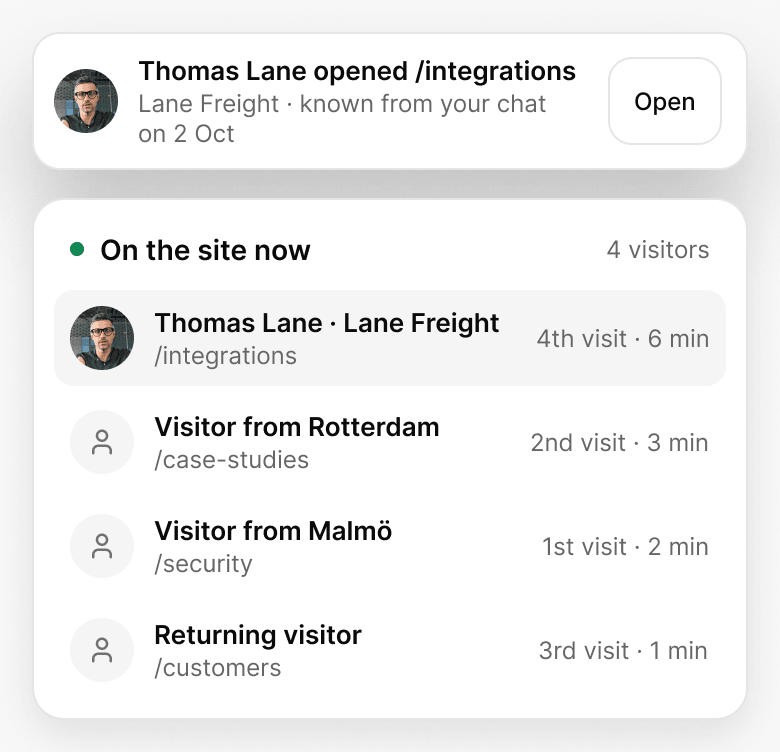
See who is reading now. Their page, history and return visits.
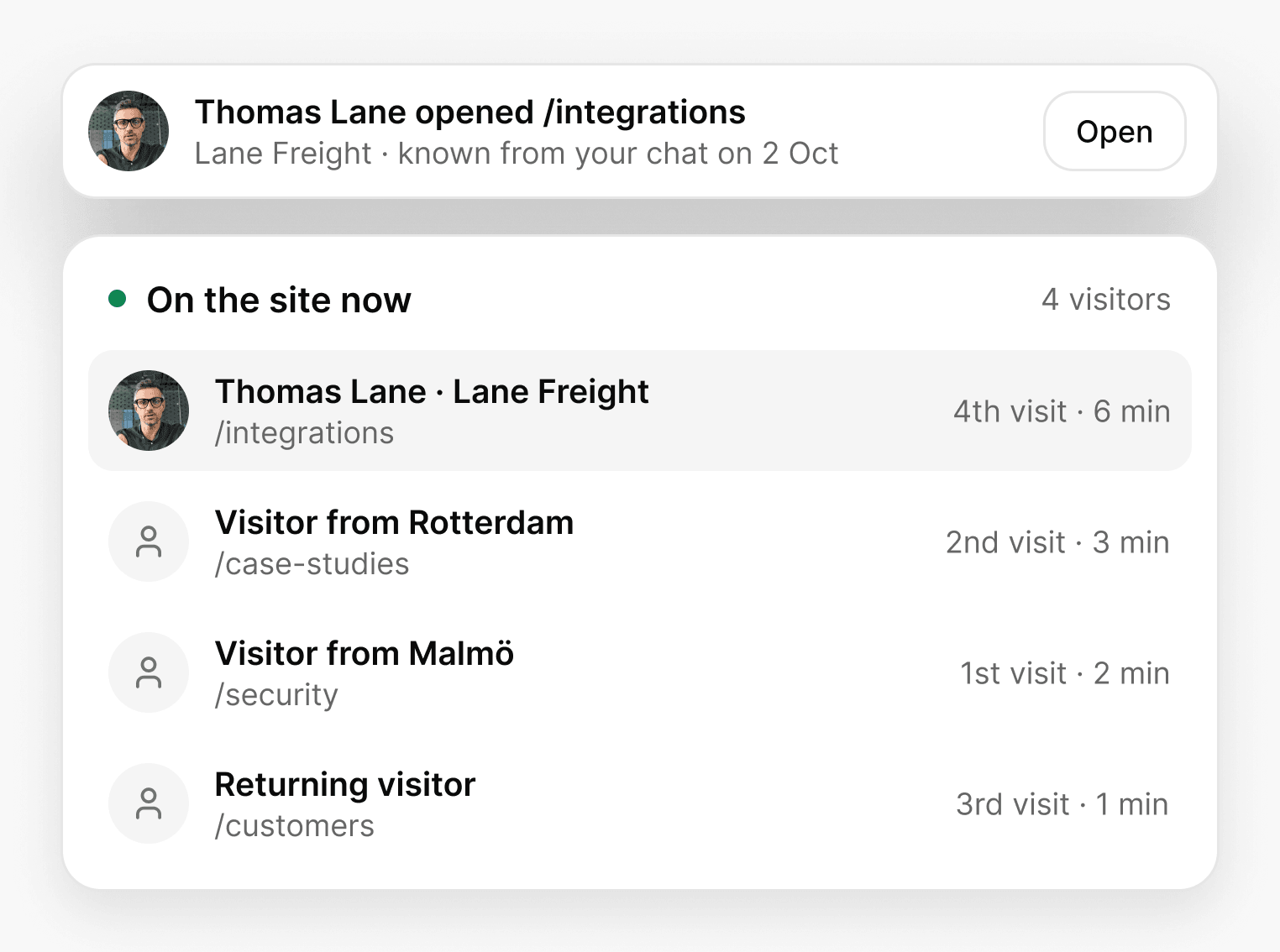
Thomas Lane from Lane Freight is reading Routekit's integrations page, on his fourth visit.
Marcus in sales sees him in the live list, with the page and the pages he read before.
2 of 4 · Talk
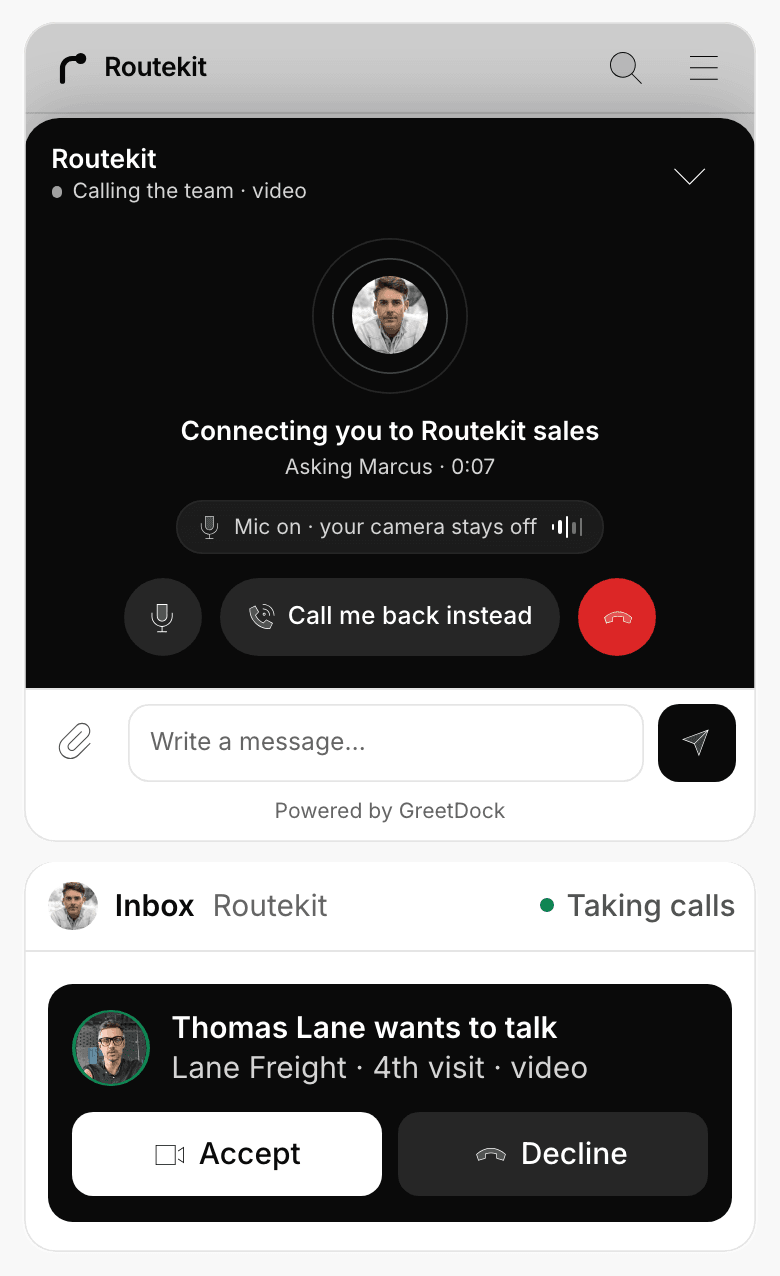
Talk in the same visit. Chat first, then voice or video.
Thomas asks whether it works with his TMS. Marcus checks one detail with a colleague in a private note, then replies in the same thread.
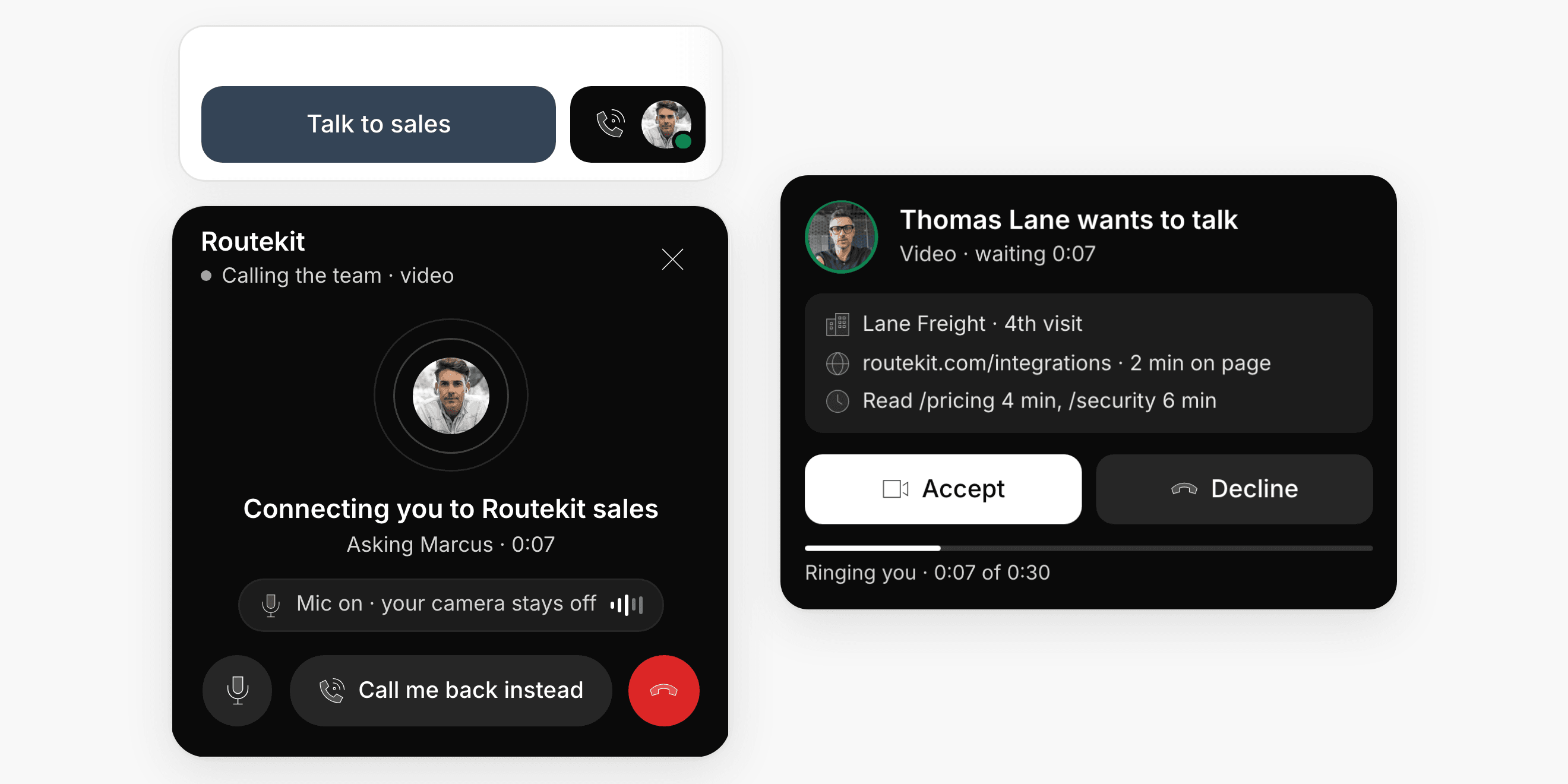
He offers a call. Thomas accepts in the widget, and it opens in the tab. Had nobody been free, Thomas could have asked for a callback or booked a time.
Parts in this scene
3 of 4 · Show
Show the answer on their own page. Only after the visitor accepts.
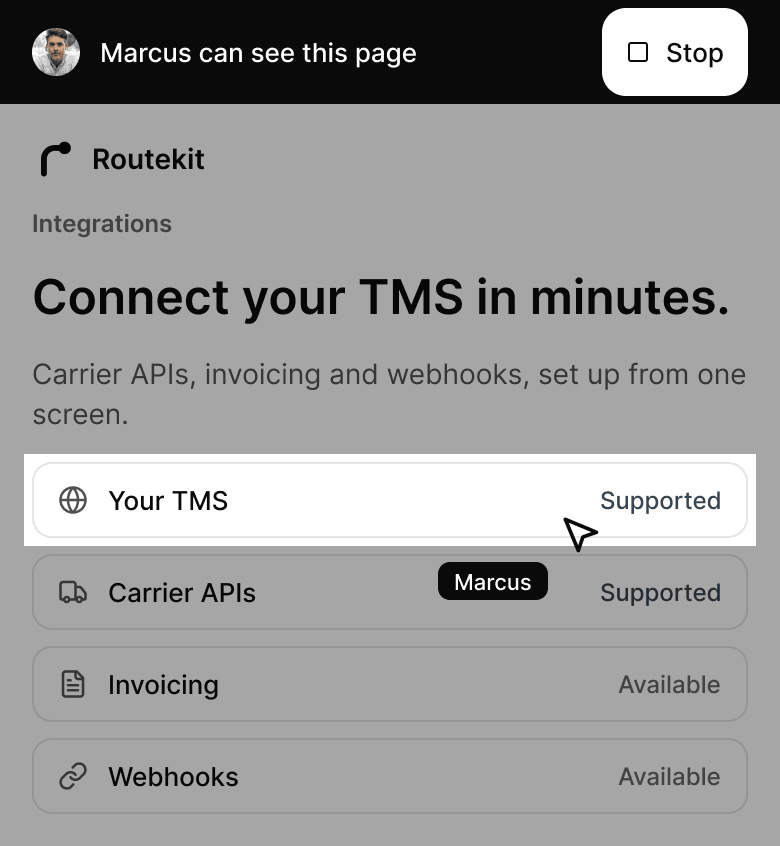
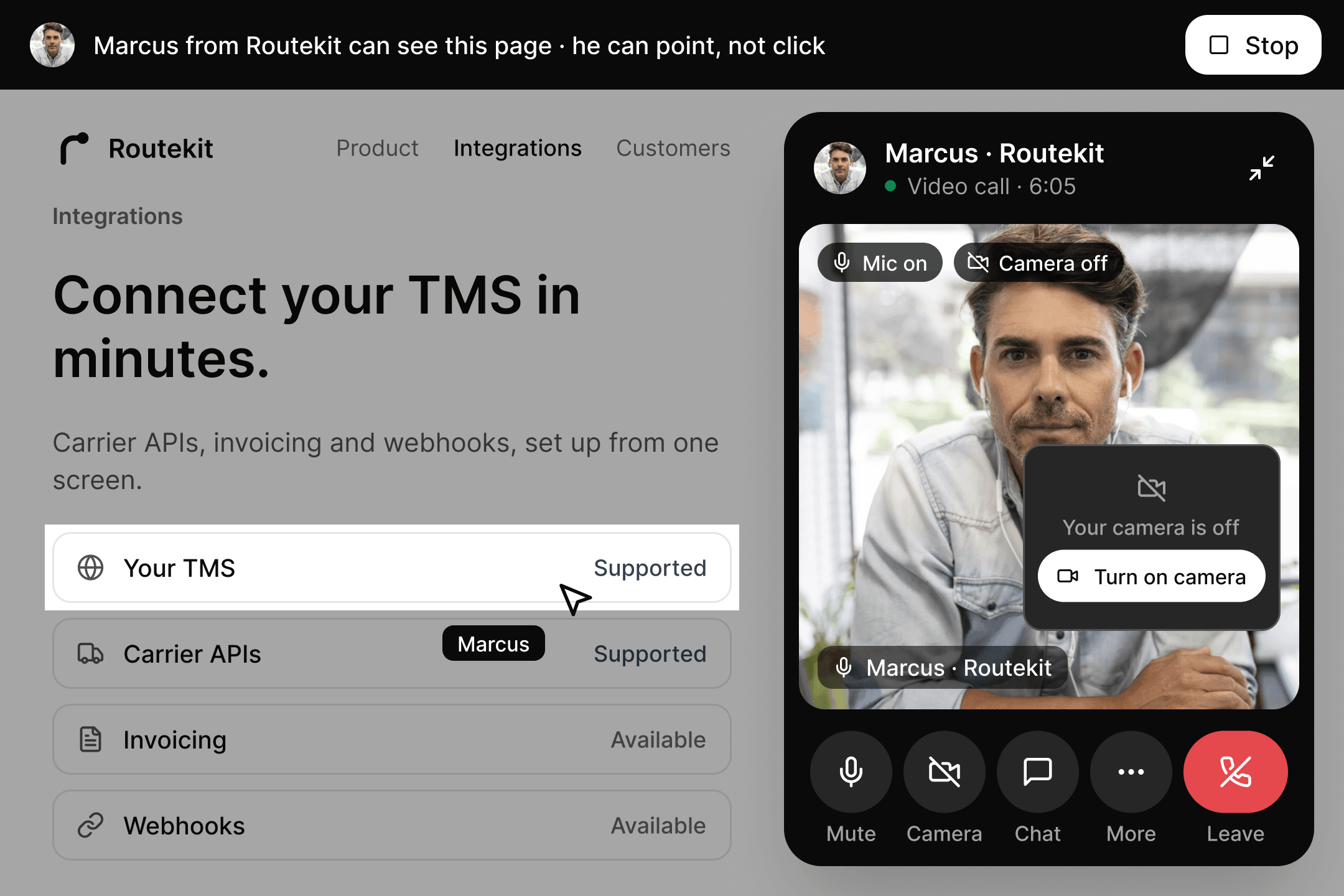
Marcus asks to see Thomas's page. Thomas accepts, and Marcus points at the TMS on the integrations page.
He cannot click or type, sensitive inputs stay hidden, and Thomas can stop the sharing at any moment.
Parts in this scene
4 of 4 · Hand over
Hand over with the whole story. Thread, notes and transcript, in one record.
The thread, the call transcript, the file Marcus shared and an AI summary draft land in one record. Marcus checks the summary before anyone relies on it.
Recording started because Marcus started it, and Thomas was told. Nadia's own AI tool reads the record over MCP before Thursday's call.
Parts in this scene
The buyer decides. Nothing is shared until they accept.
A call starts when both sides agree, and co-browsing starts only after the buyer accepts. AI summaries are drafts your team checks.
GreetDock is hosted in the EEA. The Data Processing Agreement is published and forms part of the Terms.
Visitor acceptance
Sharing starts only after the visitor accepts a plain-language request.
Visitor control
The visitor can end the shared page at any moment, from the widget.
Hidden inputs
Sensitive input values are not shared with your team.
Point and draw only
Your team can point, highlight and draw. It cannot click or type.
Recording only by choice
A call is recorded only when your teammate starts it, and the visitor is told.
What GreetDock does not do. Stated plainly, for the private beta.
- It does not answer buyers with AI.
- Your team replies. AI drafts replies and call summaries for your team to check and send. An AI agent that asks the qualifying questions first is planned.
- It does not connect to your CRM.
- There is no CRM integration, or any other, in the private beta. GreetDock runs beside your helpdesk and CRM, and your own AI tools can read records over MCP, read-only.
- It does not take over the buyer's screen.
- Your team points and draws, and never clicks or types. Sensitive inputs, other tabs and other apps are not shared.
- It does not record on its own.
- A call is recorded only when a teammate starts it, and the buyer is told.
- It does not look up who is visiting.
- It shows the page and the visit history. A name or company appears only when the buyer shares it, or when your site passes it for a signed-in user.
- It does not see visitors who decline cookies.
- Your consent tool must allow the widget before it loads, so a visitor who declines never appears in the live list.