Inbound sales conversations from the traffic you already have.
A buyer can read your pricing page and leave without filling in the form. GreetDock lets your sales team talk to them during that visit, by chat or a call in the same tab.
Free 30-day trial. No card, no automatic charge.


Shown with fictional companies and fictional people.
Where inbound sales goes quiet. And what changes when buyers can talk.
- Problem: Buyers read, then leave
- With GreetDock: See who is on pricing and integrations now, and say hi.
- Inbox
- Problem: A form for a one-line question
- With GreetDock: Let them ask in the widget, or tap Talk now.
- Calls
- Problem: Replies that land days later
- With GreetDock: Answer in the same visit, or book a time in the widget.
- Booking & callbacks
- Problem: Context lost before the call
- With GreetDock: Pages read, questions and notes stay in one record.
- Cloud records
From a quiet visit to a conversation. Three moments on the page.
Your team sees who is reading, opens the conversation with a greeting for that page, and offers a call when typing is slow.
Step 1 of 3: See who is reading, right now
- On /integrations · 6 min
See who is reading, right now
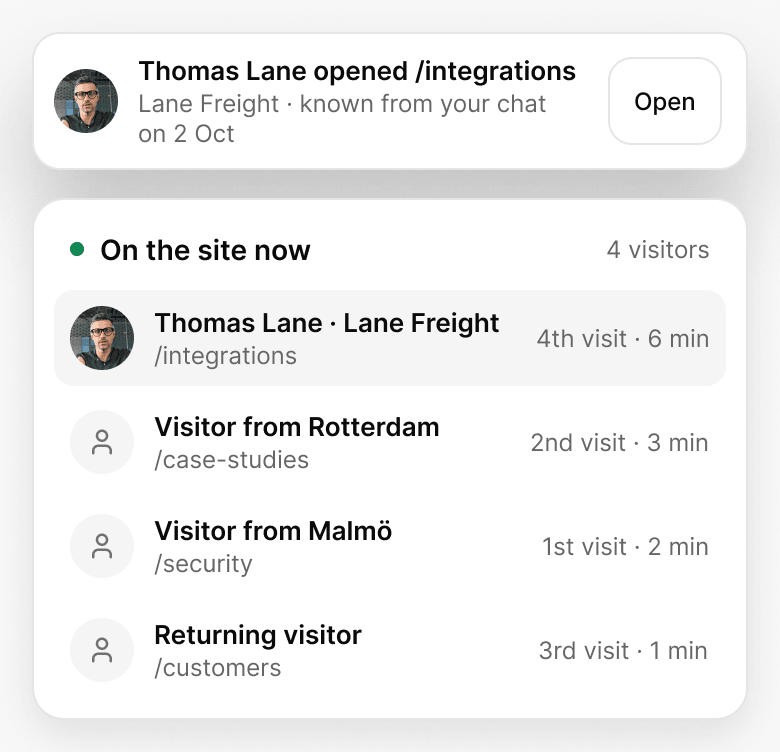
Your teamThe live list shows each visitor's page, time on it and visit count. A returning buyer on pricing stands out from a first look at the blog.
On /integrations · 6 min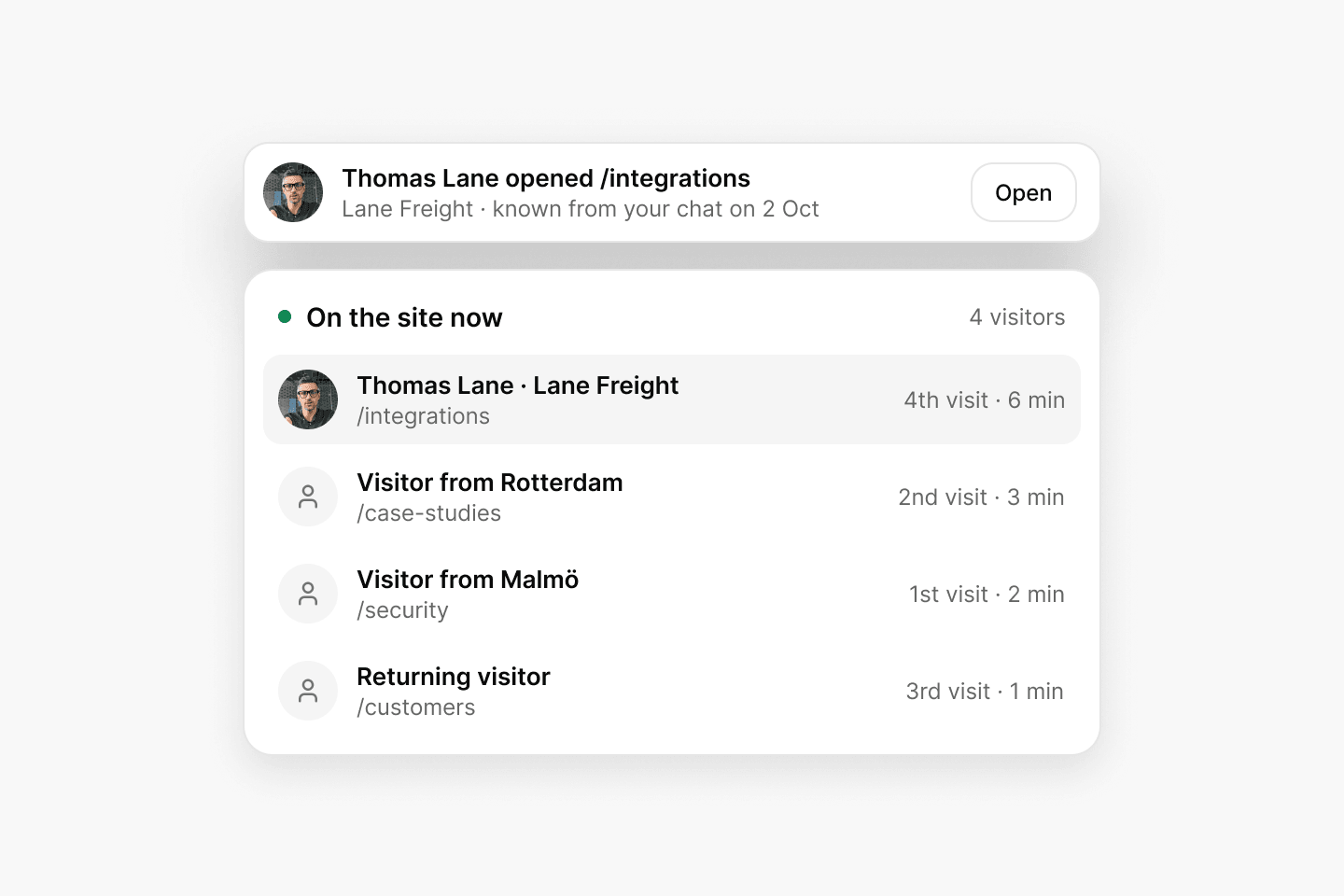
- Talk now · Video · Book
The buyer taps the call button
VisitorTalk now while a teammate is taking calls, Video call, or Book a call. The buyer picks the one that suits them, in the tab they have open.
Talk now · Video · Book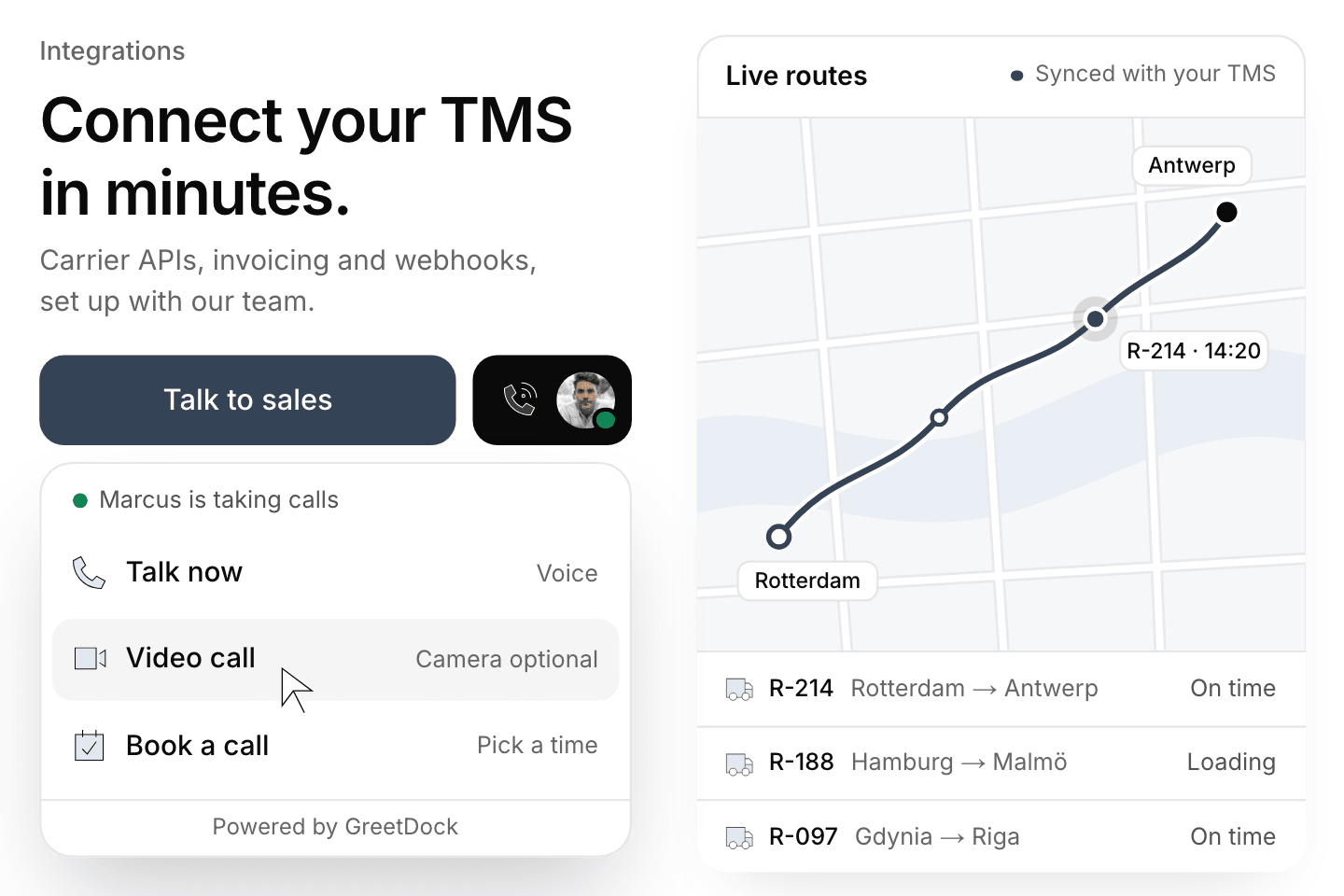
- Callback or booked time
Nobody free? A callback or a time
VisitorWhen everyone is busy, the buyer asks for a callback in the browser or picks a time from your team's hours. It lands on their thread.
Callback or booked time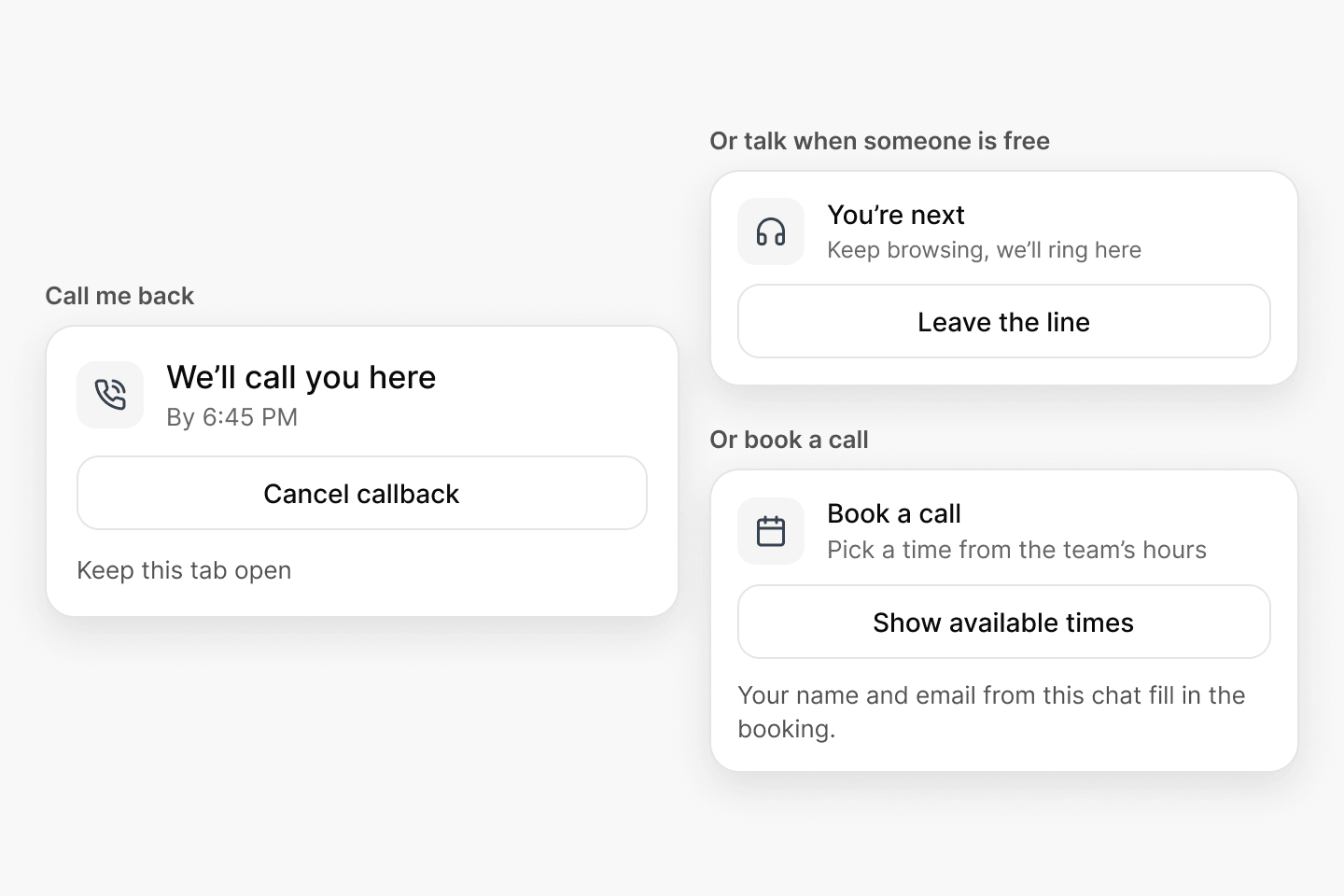


By Edvinas B., co-founder of GreetDock · Published · 3 min read
Key takeaways
- Your inbound buyers are already on the site. The form reaches only those who are ready to book.
- Greet the pages read just before a decision: pricing, integrations and security.
- Offer a call when the answer needs a screen. When nobody is free, offer a callback or a time.
- Keep the thread, so whoever runs the next call starts from what was asked.
In this guide 5 chapters
What is an inbound sales conversation? The buyer starts it, during the visit.
An inbound sales conversation is one the buyer starts, or agrees to, while they research you. On most B2B sites the only way to start one is a contact form.
A form turns a question into a wait. The buyer leaves a name, then hears back once they have moved on. Talking during the visit removes that wait.
In short: Start where buyers decide, usually the pricing page, with one person online.
Where do inbound buyers go quiet? Between reading and asking.
Buyers often research before they talk to anyone. They stop at the point where a page cannot answer them:
- Does it work with what we already use?
- What would setup look like for a team like ours?
- Can someone just show me?
Each of those is a short conversation. Behind a form, it becomes a booked meeting days away, and some buyers ask the next vendor instead.
In short: Greet the page where buyers stall, so the question gets asked there instead of in a form.
How does a sales team run it? One person online is enough to start.
- 01Put the widget on the pages buyers read last
Pricing, integrations and security first. One script tag, set up with guided onboarding.
- 02Write a greeting for each page
A rule per page path, with up to three suggested questions. The buyer can ignore or dismiss it. Our scripts guide has more.
- 03Take calls while you are free
Set yourself to taking calls, and Talk now appears in the call button. Switch it off, and buyers see Book a call instead.
- 04Move to a call when typing is slow
Offer voice or video from the thread. The buyer accepts in the widget, and chooses whether to turn on their camera.

In short: One person taking calls on three pages is enough to learn what your buyers ask.
What should your team say first? Mention the page, then step back.
A greeting works when it names the page and asks nothing of the buyer. These are for a logistics software company; change the details to your own.
The buyer asks: Just looking at pricing for now.
Your team replies: Of course. If a plan question comes up, ask here. I can also show you around on a short call.
The buyer asks: Can someone show me the fleet view?
Your team replies: Yes, I can do it now in this tab. Tap Accept when the call comes through.
In short: Name the page, ask nothing of the buyer, and offer a call only when they want more.
Is GreetDock a fit for your team? Worth knowing before you apply.
If one of those rules it out, our comparisons say which tool fits better.
A pricing page, then a conversation. Thomas is reading pricing for the second time.
Routekit and Lane Freight are fictional.
- 2:10 PMVisitorThomas opens Routekit's pricing page again and stays on the plan comparison.
- 2:13 PMYour teamMarcus sees him in the live list and says hi with the pricing greeting.
- 2:14 PMVisitorThomas asks whether one depot can start first, then taps Talk now.
- 2:31 PMGreetDockThe thread and the call stay on Thomas's record, ready for the next call.
What your team works with. In the private beta today.
- A greeting per page
Write the opener for each page path, with up to three suggested questions a buyer can tap.
The live chat widget - Talk now, only when someone is free
The call button shows Talk now while a teammate takes calls, and Book a call when nobody can.
- A time or a callback after hours
Buyers pick a time from your team's hours, or ask for a callback in the browser, without leaving the page.
Booking & callbacks - What buyers asked, over MCP
Your own AI tool reads this month's questions with a read-only token, so you can fix the page that caused them.
Intelligence
Before you open the conversation. What sales leads ask.
The products behind it
- InboxSee who is on which page, live.
- CallsTalk in the tab the buyer has open.
- Booking & callbacksA callback or a time when nobody is free.
For sales teams: B2B sales, Questions before the call, Sales handoff
By industry: SaaS, Logistics software, Fintech, Cybersecurity, HR and payroll software
Other teams: Online stores, Support teams, Agencies
Comparing tools? GreetDock vs Chili Piper, GreetDock vs Calendly