A live chat inbox that shows which buyer is on which page.
Your sales team sees the buyer's page, their earlier visits and their question side by side, then replies or offers a call from there.
Free 30-day trial. No card, no automatic charge.



From first message to the right reply. The page stays beside every step.
Step 1 of 4: The visitor writes from the page
- From /products/arlo-chair
The visitor writes from the page
VisitorThe message arrives with its page and the time on it. A returning visitor keeps one thread.
From /products/arlo-chair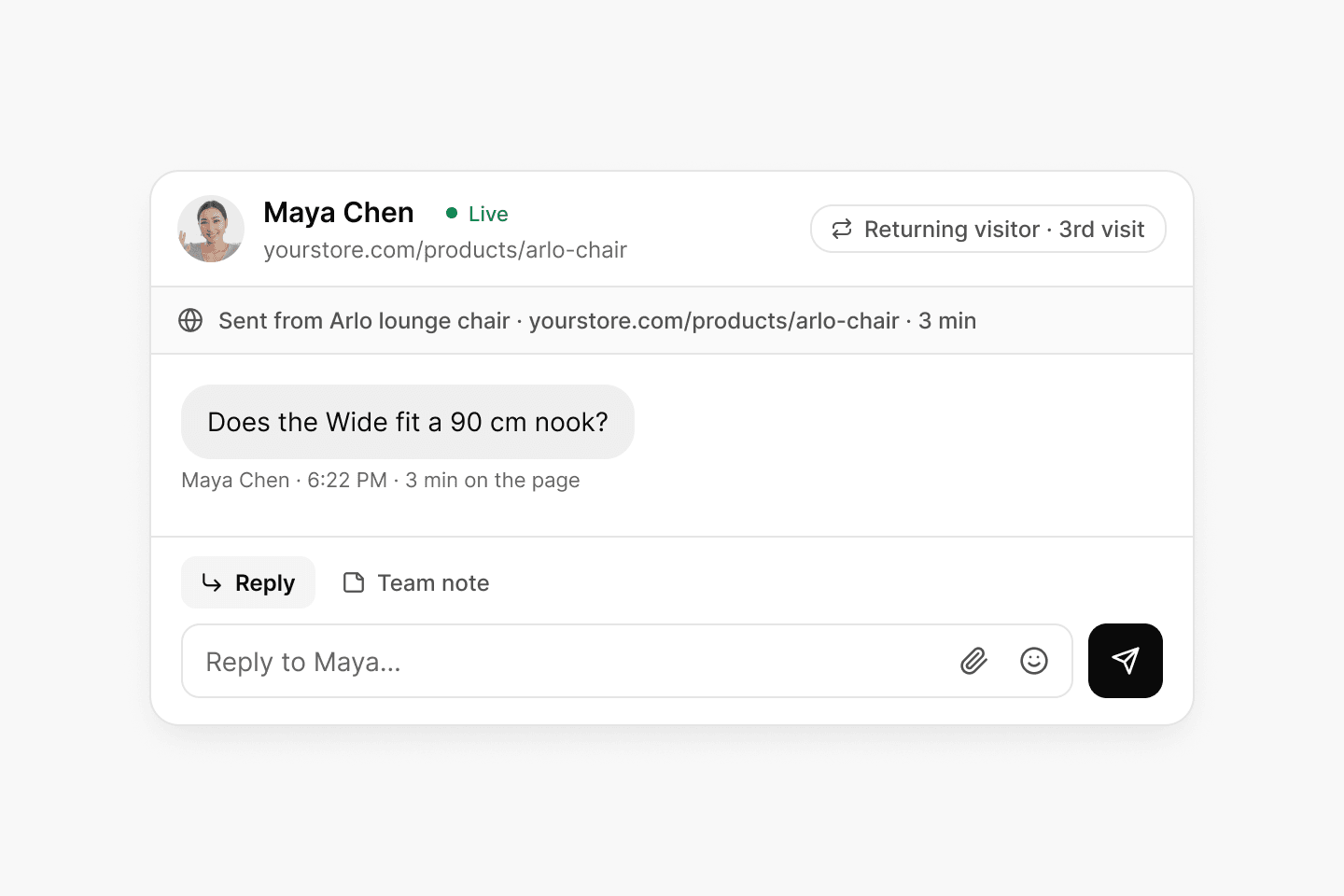
- 3rd visit this week
Context before the first reply
Your teamPage, time on page, visits, past questions and any email they share sit beside the thread.
3rd visit this week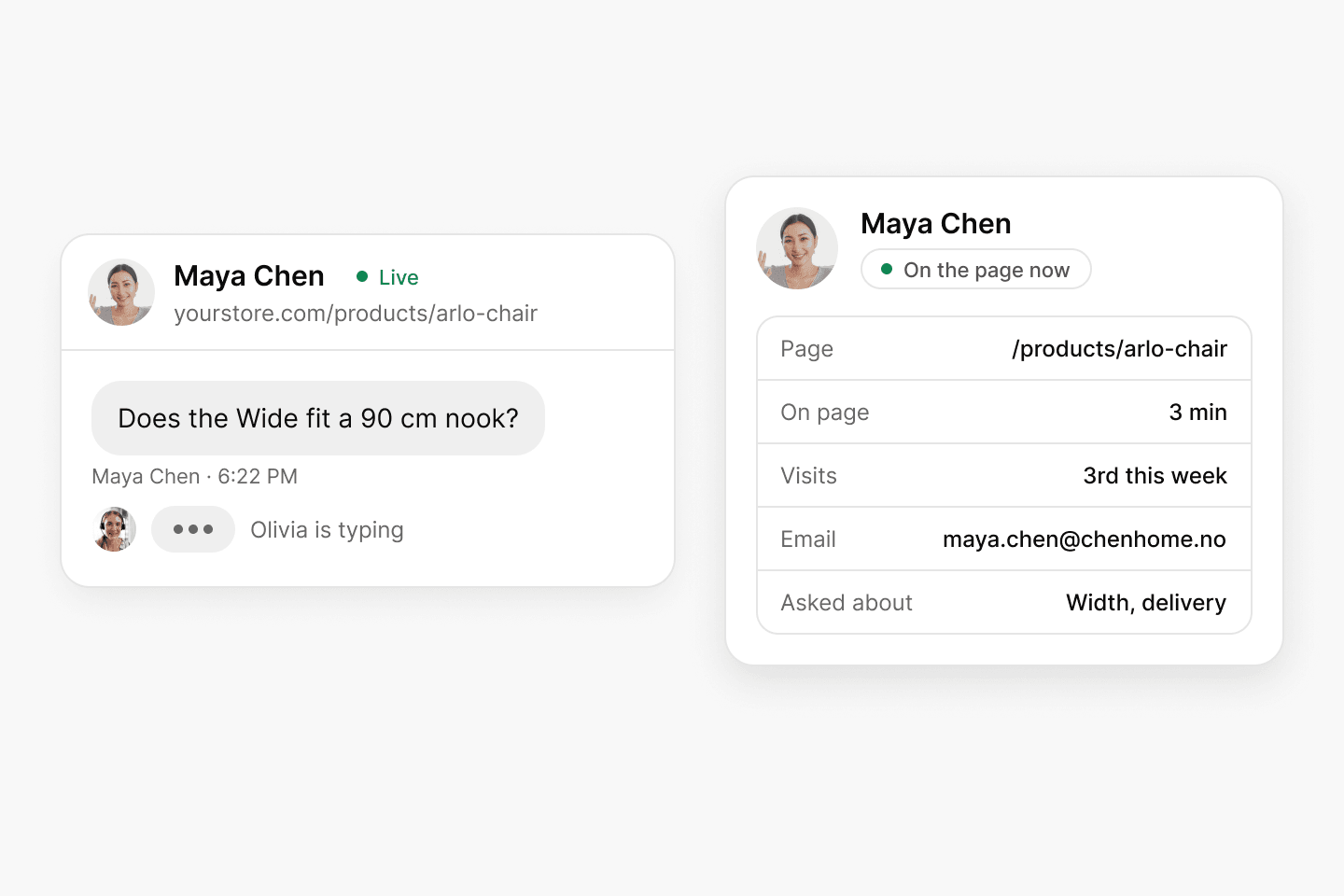
- Olivia is calling · video
Reply, or offer a call
Your teamAnswer in text, or call from the thread header. The visitor taps Accept or Not now.
Olivia is calling · video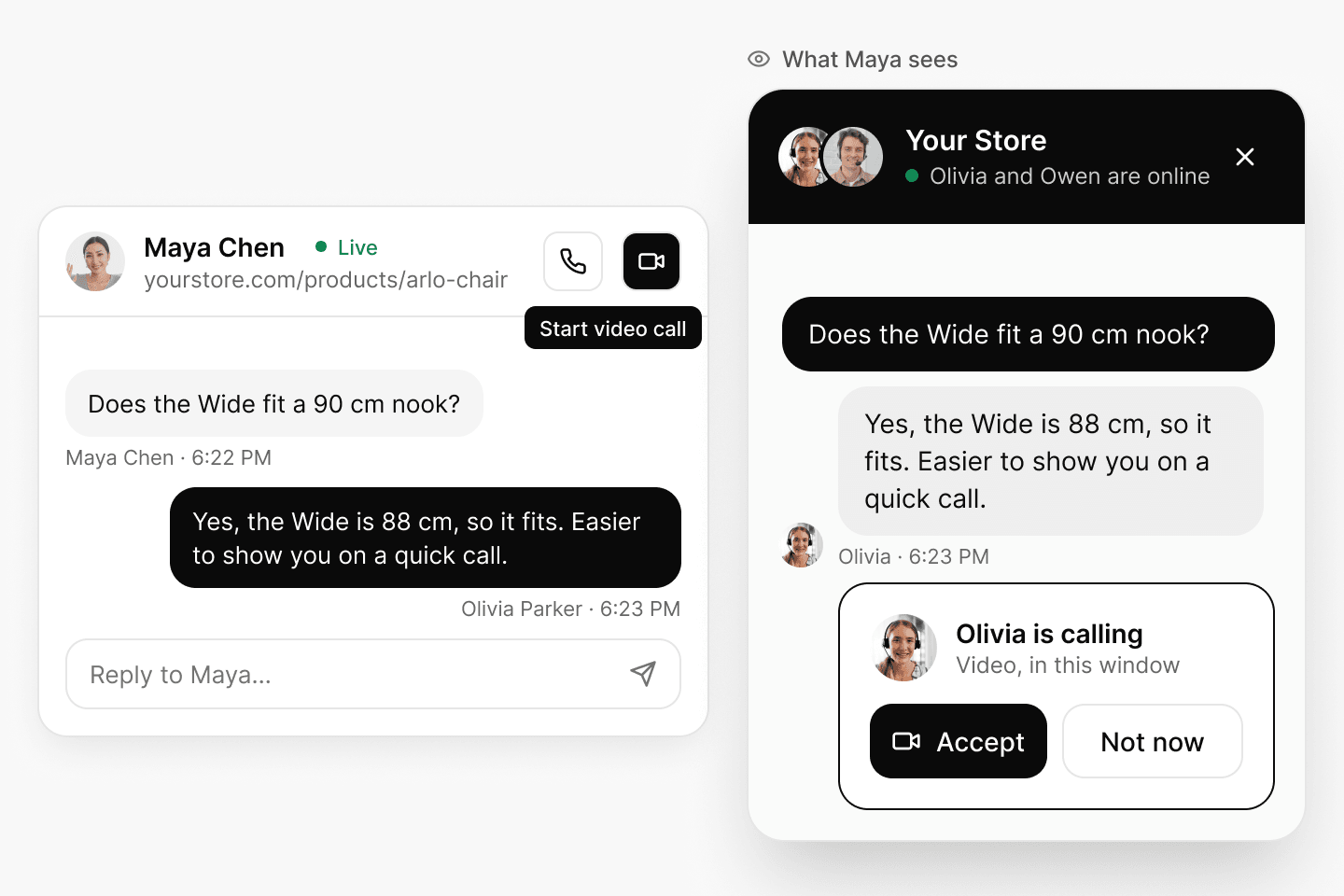
- Handed to Owen
Mention a colleague, or hand it over
Your teamAsk a colleague in a team note, or assign the thread. Ownership moves when they accept.
Handed to Owen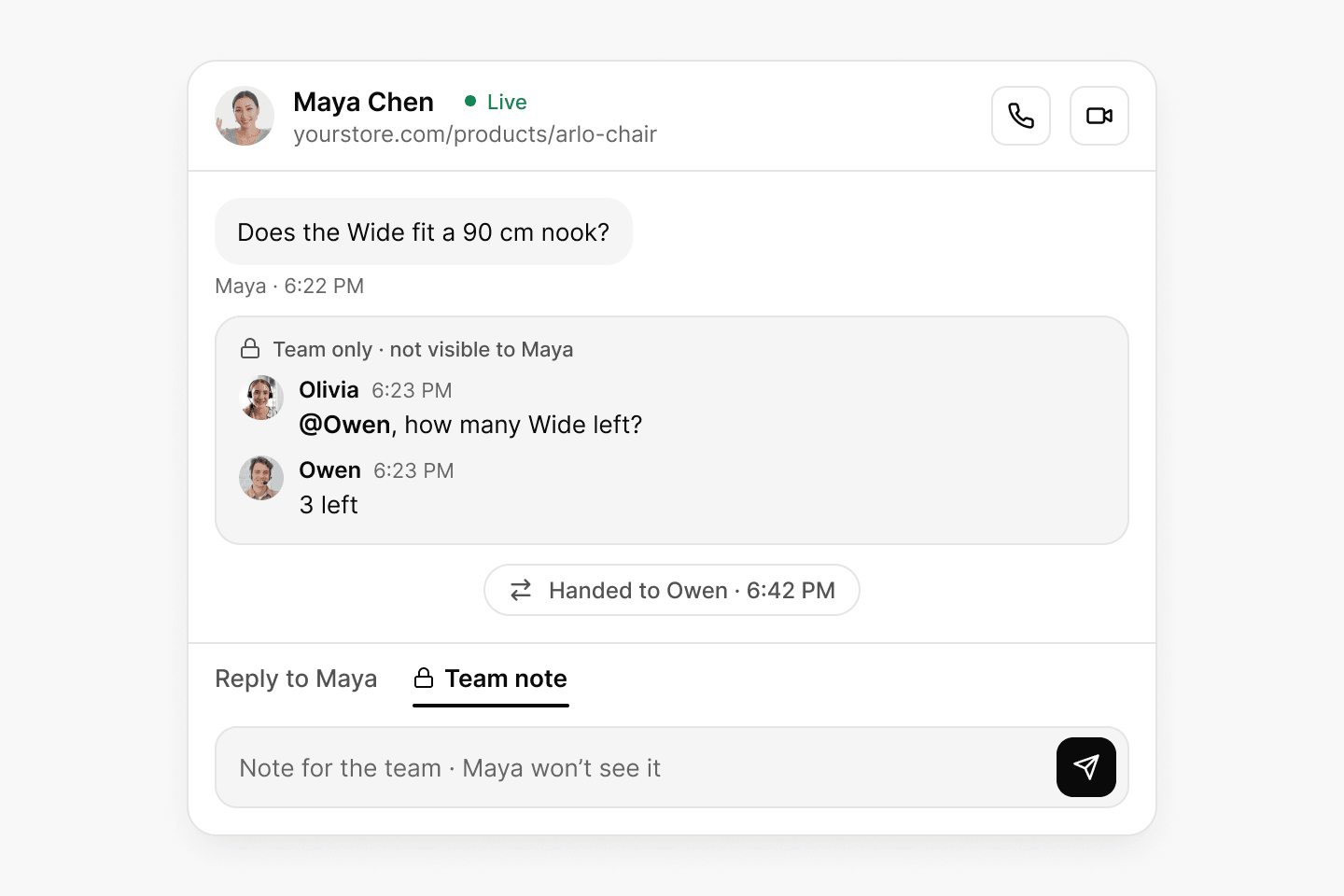


One conversation, two views. Chat for them, context for your team.
What the visitor sees
Visitor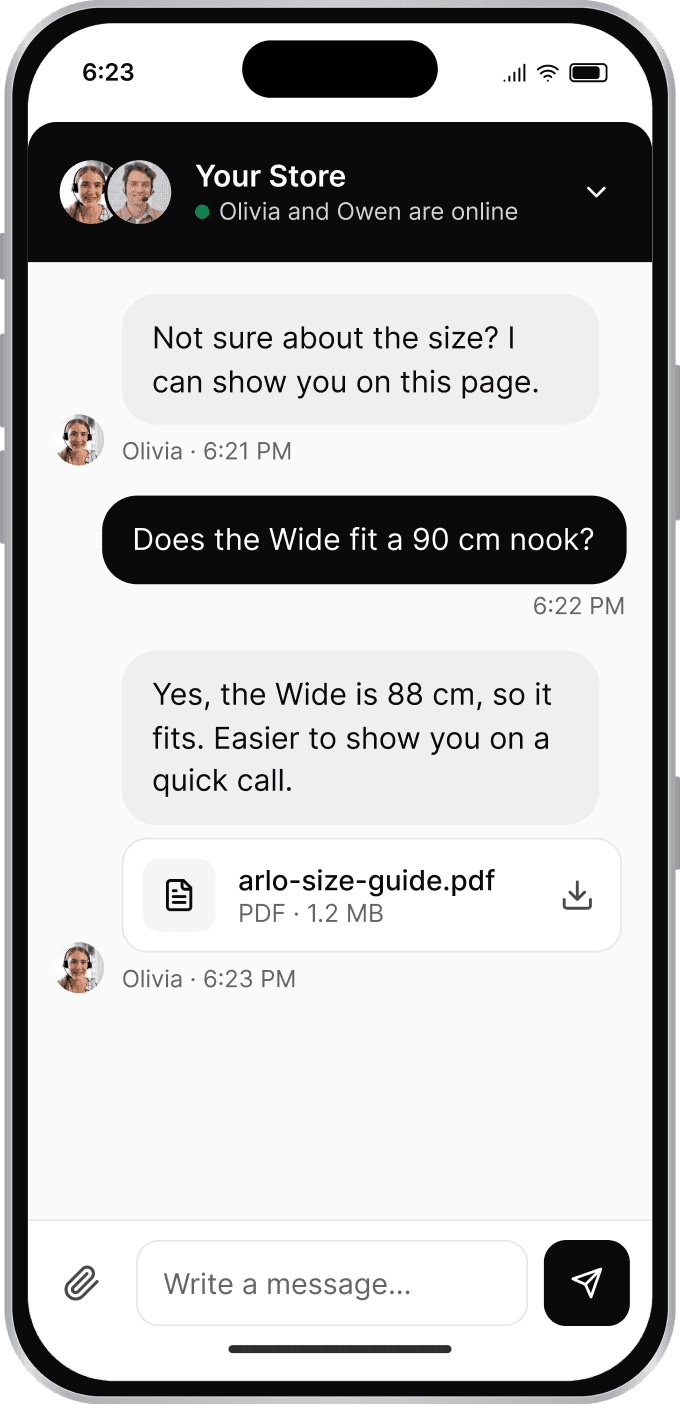
- A greeting they can ignore or dismiss
- Replies and files in the same chat
- The panel full width on a phone
What your team sees
Your team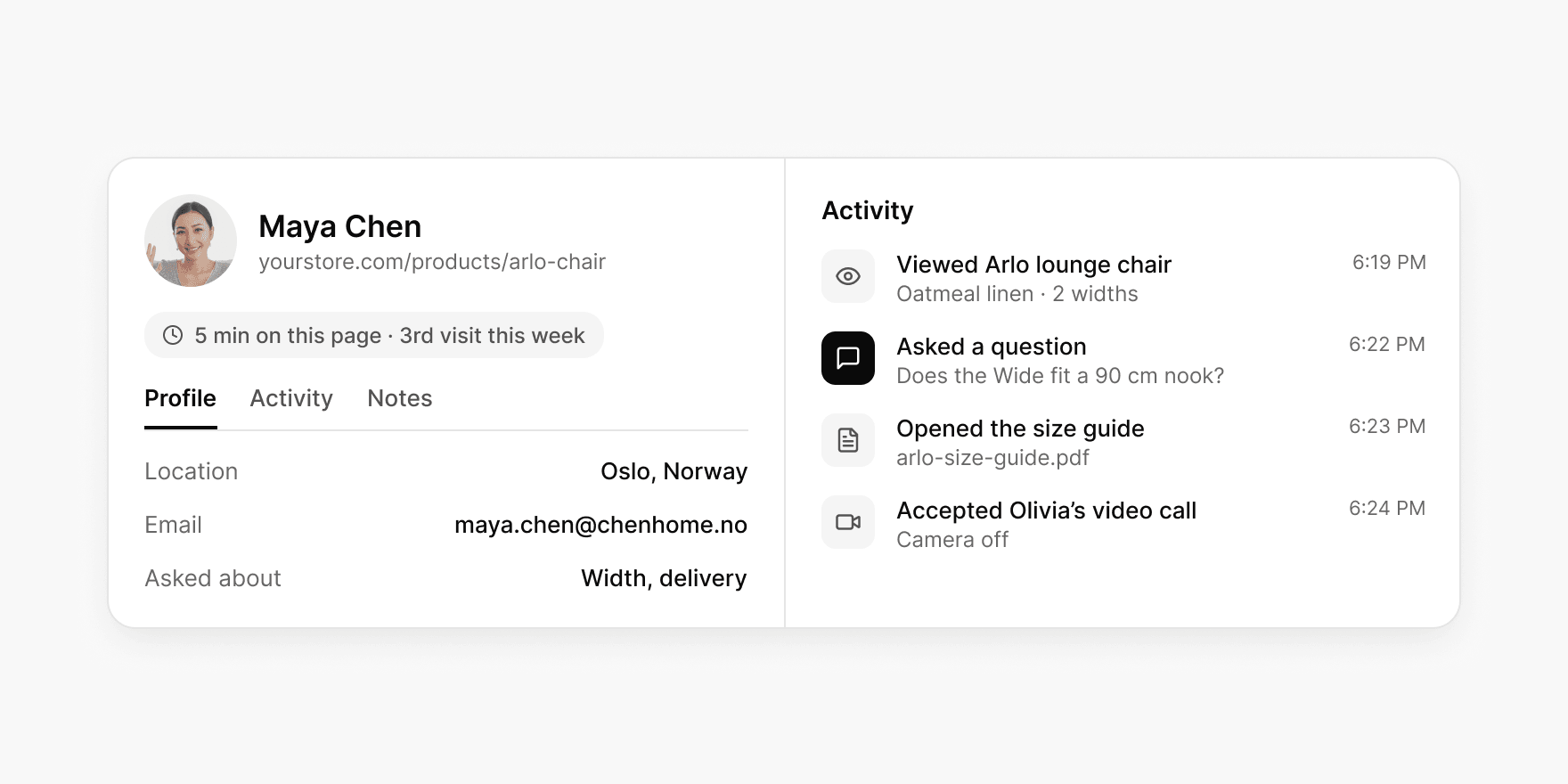
- The page and time on the page
- Visits this week and recent activity
- What they asked about, beside the thread

A returning buyer, answered on the page. Thomas from Lane Freight is back.
How the product fits in. Not a customer result.
- 10:02 AMVisitorThomas is back on /integrations, his fourth visit this month.
- 10:02 AMGreetDockHe shows in the live list, with last week's thread.
- 10:05 AMYour teamMarcus answers, then offers a video call.
What else sits in the inbox. All of it works in the private beta.
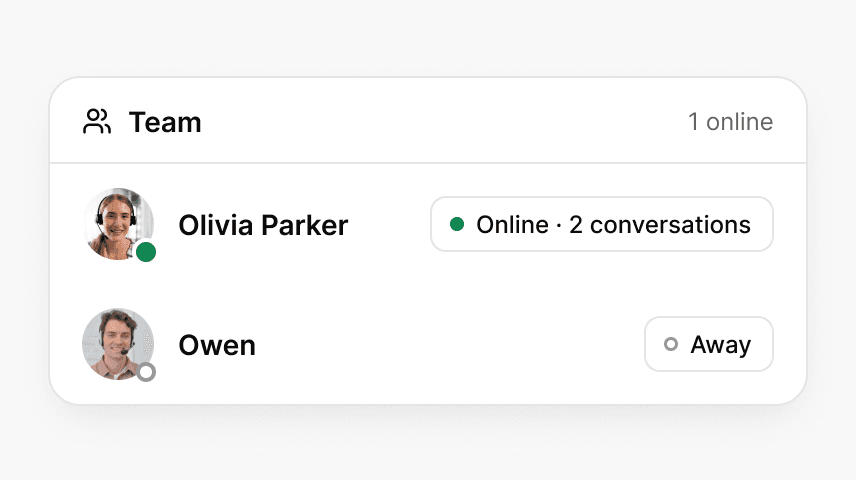
- Online, away, offline
Each teammate sets a status from their avatar. Each thread shows who has it.
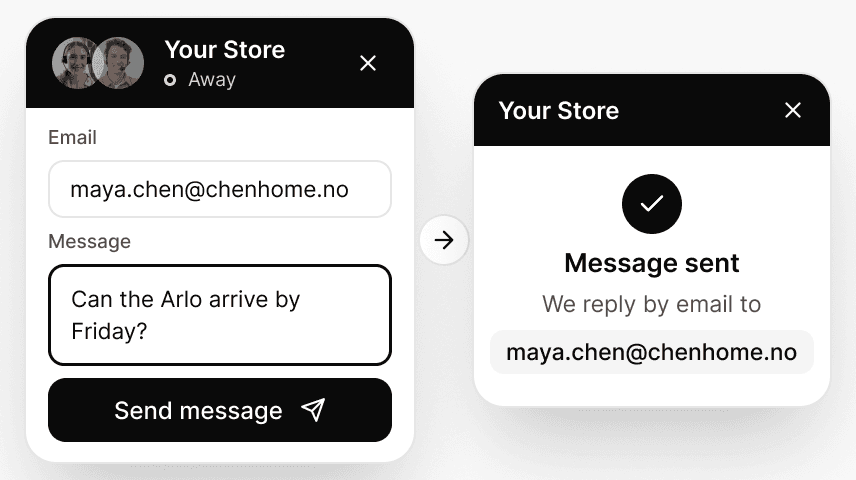
- The offline form
When nobody is online, the visitor leaves an email. Your reply goes there.
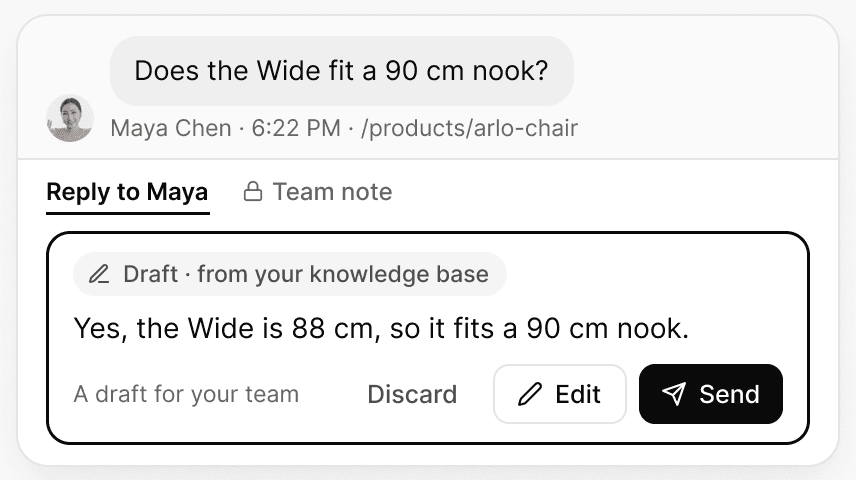
- Drafts a person sends
A draft from your knowledge base. A person edits and sends it, or discards it.
- A private team lane
Notes and mentions beside the thread, never delivered to the widget.
Team chat - Live visitors
Who is on your site now, and the page they are reading.
- Files stay with the thread
Size guides and links stay in the chat, also during a call.
Three steps to the first reply. Guided from the first step.
Before the first message
- 01Add one scriptSettings → Install
One tag before </body> on the pages you choose.
- 02Set your status to OnlineYour avatar in the inbox
When nobody is online, the widget shows the offline form.
- 03Reply from the threadInbox
Messages arrive with their page. Add greetings later.
What the visitor controls
- A greeting they can dismiss
- Calls only after they accept
- Their page, shared only if they allow it
- Team notes never reach the widget
Before you switch inboxes. What sales teams ask first.
Next in the flow
- Team chatAsk a colleague in the thread.
- CallsWhen typing is slower than talking.
- CloudWhere every thread is kept.
All product pages: Co-browsing, Widget, Intelligence, Booking & callbacks, Pop-ups & forms
Comparing tools? GreetDock vs Intercom, GreetDock vs LiveChat