Video and voice calls from the chat, with no meeting to book.
When a question is quicker to talk through, your sales team offers a call. The buyer accepts in the widget and joins in the browser, with nothing to install.
Free 30-day trial. No card, no automatic charge.



A call the visitor agrees to. From the offer to the record.
Calls run in the browser on both sides, in the same thread as the chat.
Step 1 of 5: Offer a call from the thread
- Calling Maya · video
Offer a call from the thread
Your teamChoose Start video call or Audio in the thread header. The visitor sees your name and face, then taps Accept or Not now.
Calling Maya · video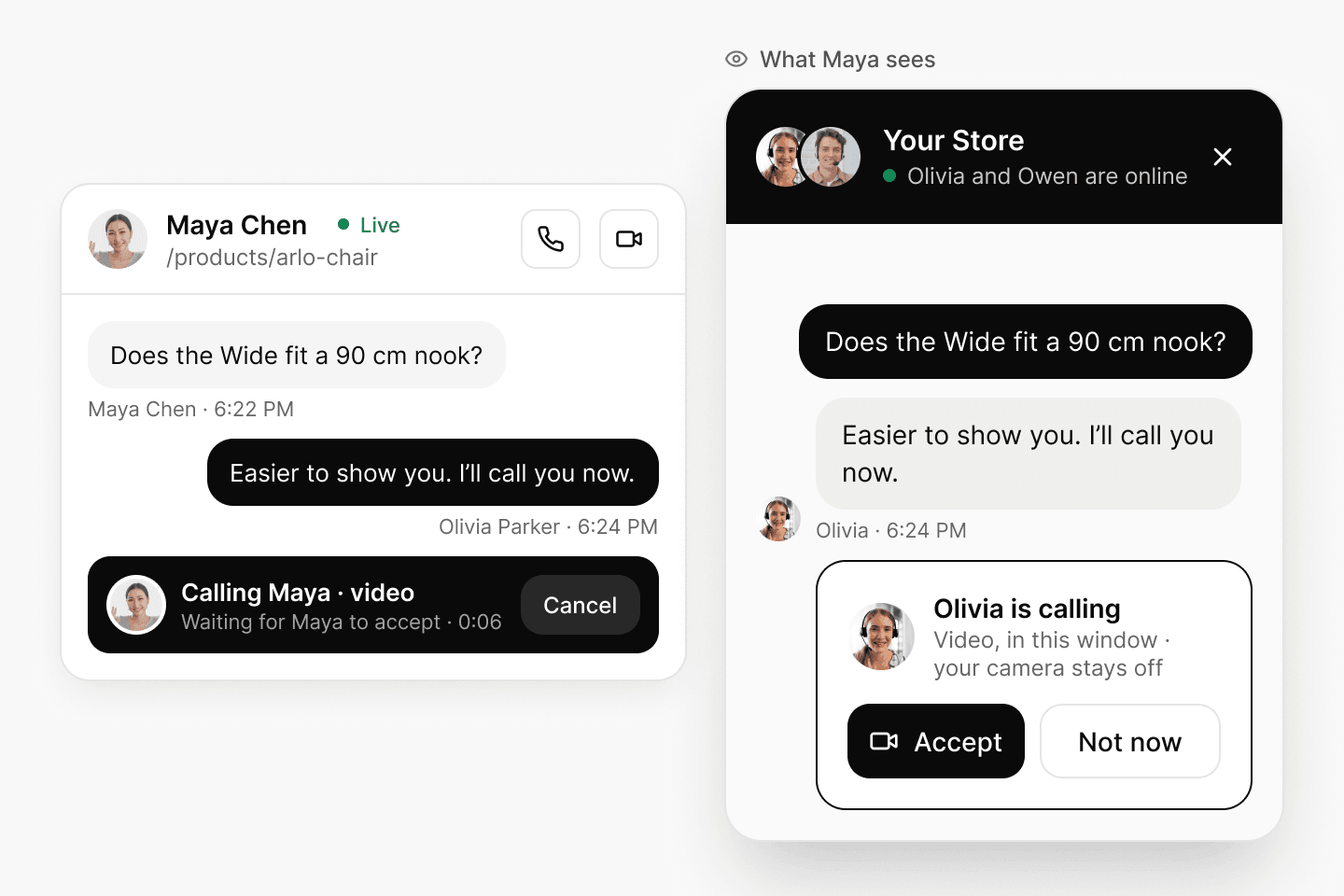
- Ringing you · 0:07
Or the visitor asks for the call
VisitorThe visitor taps Talk now while a teammate is taking calls. Your team sees who is calling, their page and what they read, then accepts.
Ringing you · 0:07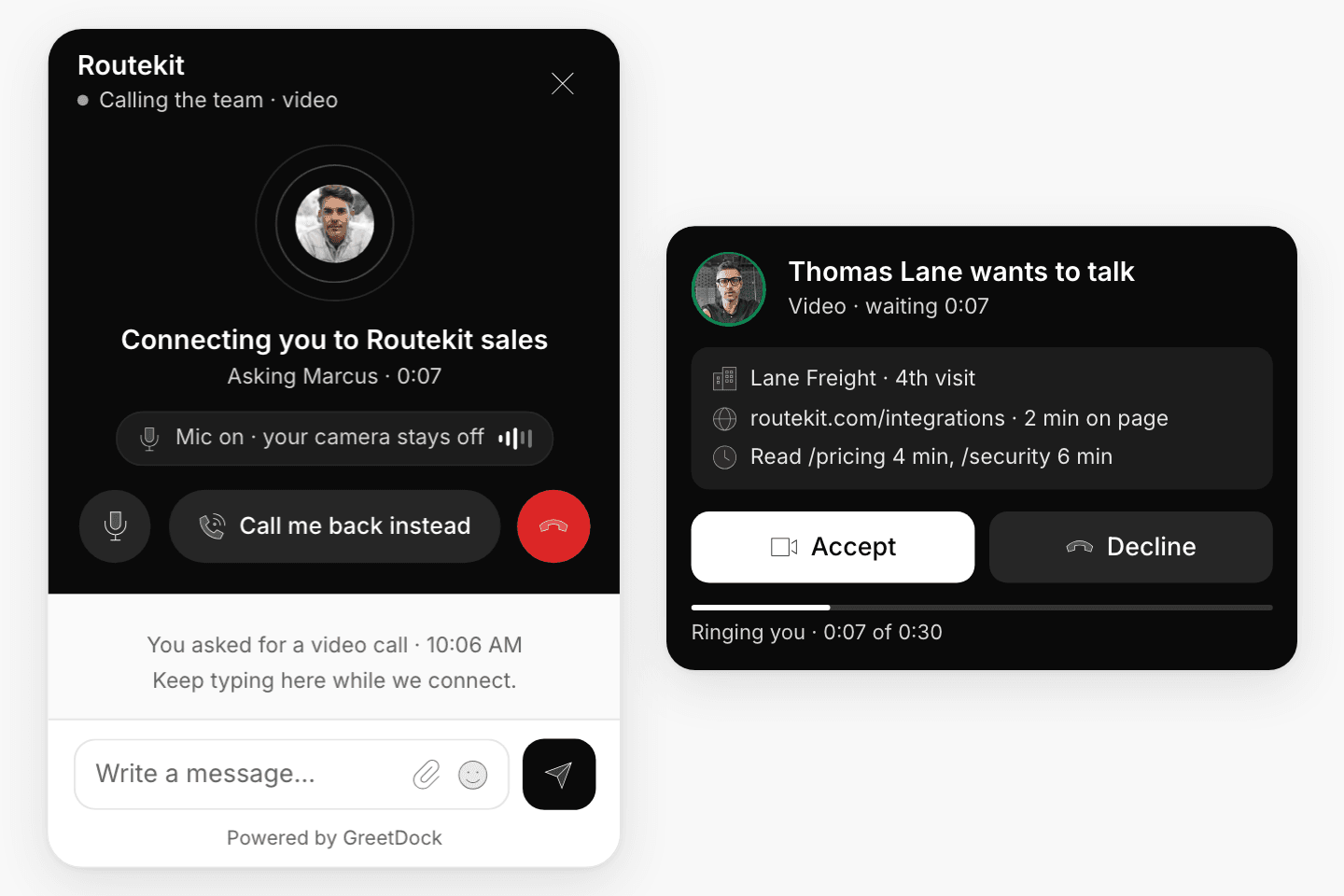
- Video call · 1:05
Talk, with mute and camera on both sides
BothMute and camera work on both sides, and the visitor can join with the camera off. The chat stays open for links and files.
Video call · 1:05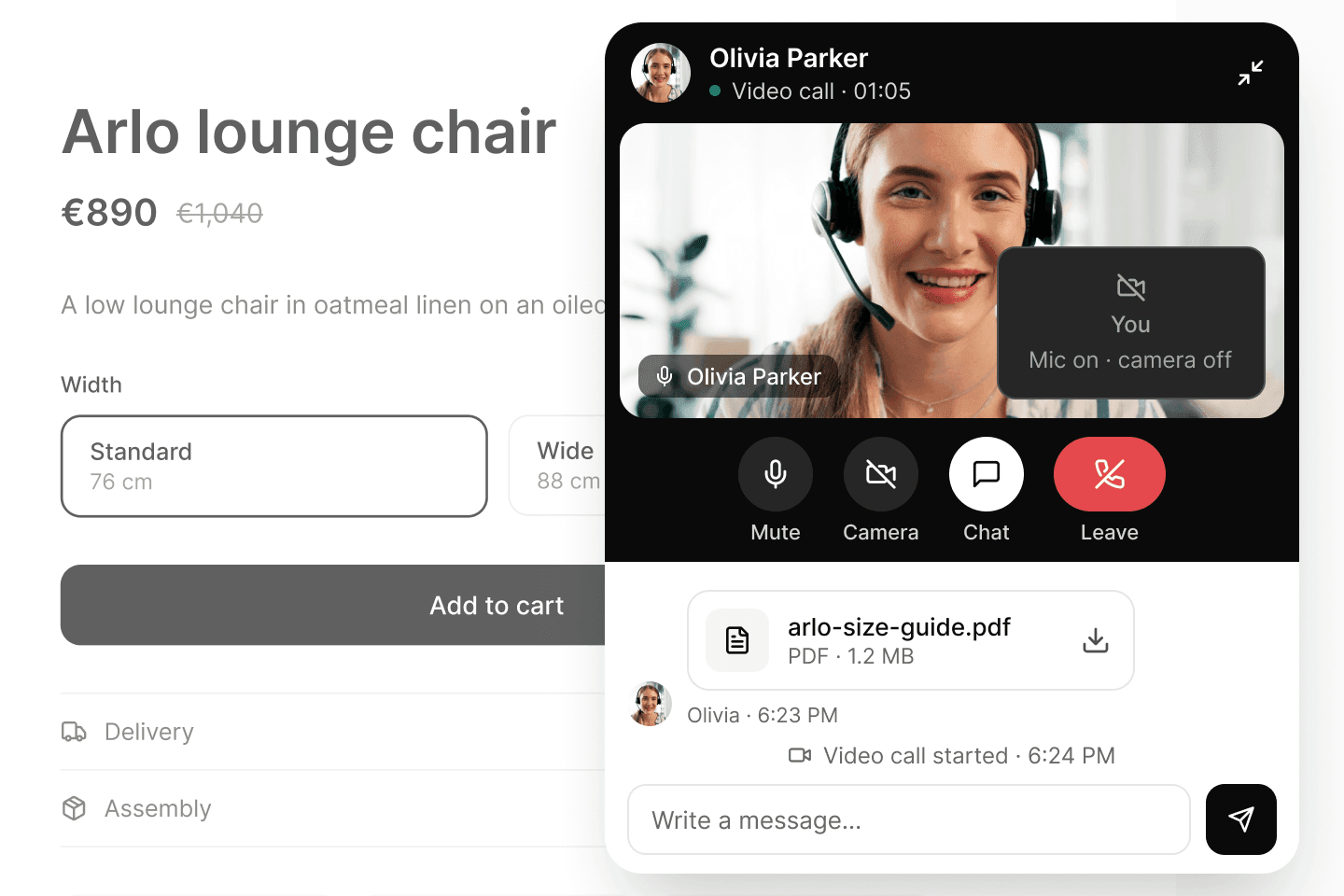
- Sharing this page
Point at the page, with a second yes
BothCo-browsing can start during the call, with its own yes. Your team points; the visitor clicks for themselves and can tap Stop.
Sharing this page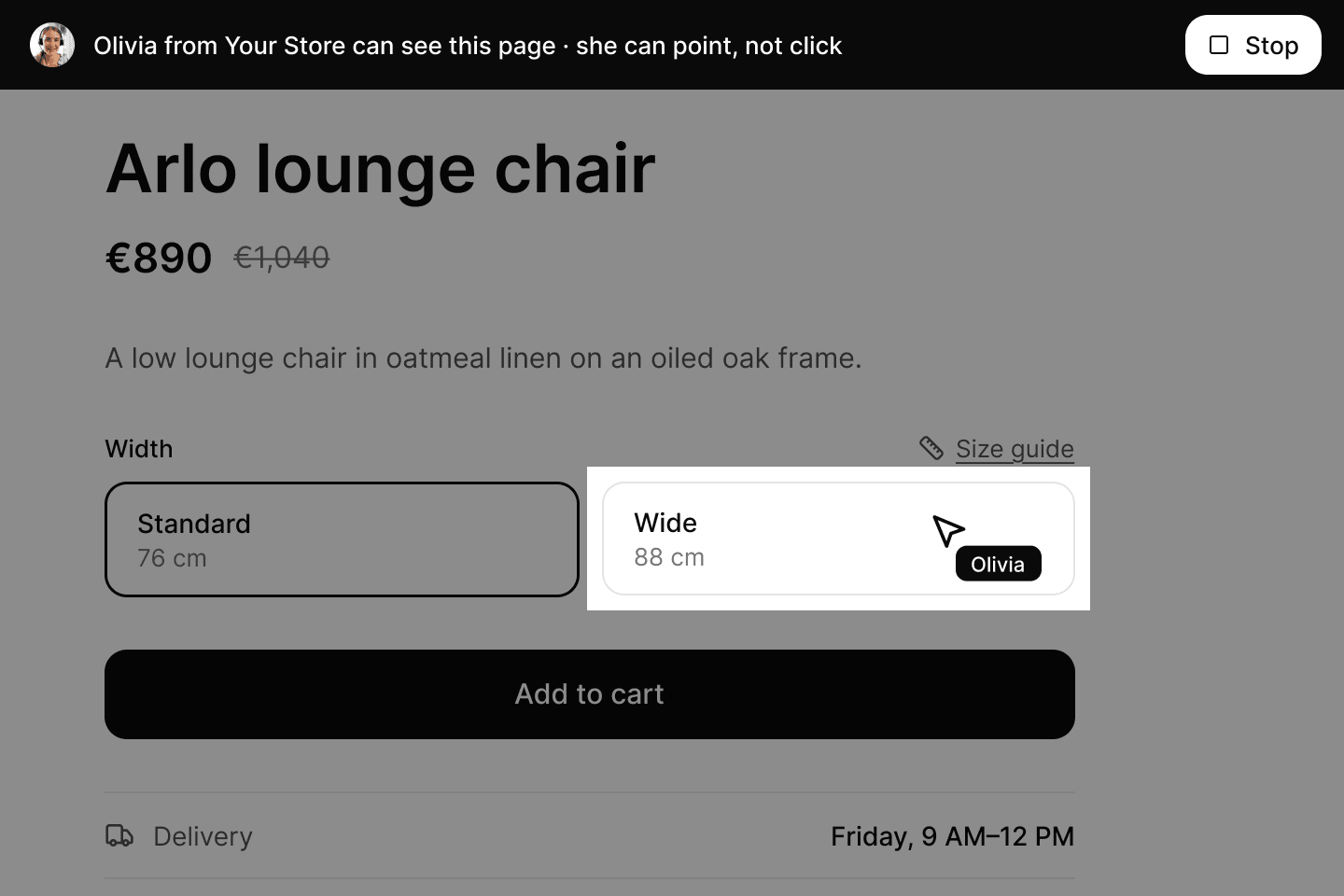
- Recording · notice shown
Record only when you choose
Your teamOnly a teammate can start recording, and the visitor sees an indicator and a notice. Until then, the call reads "Media is not recorded".
Recording · notice shown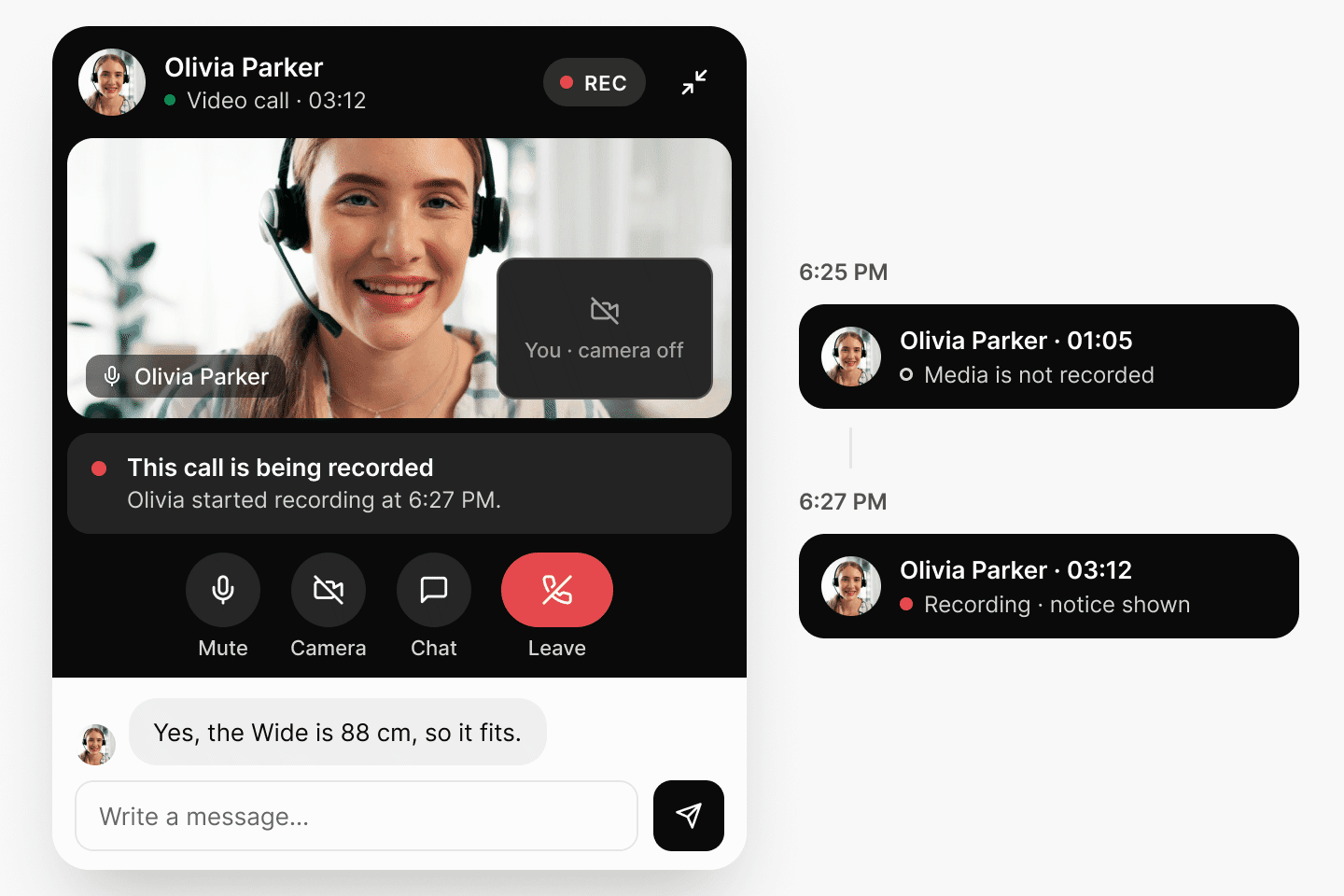


A buyer's question, settled on a call. Thomas is reading the integrations page.
Routekit and Lane Freight are fictional.
- 10:04 AMVisitorThomas asks in the chat whether Routekit connects to their TMS.
- 10:05 AMYour teamMarcus offers a video call from the thread.
- 10:06 AMVisitorThomas accepts with his camera off, and the chat stays open beside the call.
- 10:09 AMYour teamThomas allows co-browsing, and Marcus points at the TMS row on the integrations page.
After the call, and around it. What works in the beta today.

- Recording state on both sides
Only after a teammate starts it. The visitor sees an indicator and a notice.
- A relay GreetDock runs
A media relay GreetDock self-hosts in the EEA, with TCP on port 443 when UDP is blocked.
- A device check for your team
Each teammate tests their mic and camera in Profile → Audio and video.
- Calls on phones
The panel opens full width, and calls run in the mobile browser.
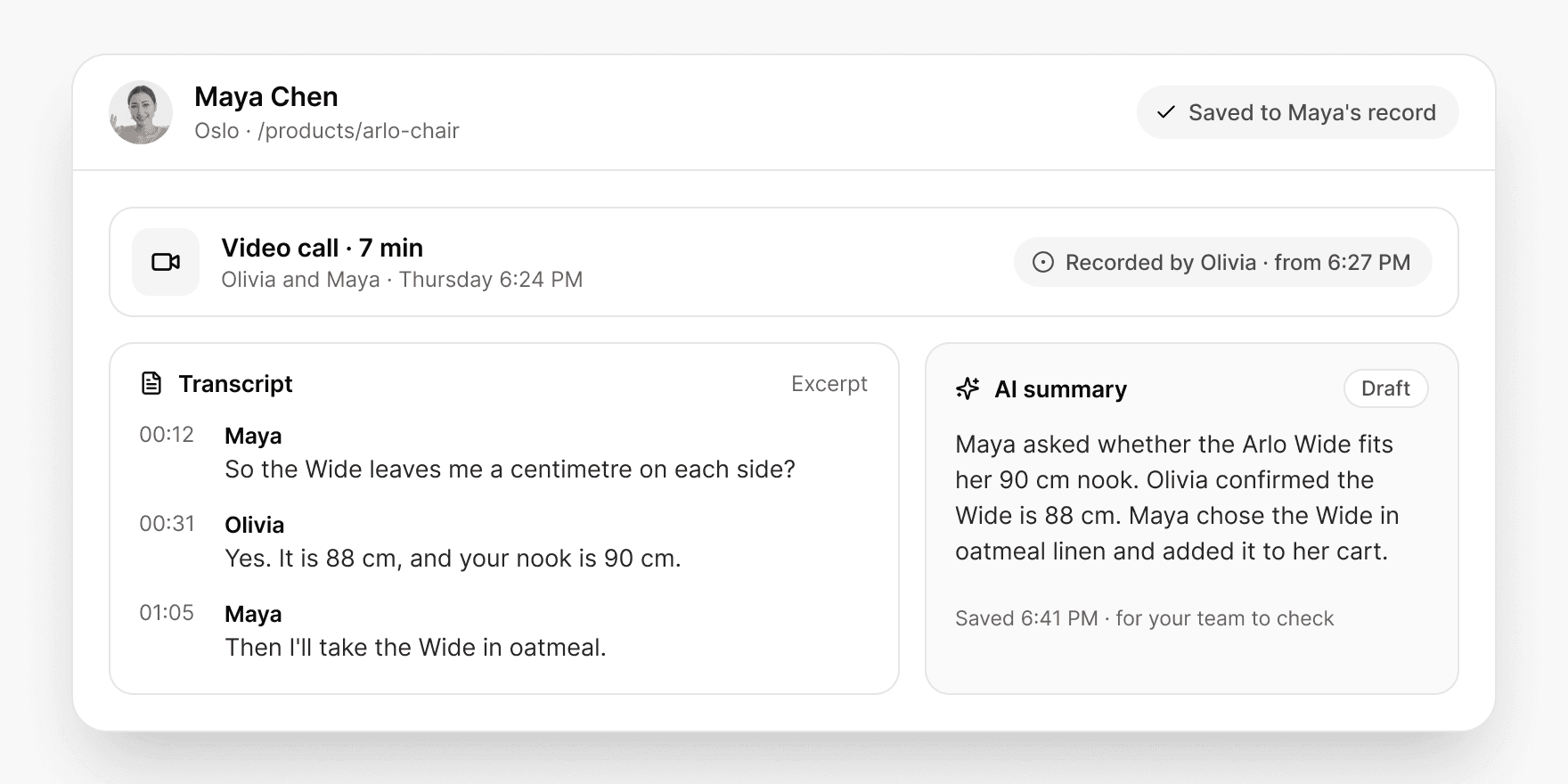
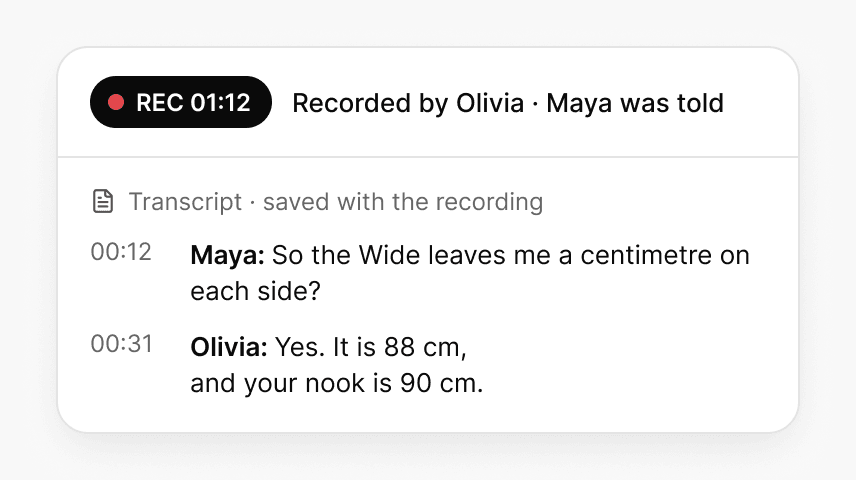
Before your first call. Setup, and your rules on recording.
What your team sets up
- 01Nothing extra to installSettings → Install
Calls come with the widget script. Visitors need no app or account.
- 02Test your mic and cameraProfile → Audio and video
Each teammate checks their devices before the first call.
- 03Allow calls through a firewall*.greetdock.com · port 443
Allow outbound TCP and UDP. Without UDP, calls fall back to TCP.
Your rules on recording
- Never recorded automatically
- The visitor sees an indicator and a notice
- When recording is off, the call reads "Media is not recorded"
The indicator is notice, not consent. Some countries require consent from every participant, so whether to record is your business's decision.
How we protect calls and pagesBefore you offer a call. What teams ask about calls.
Next in the flow
- Co-browsingPoint at the step during the call.
- InboxWhere the call is offered.
- IntelligenceAsk what was said across recorded calls.
All product pages: Widget, Team chat, Cloud, Booking & callbacks, Pop-ups & forms
Comparing tools? GreetDock vs tawk.to, GreetDock vs Olark, GreetDock vs Gladly