Live chat and video calls for support, on the page.
See the page and history with every message, offer a video call when typing is slow, and point at the fix on screen.
Free 30-day trial. No card, no automatic charge.

What slows support teams down. And what changes when your team answers.
- Problem: Tickets that start with no context
- With GreetDock: The page and history arrive with the first message.
- Inbox
- Problem: Five-step written instructions
- With GreetDock: Point at the setting on the visitor's own screen.
- Co-browsing with consent
- Problem: Answers lost in old threads
- With GreetDock: Every conversation stays with the visitor's ticket.
- Cloud
Video chat for customer service, in the same thread. From the first message to the fix.
Live chat for customer service gets slow when the context is missing. GreetDock shows the page and history beside every message, and your team can call or point at the fix with consent.
Step 1 of 4: Context arrives with the message
- 2nd visit · Dublin
Context arrives with the message
Your teamThe page, the visit count and past conversations sit beside the first message, so the first reply can be the answer.
2nd visit · Dublin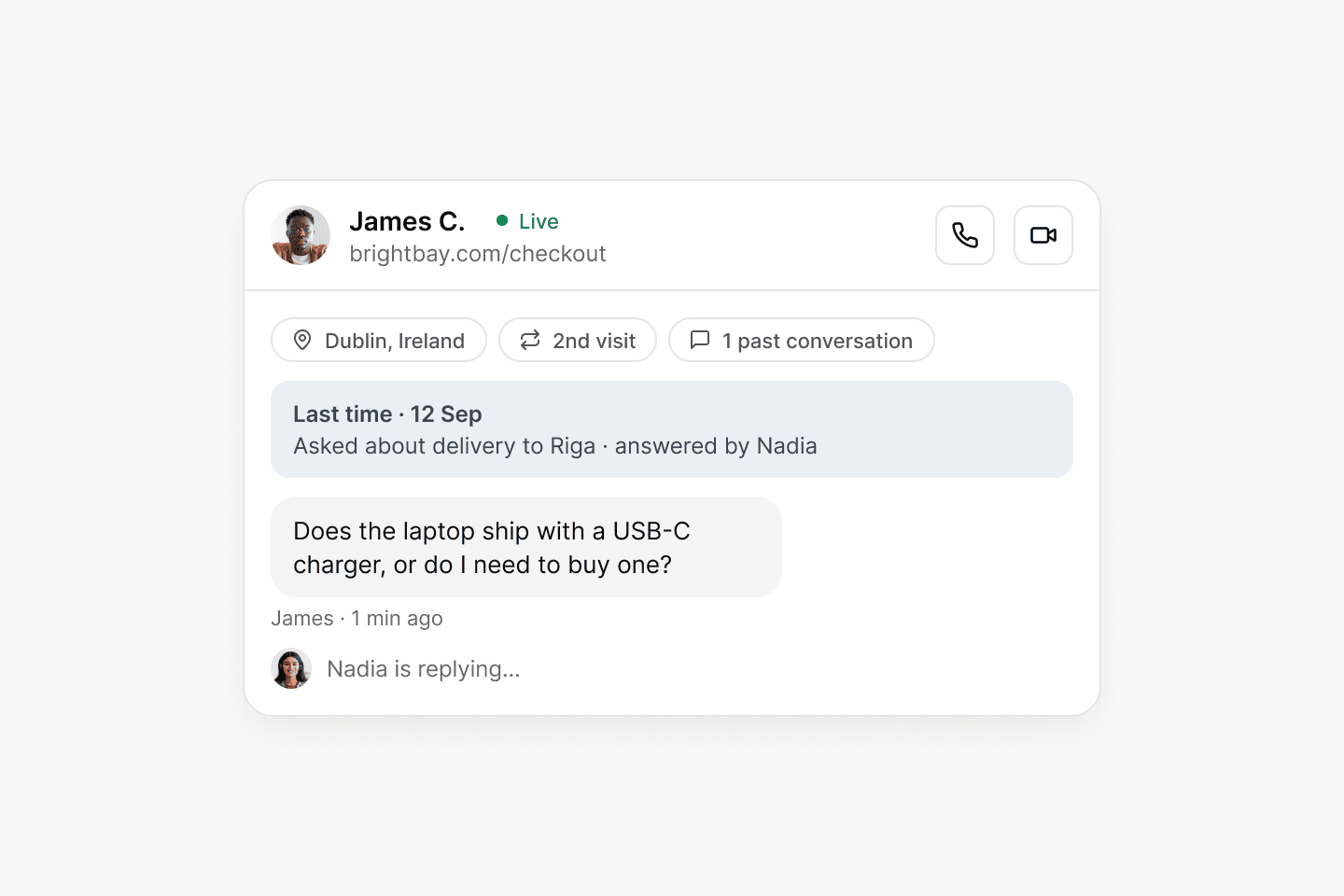
- In the box · highlighted
Point at the answer on their page
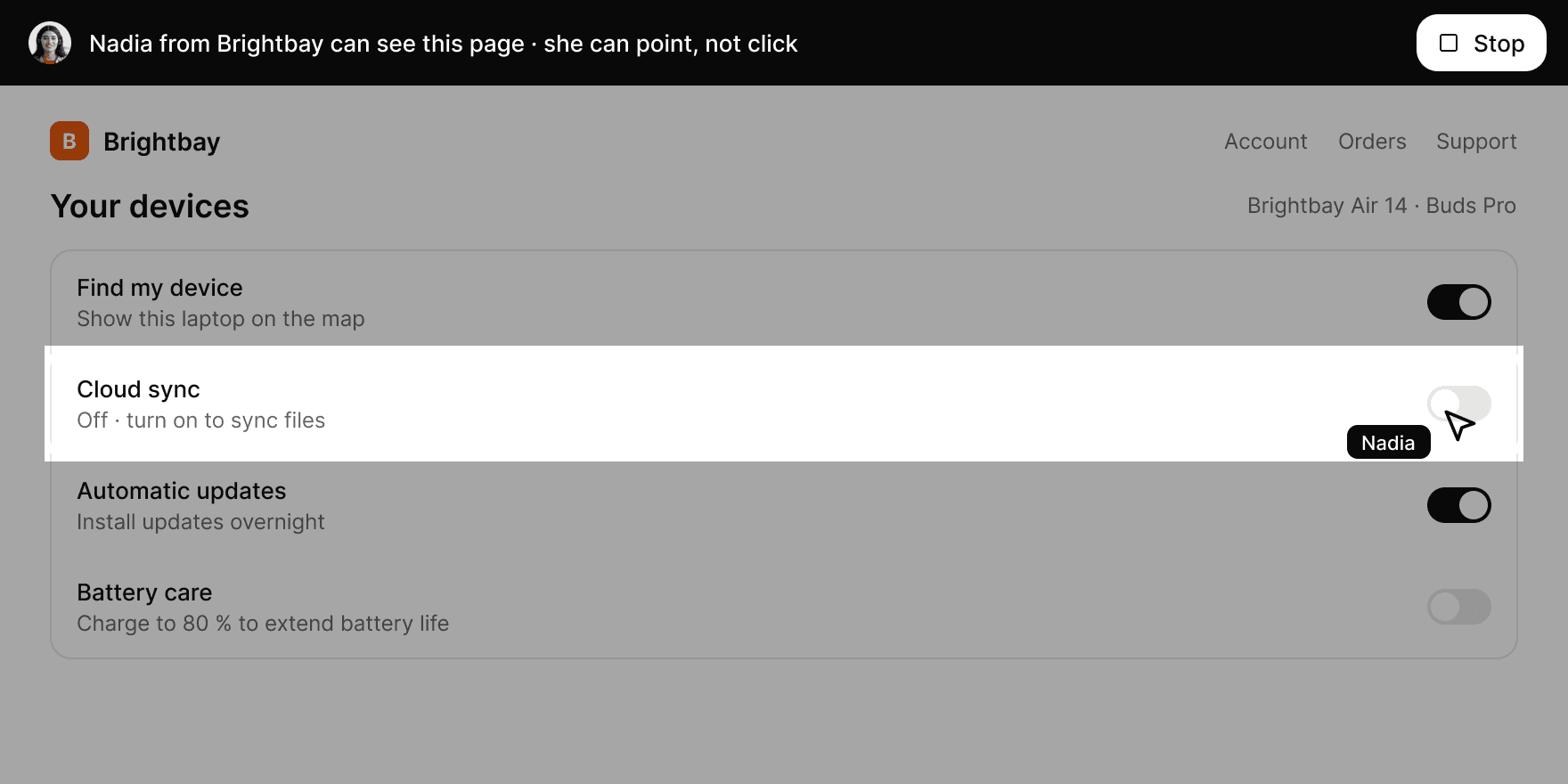
BothOnce the visitor allows it, your team highlights the In the box row on their page, instead of writing out where to look.
In the box · highlighted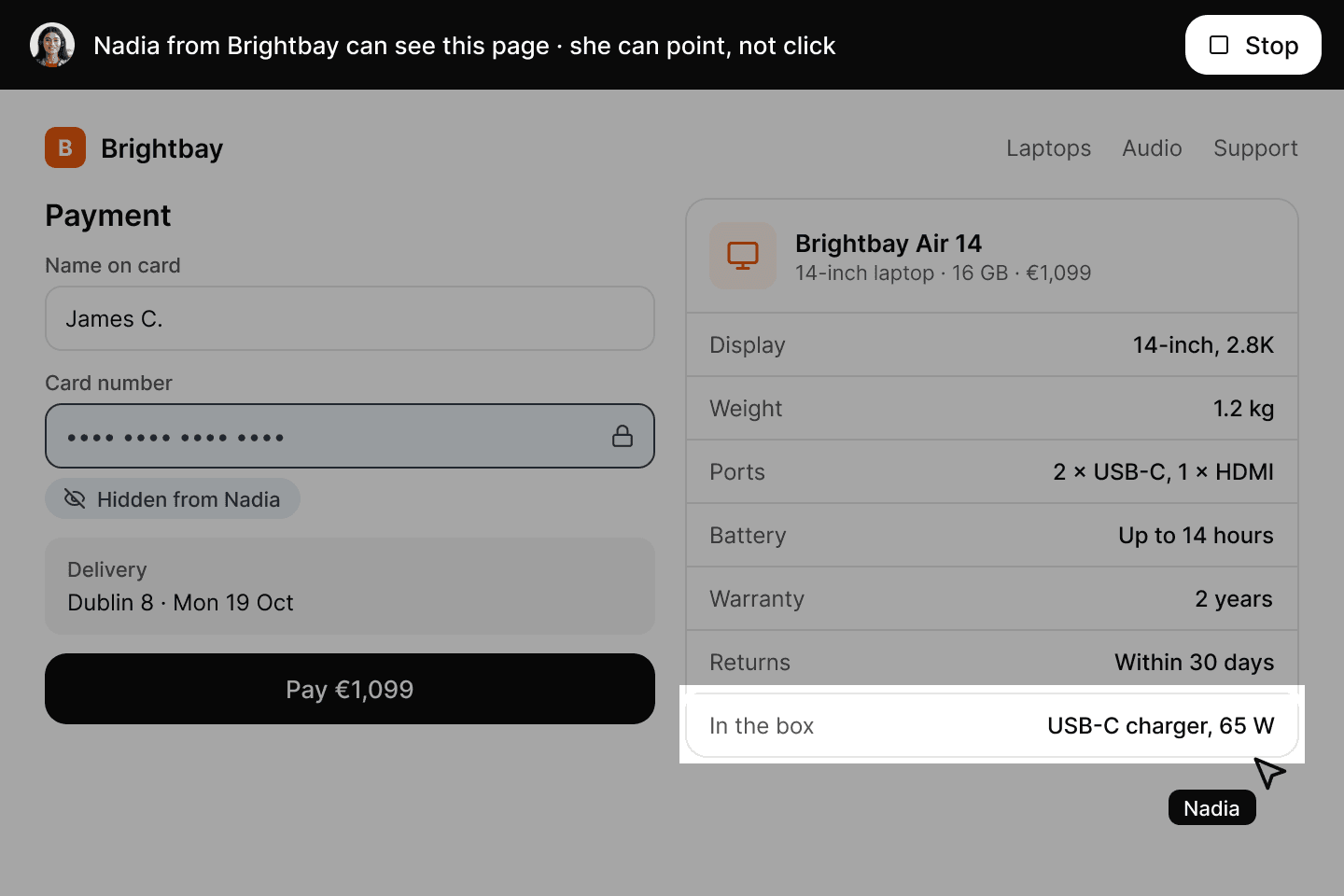
- Video call · 2:10
Move to video when typing is slow
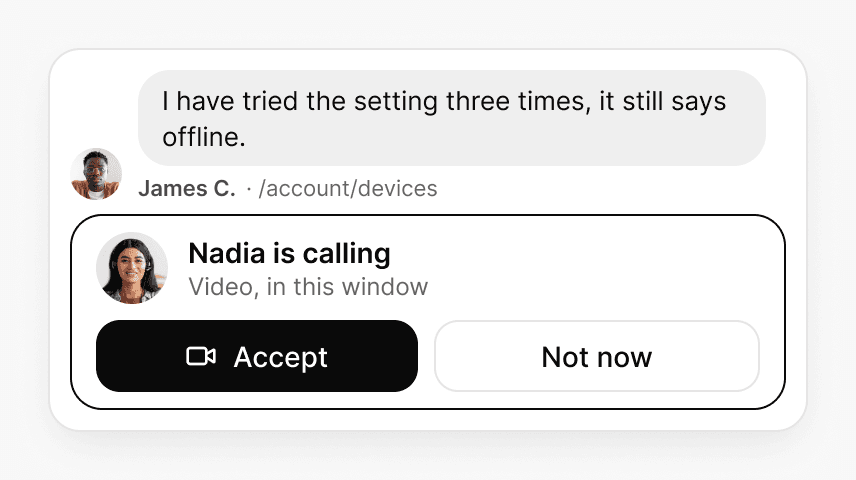
BothOffer voice or video from the thread. The visitor can join with the camera off, and the chat stays open during the call.
Video call · 2:10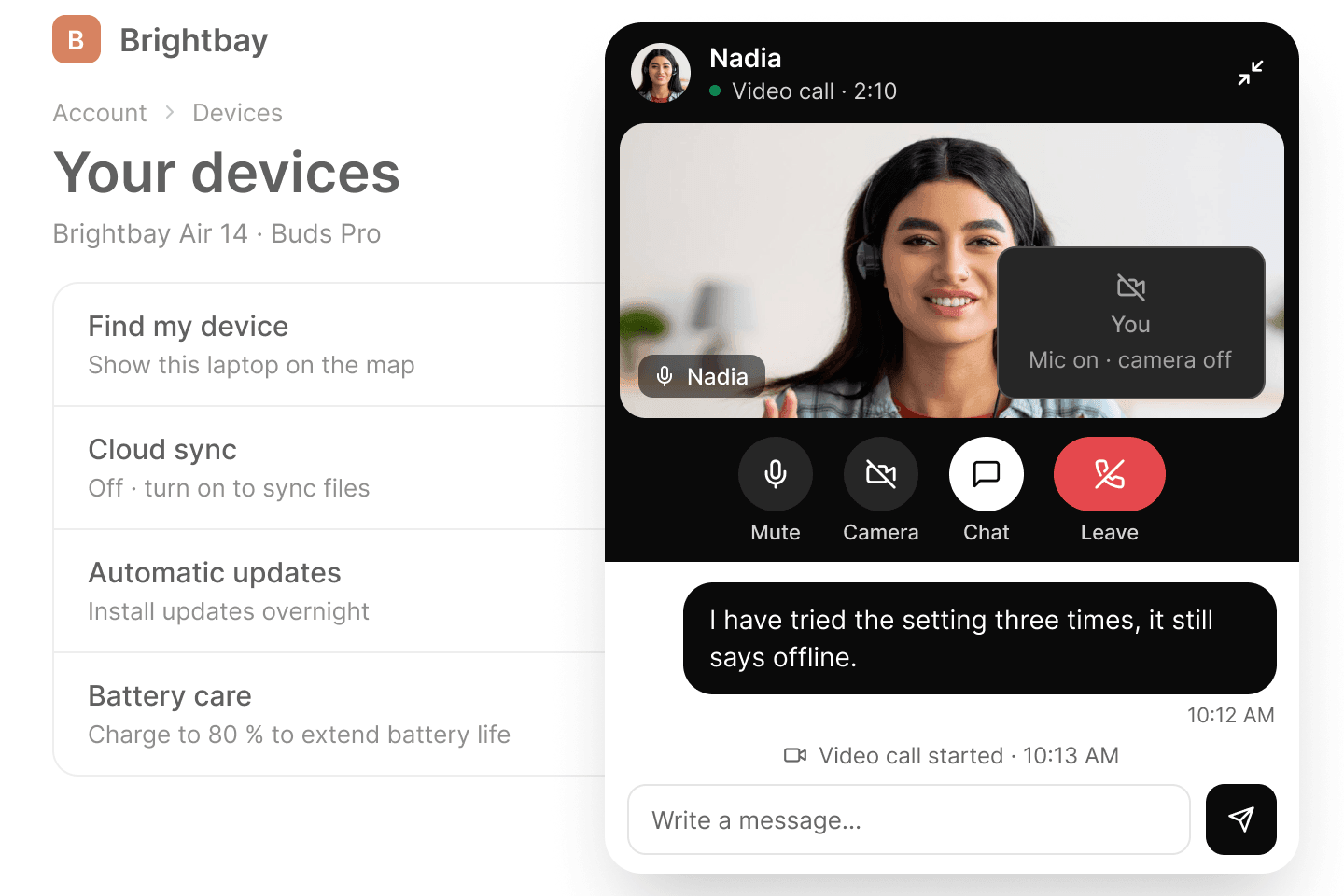
- Search: charger
Keep the answer for next time
Your teamPast threads, and the transcript and AI summary of any recorded call, stay in each visitor's record, searchable by name, email and message text.
Search: charger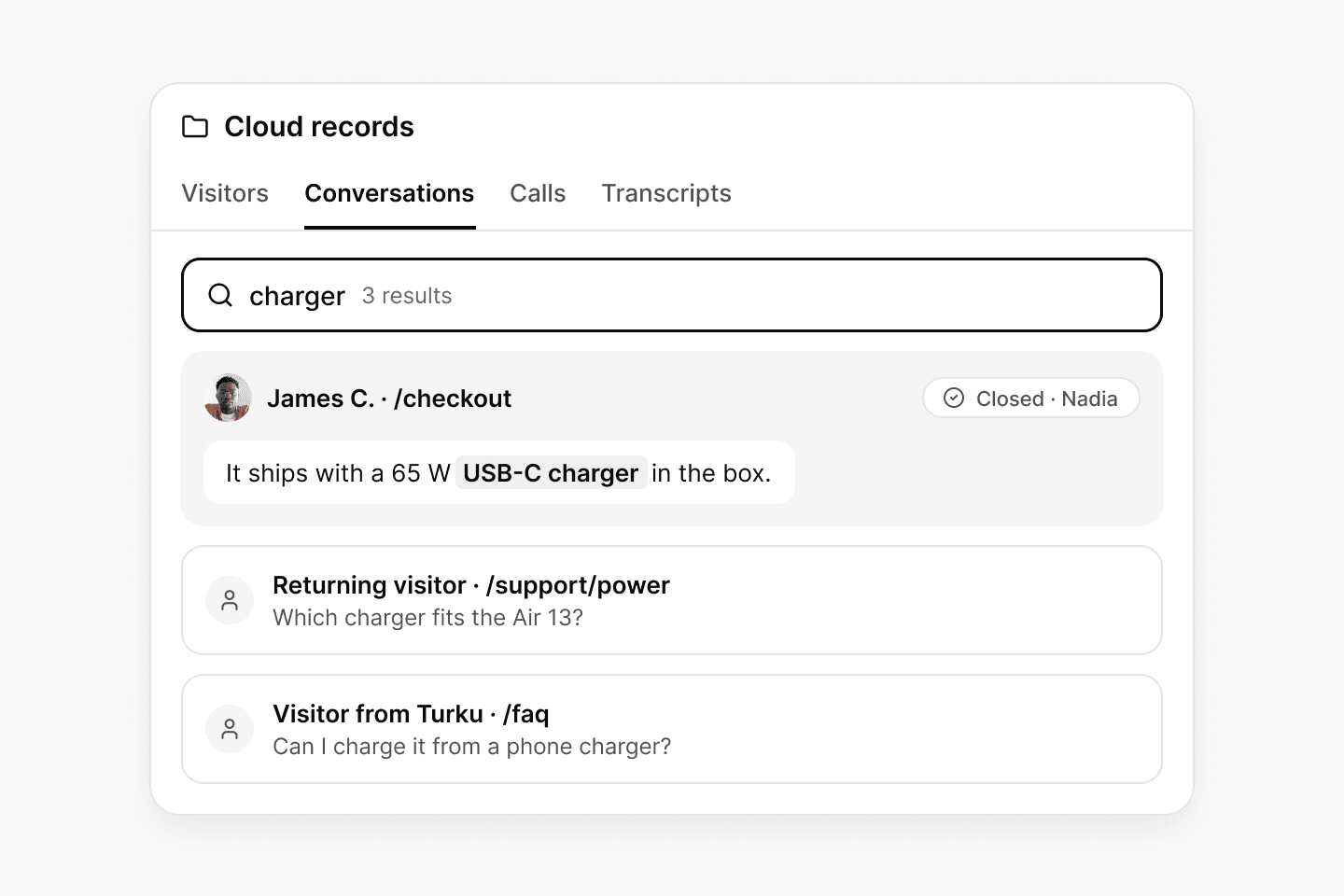


A checkout question, answered on the page. James stops at checkout with a question.
How the product fits in. Not a customer result.
- 2:40 PMVisitorJames asks whether the laptop ships with a USB-C charger.
- 2:41 PMYour teamNadia sees the checkout page and his visit history beside the message.
- 2:42 PMYour teamJames allows his page, and Nadia highlights the In the box row.
- 2:43 PMGreetDockAnswered on the page. The thread stays in James's record for the next teammate.
What your support team works with. All of it in the private beta today.
- Point at the setting
Spotlight the exact switch on the visitor's account page. Your team points; the visitor clicks for themselves.
- No meeting link to send
The offer appears in the widget on the page they already have open, and the call runs in that browser window.
The live chat widget - The fix, kept for the next teammate
When a teammate records a call, its transcript and AI summary draft stay in the visitor's record for whoever answers next.
- A closed thread reopens
When the visitor writes again, their closed conversation reopens with everything said before.
- Drafts from your knowledge base
Write down what worked once. The AI drafts from it next time, and a person edits and sends every reply.
Ready before the next ticket. Setup, and what the visitor controls.
What your team sets up
- 01Add one scriptSettings → Install
One tag before </body> on your help, account and checkout pages.
- 02Test mic and cameraProfile → Audio and video
Each teammate checks their microphone and camera before the first video call.
- 03Mark your private fields
data-greetdock-maskPart of the betaCard and password fields are masked automatically. Test a session with a teammate as the visitor.
What the visitor controls
- Calls only after they tap Accept
- Video with the camera off, if they prefer
- Their page, shared only after Allow for this page
- Your team cannot click, type or navigate for them
Before support moves to video. What support leads ask.
The products behind it
- Co-browsingPoint at the fix on their screen, with consent.
- CallsVoice and video, through a relay in the EEA.
- CloudWhere past threads and transcripts are kept.
For sales teams: B2B sales, Conversations from your site, Questions before the call, Sales handoff
By industry: SaaS, Logistics software, Fintech, Cybersecurity, HR and payroll software
Other teams: Online stores, Agencies
Comparing tools? GreetDock vs Zendesk, GreetDock vs Gorgias, GreetDock vs Intercom