A live chat widget in your colours, with your team's faces.
Buyers see who from your sales team is online, by name and face, then chat, call or book a time without leaving the page they are reading.
Free 30-day trial. No card, no automatic charge.


From your settings to the visitor's screen. Set once, checked in a live preview.
Set it up once in the app. The widget shows who is online, or the offline form when nobody is.
Step 1 of 5: Colours and logo
- Preview · Your Store
Colours and logo
Your teamStart from one of six presets or your own hex, and add your logo to the header. The live preview shows each change.
Preview · Your Store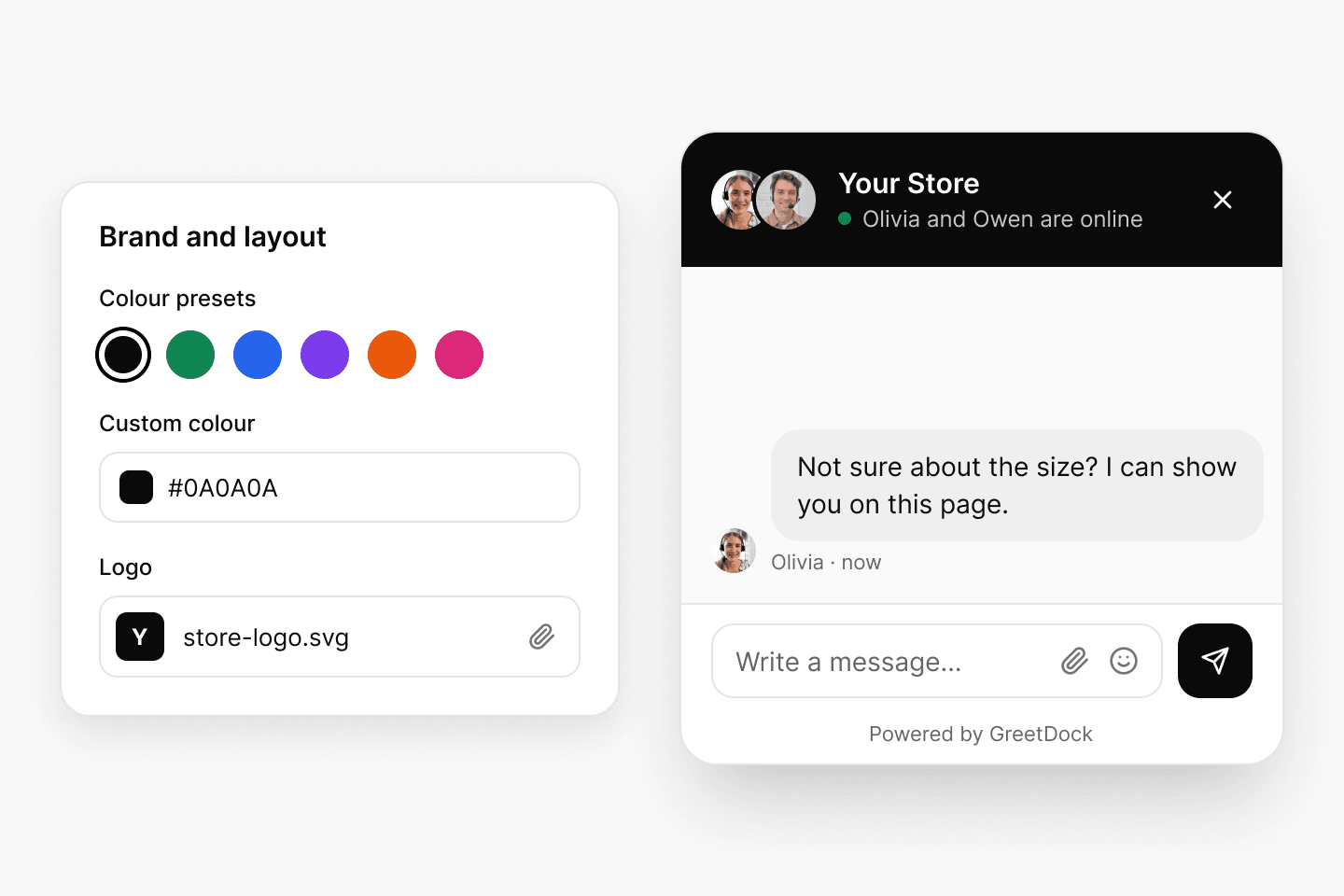
- Bottom right
Launcher and corner
Your teamPick Chat, Call or your own icon for the launcher, and the bottom-right or bottom-left corner. Choose the side clear of your cart or cookie banner.
Bottom right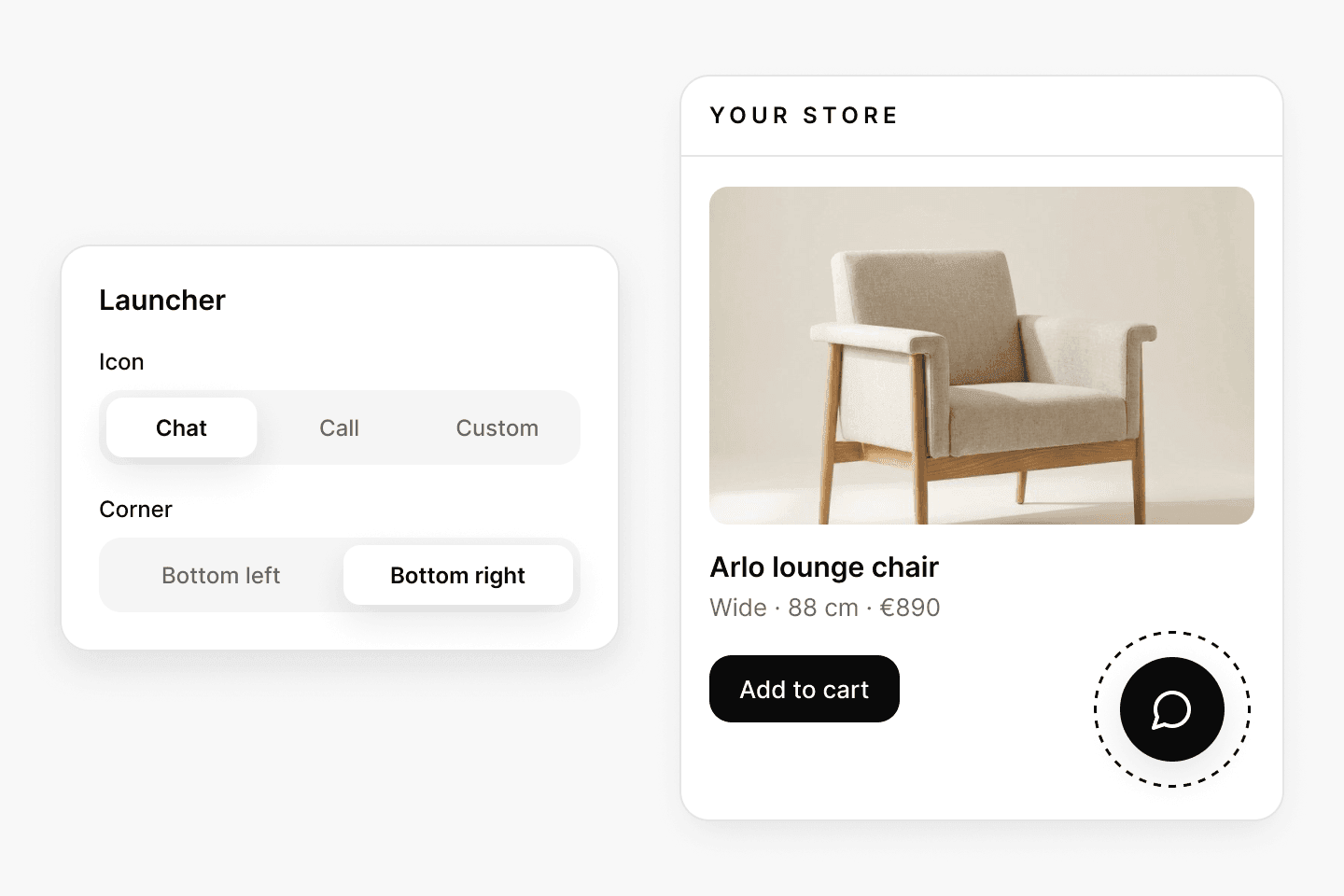
- Olivia and Owen are online
Faces of who is online
VisitorThe widget names who on your team is online and shows their photos. The visitor sees who will answer before writing.
Olivia and Owen are online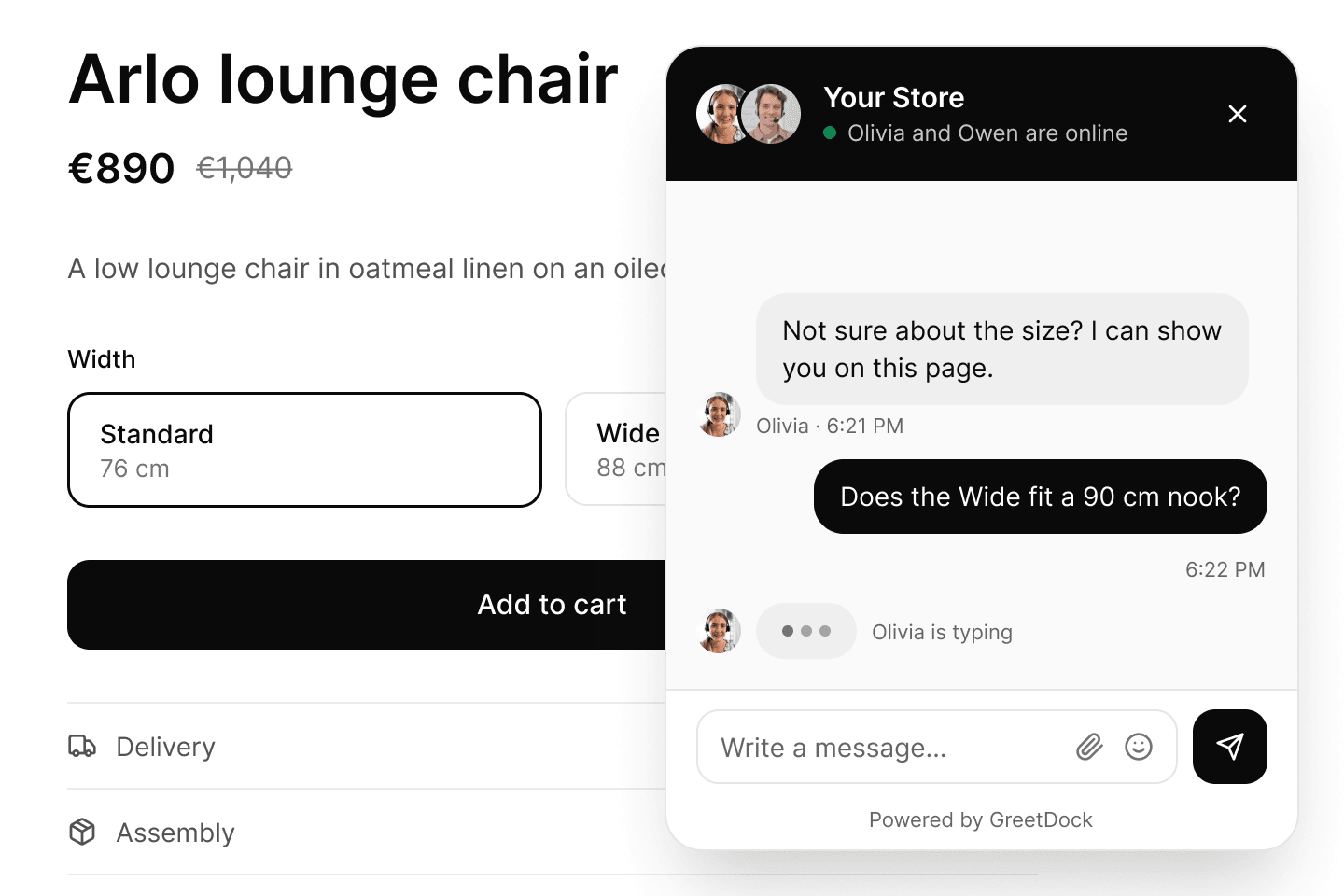
- /products/*
A greeting for each page
BothWrite a greeting for each page path, with up to three suggested questions. It shows while a teammate is available, and the visitor can ignore or dismiss it.
/products/*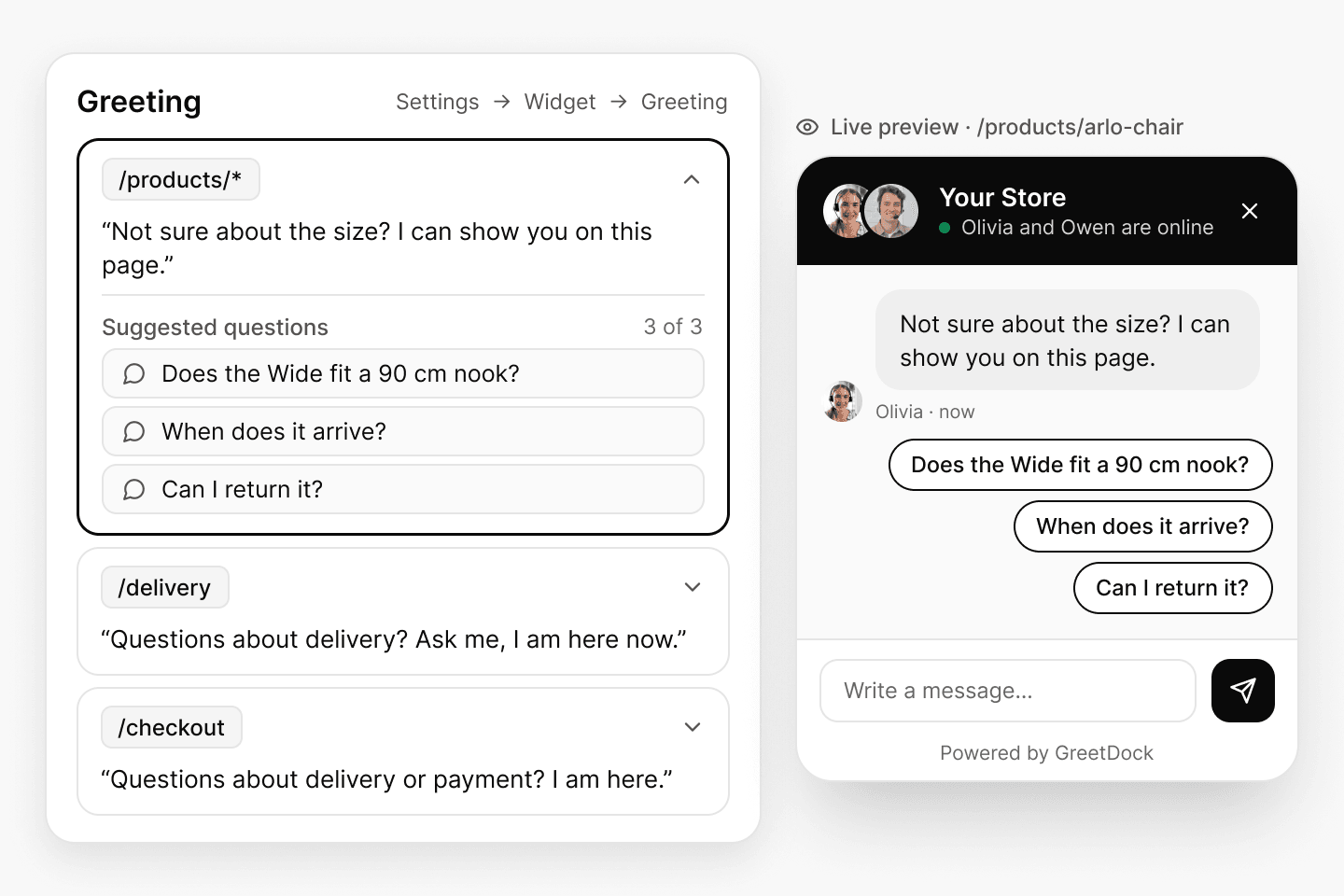
- Away · reply by email
Nobody online, the form takes over
BothWhen the last teammate goes offline or away, the widget switches to a short form. After sending, the visitor sees the address the reply goes to.
Away · reply by email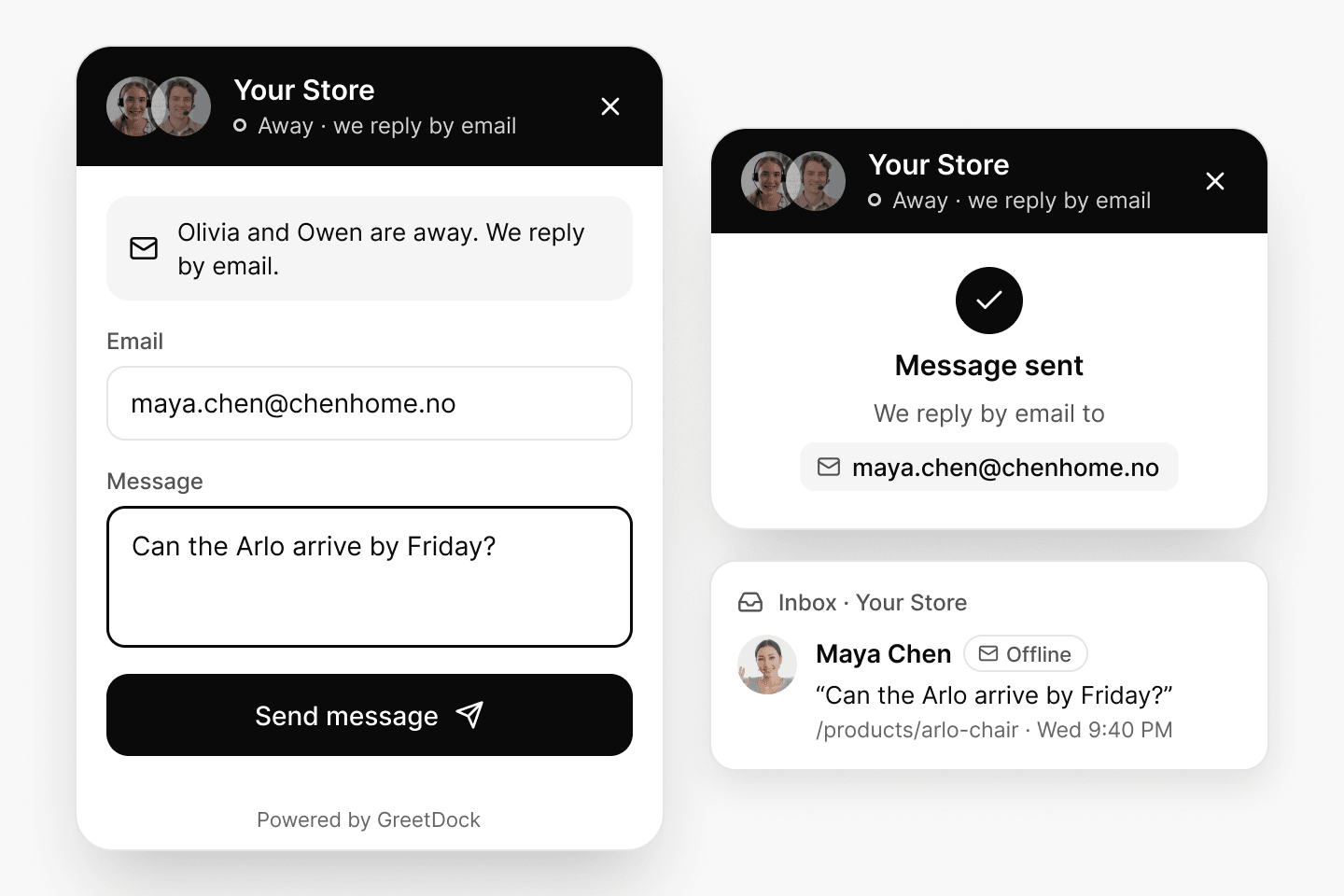


On the visitor's phone, and in your settings. One widget, two views.
What the visitor sees
Visitor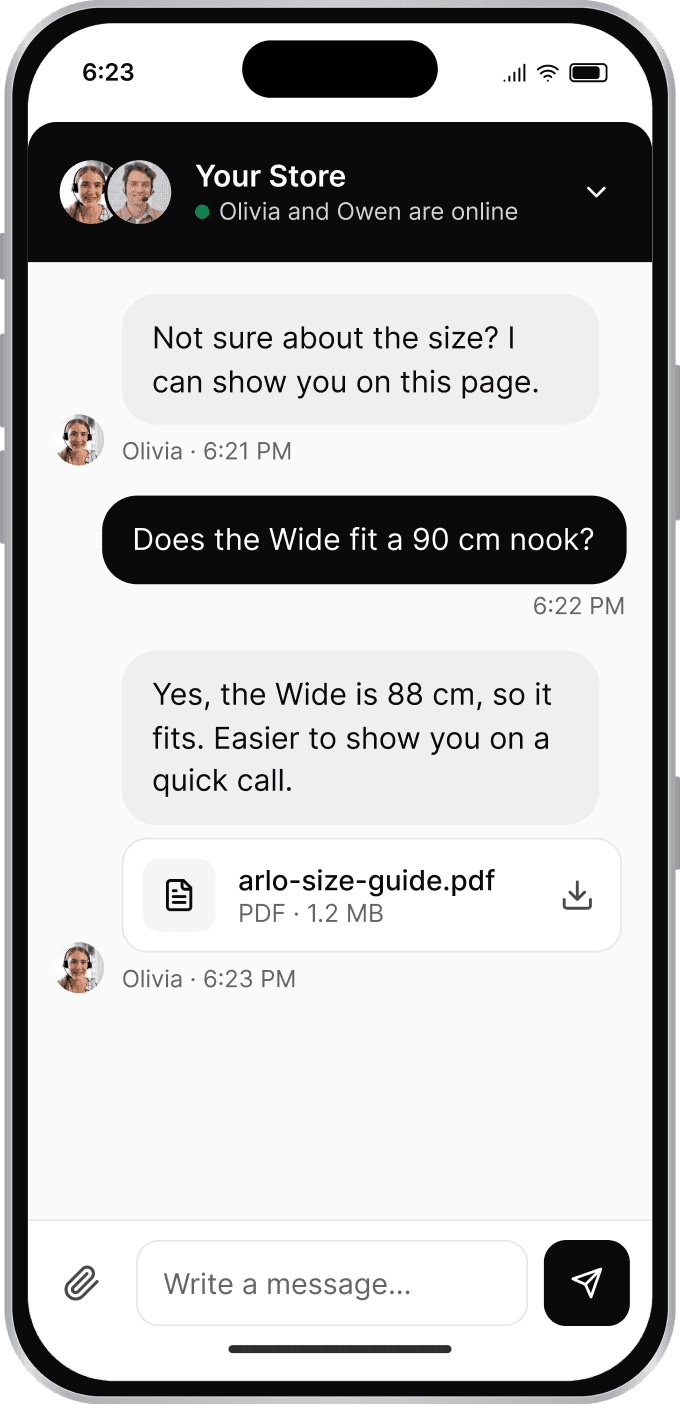
- Faces of who is online
- A greeting, then the conversation
- The panel full width on a phone
What your team sets
Your team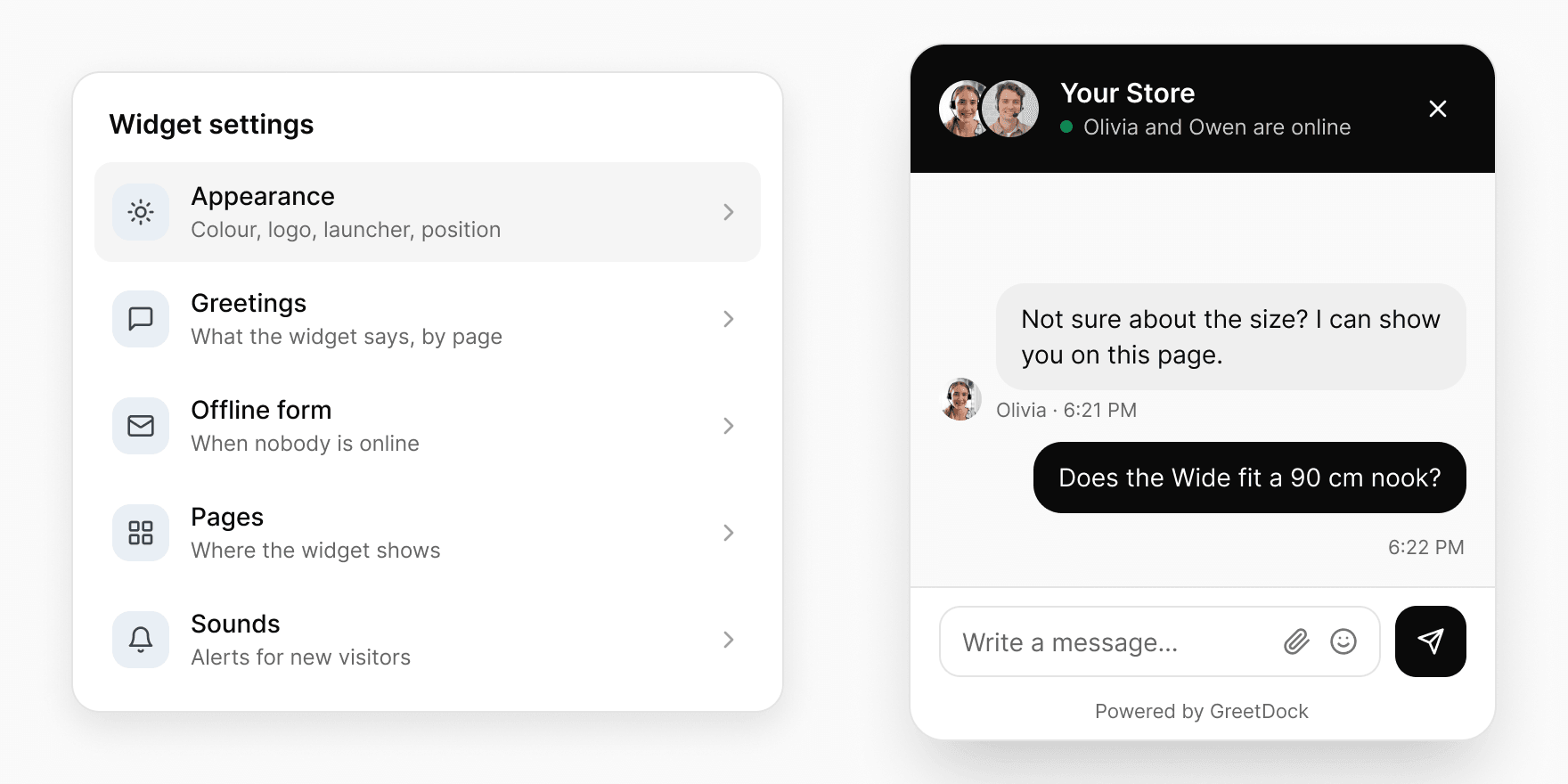
- Look, greetings and the offline form in one place
- A live preview before visitors see it
- The pages where the widget shows

Chat, calls and co-browsing. All inside the one panel.
The visitor stays on your page the whole time, from Talk now to a booked call.
Step 1 of 5: A call button beside your own
- Shows who takes calls
A call button beside your own
A call button beside your own button shows who takes calls. Its menu offers Talk now, Video call and Book a call.
Shows who takes calls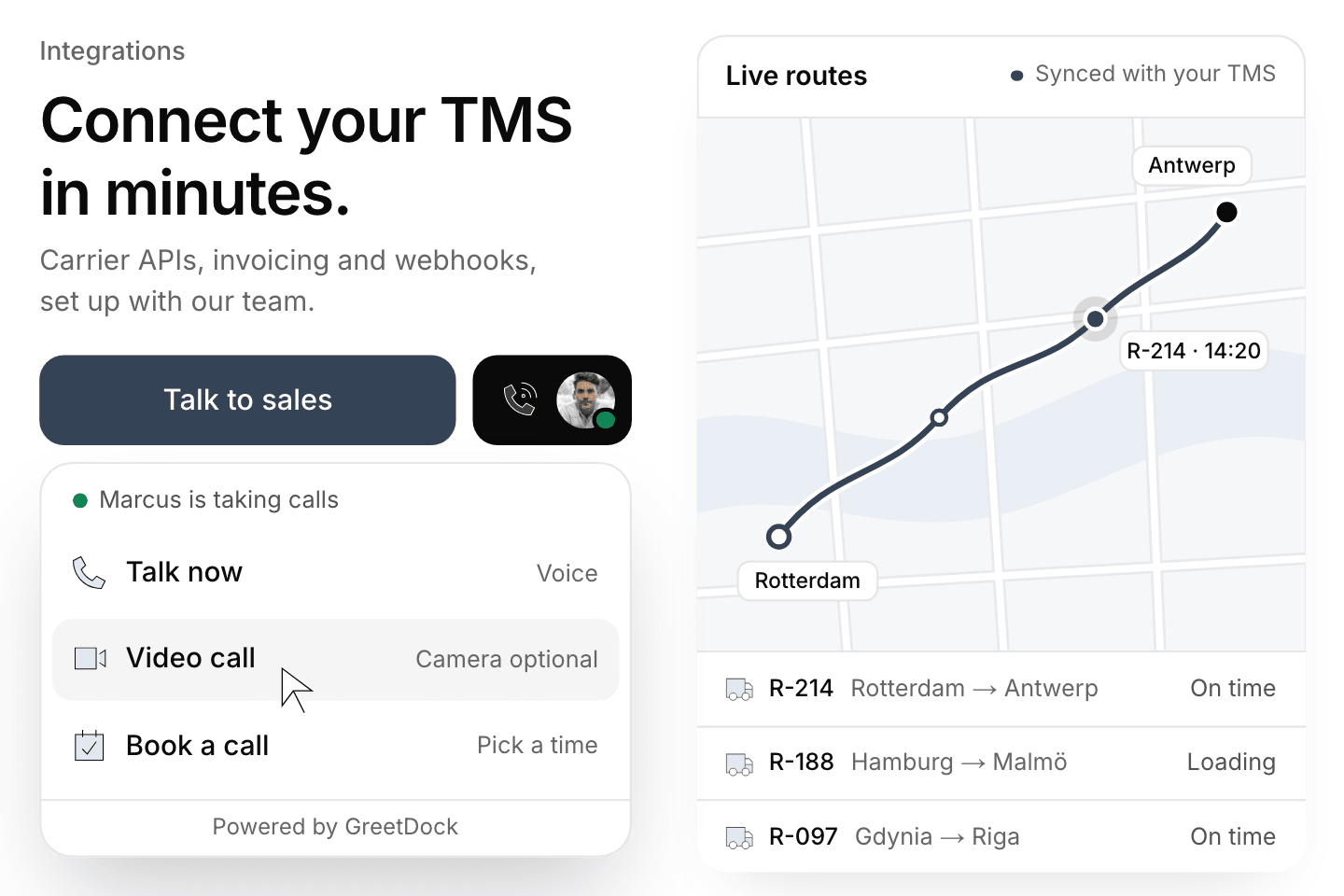
- In the same tab
A video call inside the panel
The call runs in the panel on your page. Your teammate is on video, and the visitor chooses whether to turn a camera on.
In the same tab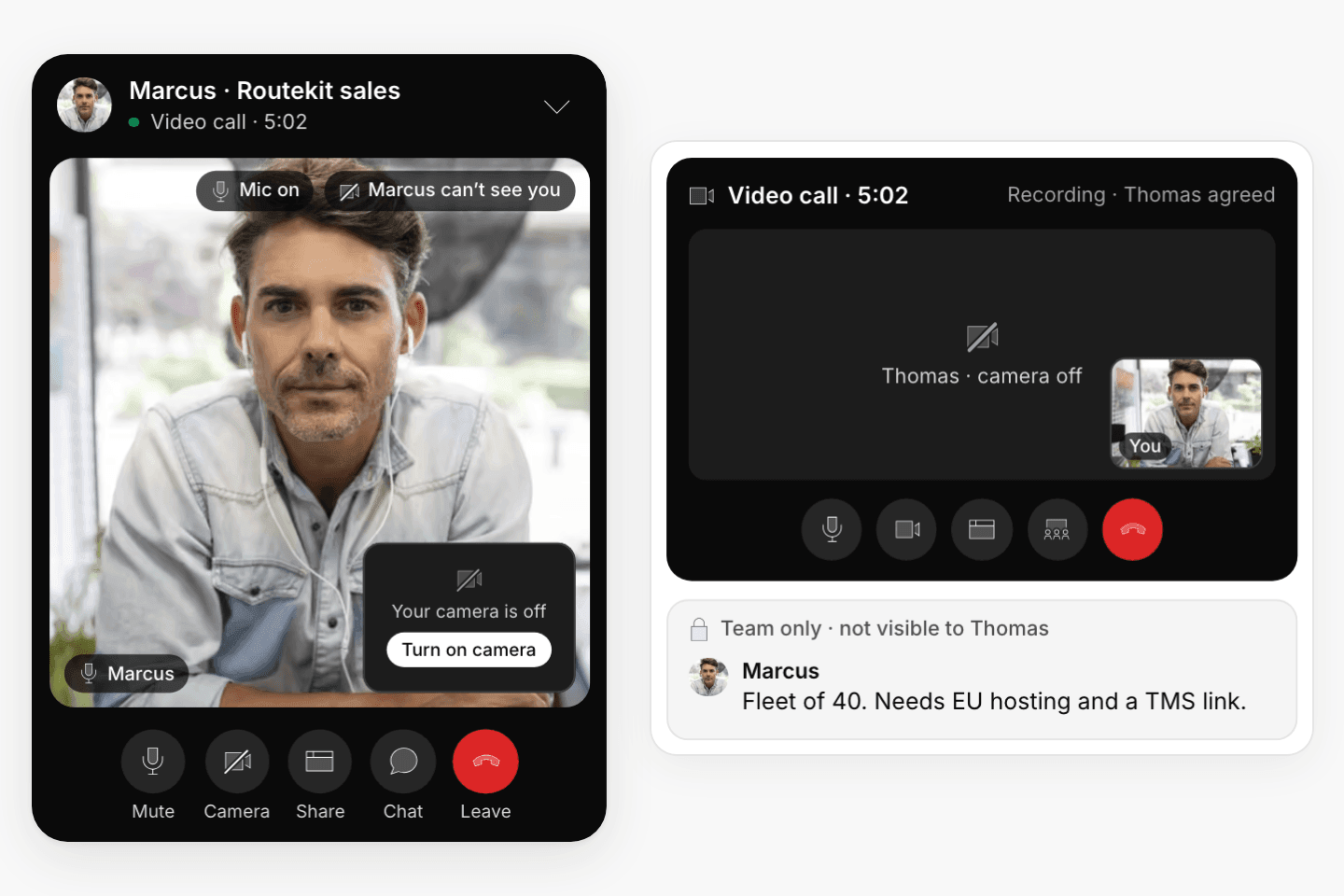
- Point, not click
Co-browsing, only after a yes
After the visitor allows it, your teammate sees the page and can point, highlight or draw, never click. A Stop button stays on screen.
Point, not click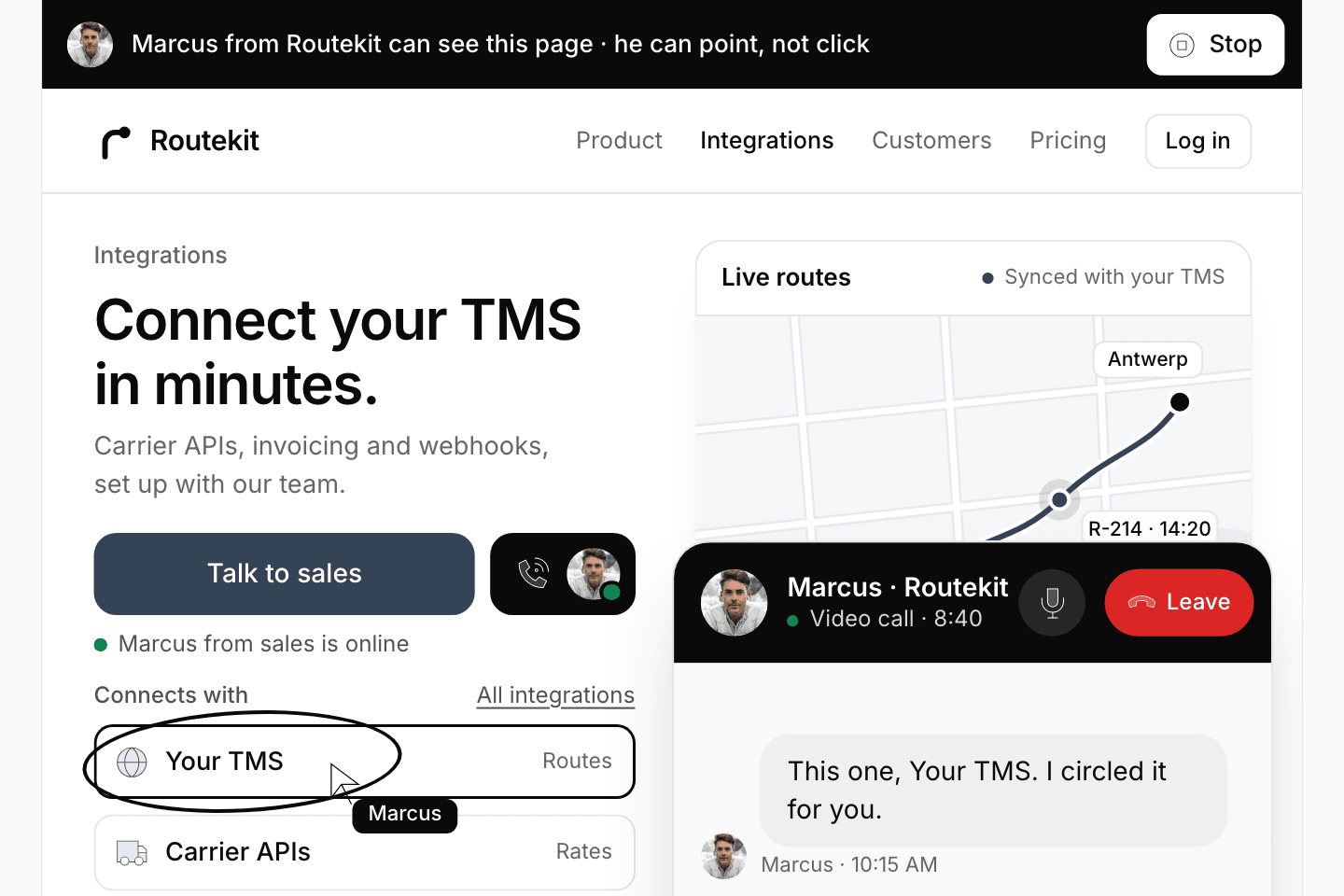
- This call is being recorded
A notice when a call is recorded
Only your teammate starts recording. With ask first, on by default for EU and EEA teams, the visitor agrees first. The panel then shows REC and its start time.
This call is being recorded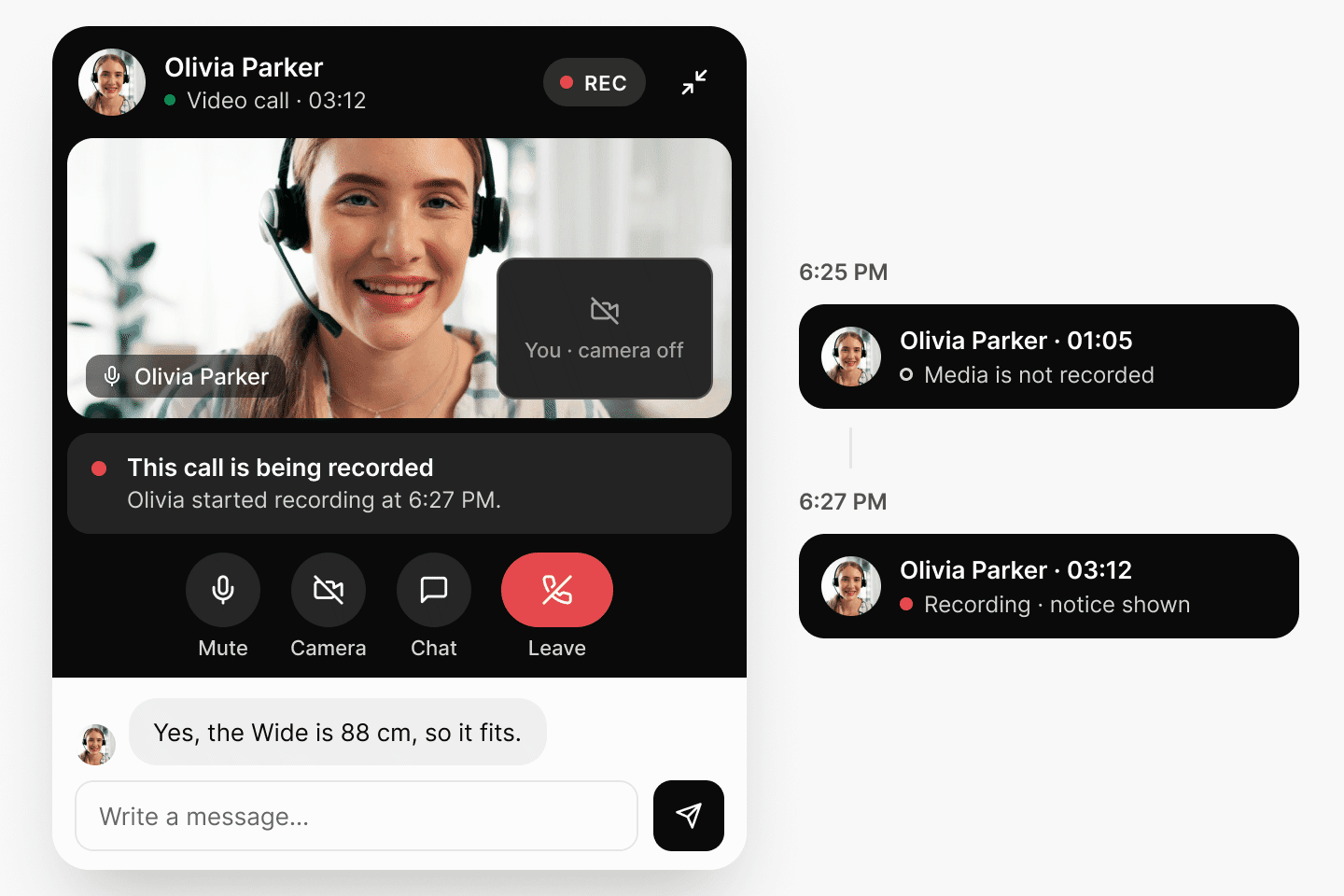
- Nobody free right now
A callback or a booked time
Nobody free? The visitor asks for a callback, keeps a place in line, or books a time. Callbacks to a phone number start once our telephony provider is named.
Nobody free right now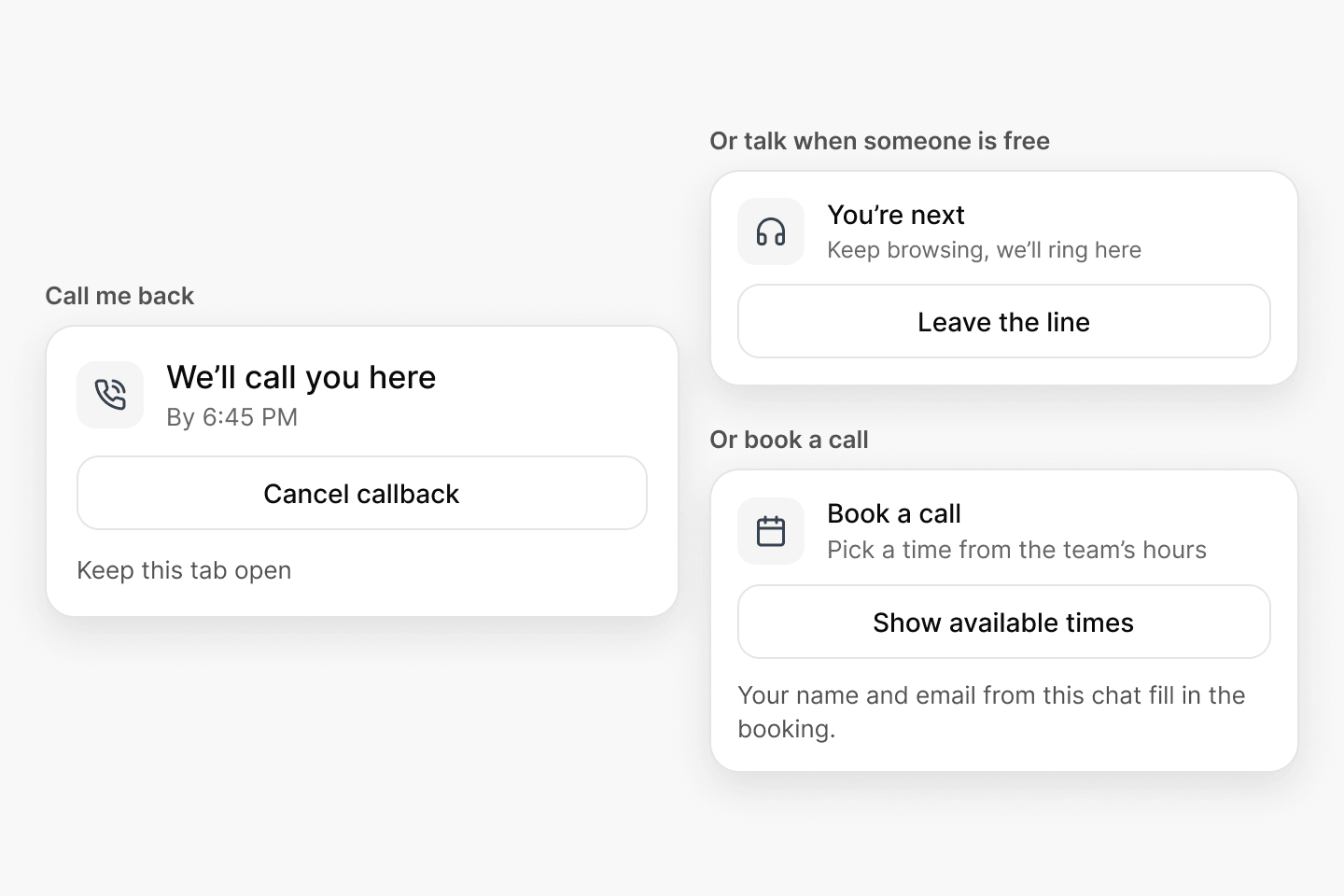


A booked call, on both sides. Thomas books a call with Marcus.

What the visitor sees
Visitor- The time in their own time zone
- A Join call button in the widget
- Add to calendar, or Reschedule
What your team sees
Your team- The booking on the visitor's thread
- Both time zones, side by side
- What the visitor wants to talk about
What the widget does once it is live. Each tile works in the private beta.
- Files and links in the chat
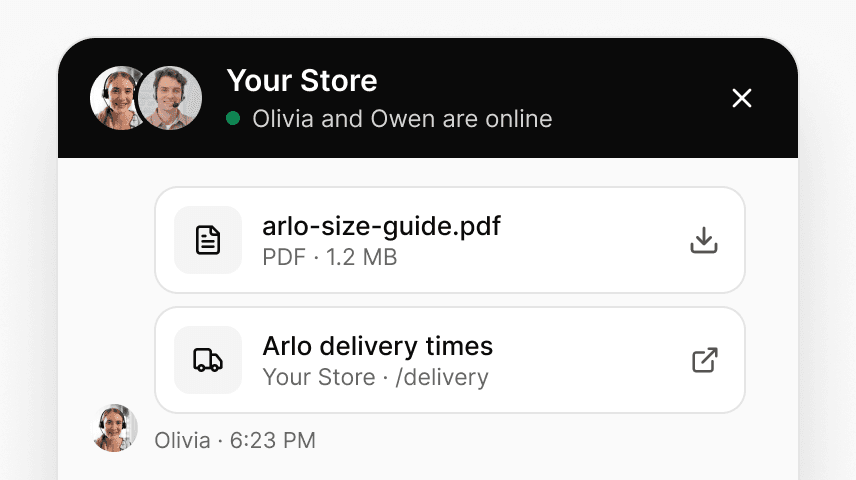
Size guides and links stay in the chat, even during a call.
- Your brand, not ours
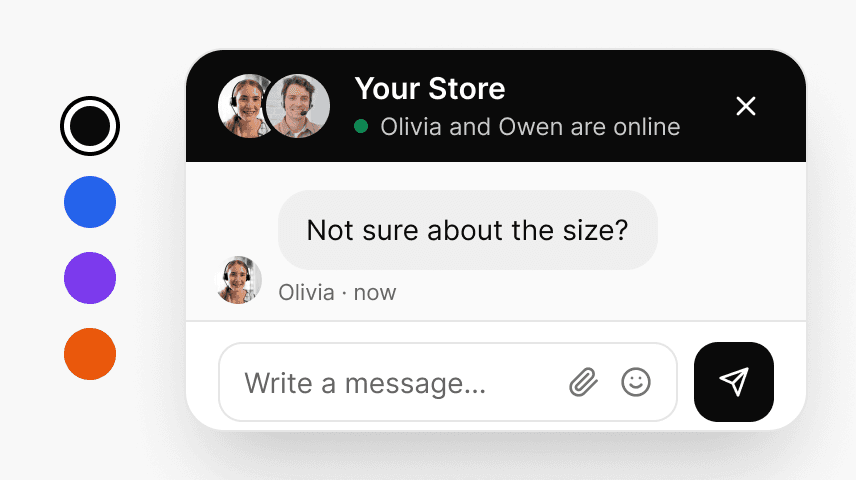
One colour for the header, launcher and your team's bubbles, plus your logo.
- Open it from your own buttons
Any button can open the widget. Events such as call:started let your site react.
GreetDock.open() - Calls on phones
The panel opens full width, and calls run in the mobile browser.
- Choose the pages
Every page with the script, or only those set in Settings → Widget → Pages.
- Nothing for visitors to install
No account, app or download.
One script tag. Everything else is a setting.
Before the widget goes live
- 01Copy your snippetSettings → Install
It already contains your site's domain.
- 02Paste it before </body>Your site's template
It loads asynchronously, after your page content.
- 03Set the look and the greetingSettings → Widget
Check every change in the live preview, on desktop and mobile.
What the visitor controls
- Stop ends co-browsing at any moment
- A greeting they can ignore or dismiss
- Calls and co-browsing only after they accept
Your site's consent tool decides what loads. It must cover the GreetDock visitor identifier before the widget loads.
How we protect visitorsBefore you add the script. What site owners and developers ask.
Next in the flow
- InboxWhere the messages land.
- Pop-ups & formsCards and pop-ups that will open this widget.Coming to the beta
- CallsWhen a visitor would rather talk.
All product pages: Co-browsing, Team chat, Cloud, Intelligence, Booking & callbacks
Comparing tools? GreetDock vs Tidio, GreetDock vs Crisp, GreetDock vs Re:amaze