Live chat for B2B sales: talk to buyers while they read.
Your sales team sees who is worth a call and talks to them in the same visit, with no form or booked slot in between.
Free 30-day trial. No card, no automatic charge.

What slows sales teams down. And what changes when buyers can talk.
Through the contact form
Answered on Thursday, two days after he asked
- Tue 10:04 AMForm sentName, work email, team size
- Wed 9:40 AMReply: pick a timeFirst free slot: Thursday
- Thu 3:00 PMDemo callQuestion answered
at minute 12
The same five minutes, zoomed in
- 10:04 AMAsks in the chatOn /integrations
- 10:05 AMMarcus answersIn the same thread
- 10:06 AMVideo callIn the same tab, camera off
- 10:09 AMYour TMS, on his pageMarcus points at it
In the same visit
Answered at 10:09 AM, five minutes after he asked
Through the contact form
Two days
Answered on Thursday, two days after he asked
- Tue 10:04 AMForm sentName, work email, team size
- Wed 9:40 AMReply: pick a timeFirst free slot: Thursday
- Thu 3:00 PMDemo callQuestion answered
at minute 12
Five minutes
In the same visit
Answered at 10:09 AM, five minutes after he asked
The same five minutes, zoomed in
- 10:04 AMAsks in the chatOn /integrations
- 10:05 AMMarcus answersIn the same thread
- 10:06 AMVideo callIn the same tab, camera off
- 10:09 AMYour TMS, on his pageMarcus points at it
An example visit. Routekit and Lane Freight are fictional.
- Problem: Contact forms answered days later
- With GreetDock: Talk while the buyer is still on the page.
- Calls
- Problem: Anonymous research
- With GreetDock: Page, visit count and profile beside every conversation.
- Inbox
- Problem: Demos that start cold
- With GreetDock: Show the buyer's own question on screen, with their context.
- Co-browsing with consent
- Problem: Sales calls booked by bad fits
- With GreetDock: See what they read, and how often they came back, before the call.
- Inbox
B2B live chat on the pages buyers read. From the live list to a call.
B2B buyers research quietly. GreetDock shows your sales team who is on the pricing, integrations and security pages right now, with the page and visit history.
Step 1 of 3: See who is reading, live
- 4th visit · 6 min
See who is reading, live
Your teamVisitors on your integrations, security and pricing pages appear live, with the page, time on it and visit count. A name shows once it is known.
4th visit · 6 min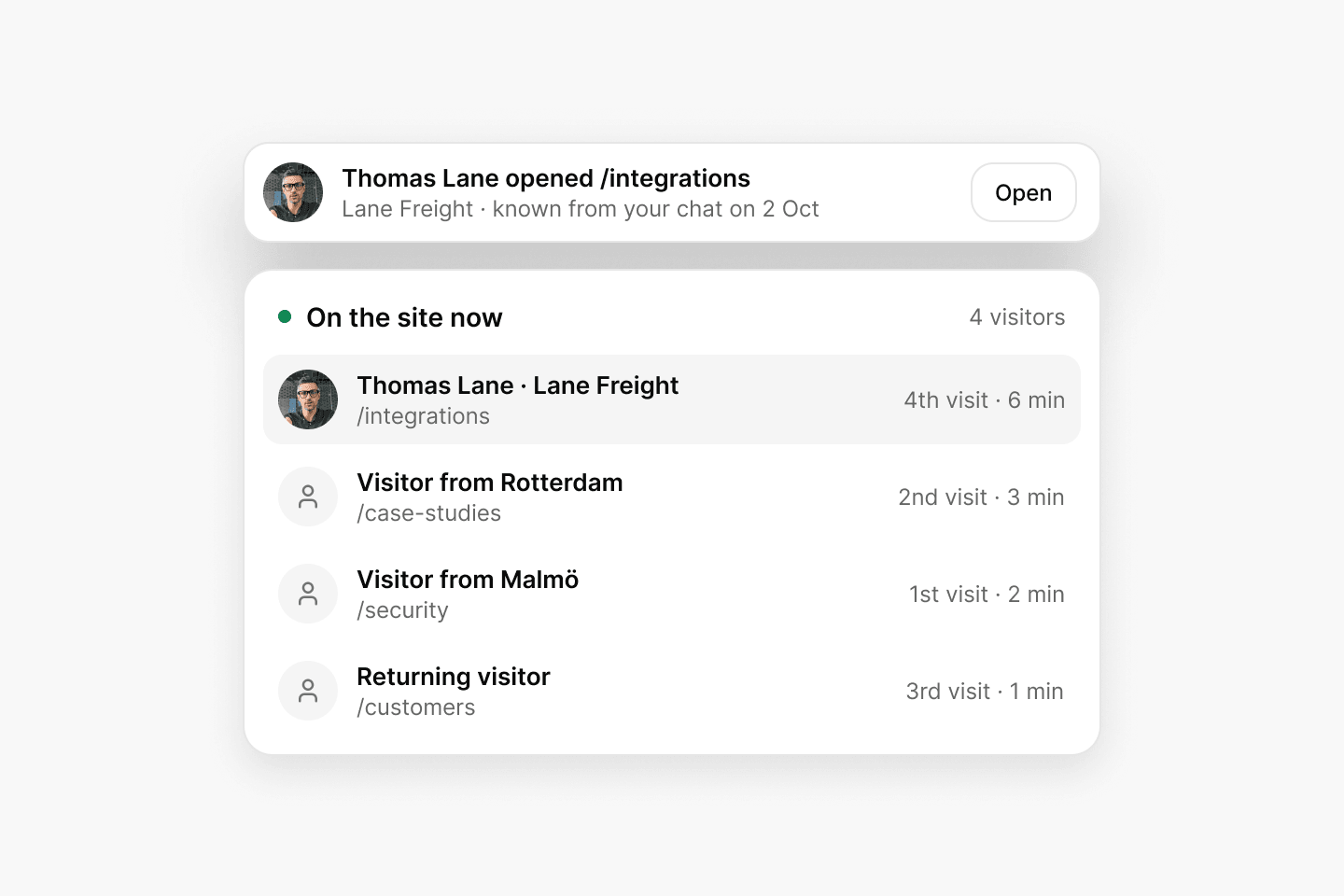
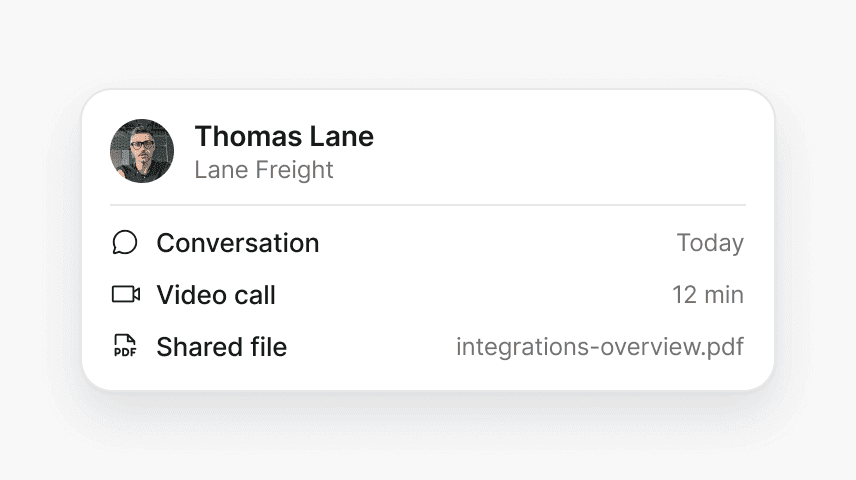
- Thomas Lane wants to talk
The buyer asks for the call
BothThe buyer taps Talk now while someone takes calls. Your team sees who is calling, the page and what they read, then accepts or declines.
Thomas Lane wants to talk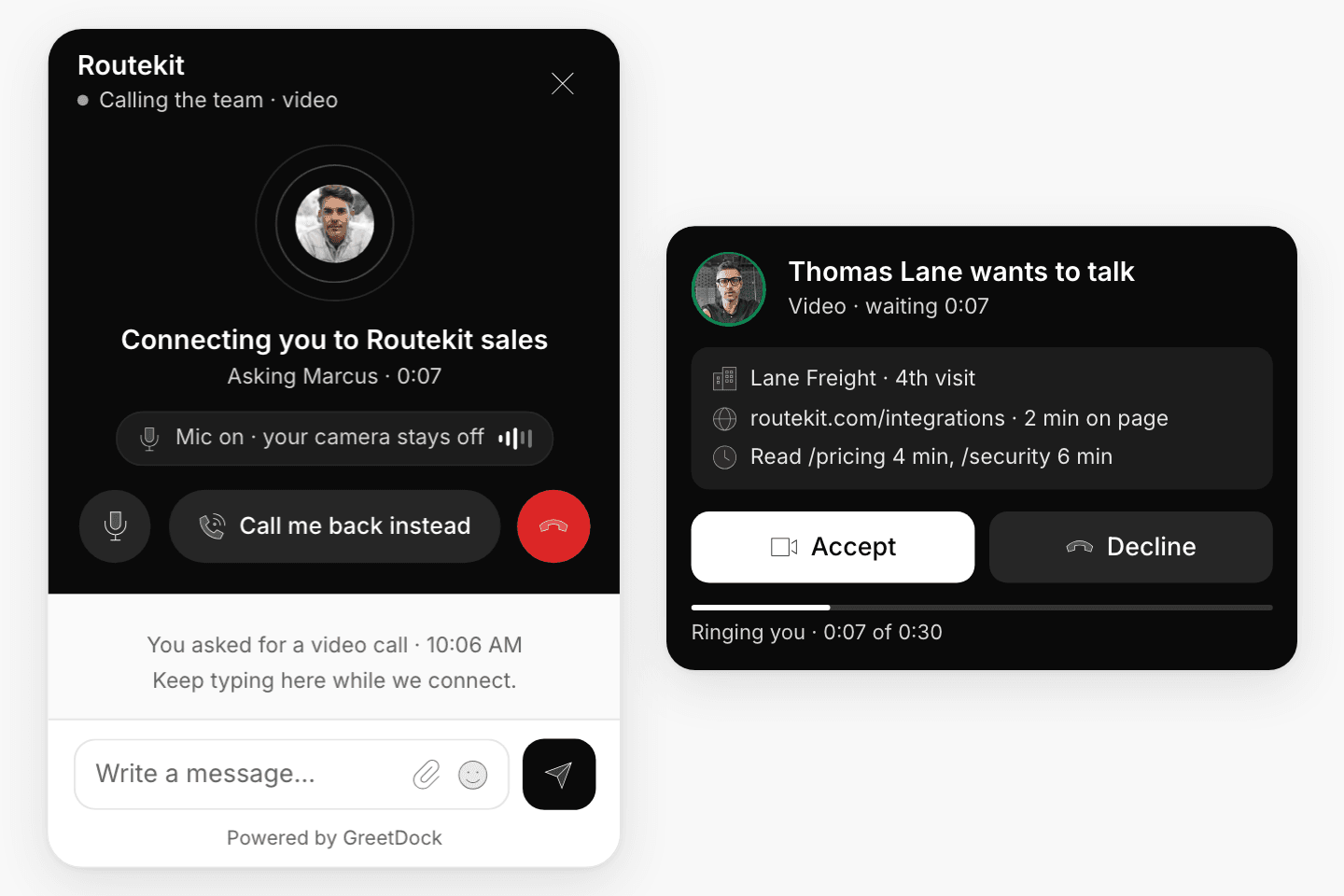
- Video call · page shared
A call, then point at the page
BothCamera on or off on each side. With the buyer's OK, your team sees their page and points at the answer. Your team can also offer the call.
Video call · page shared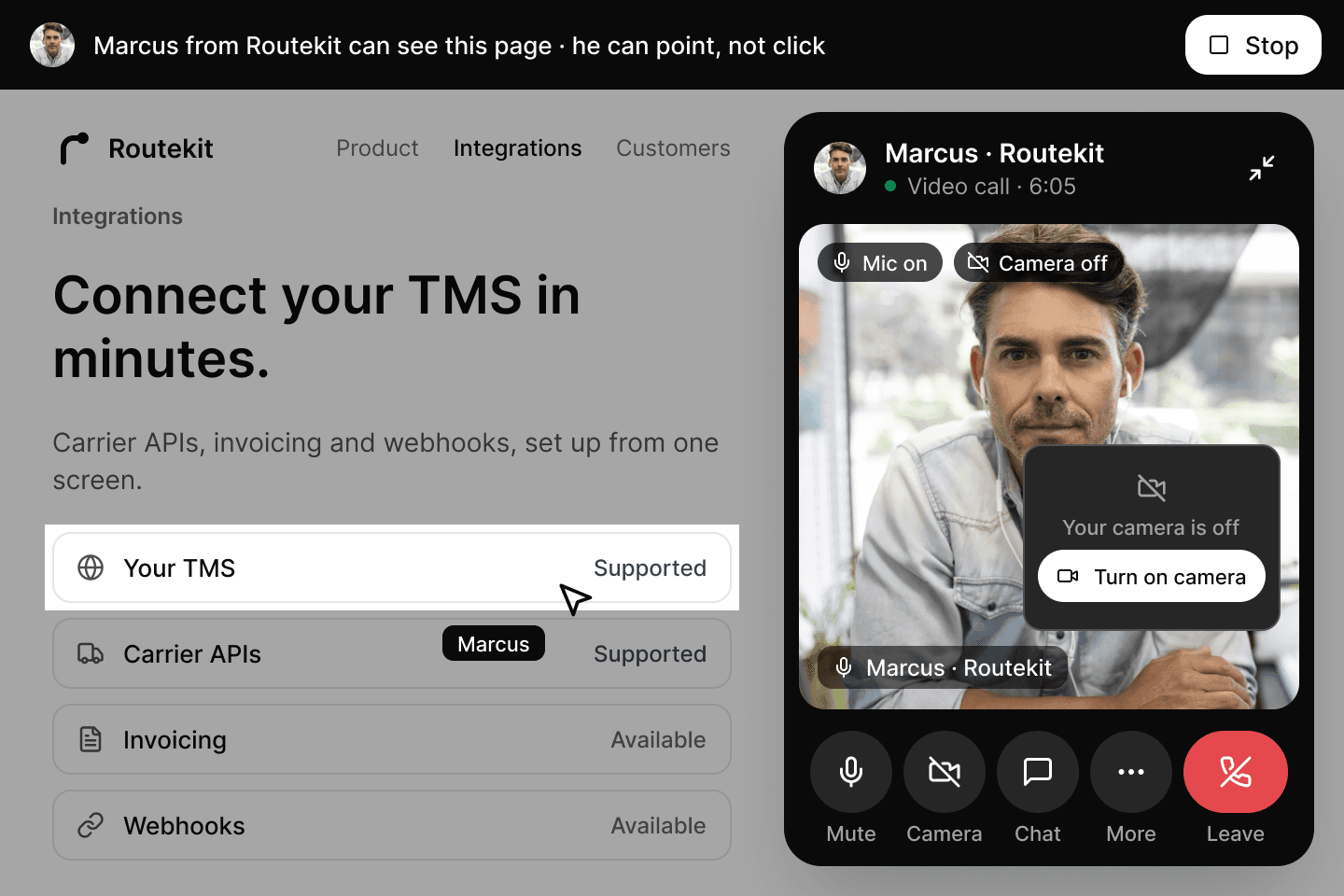
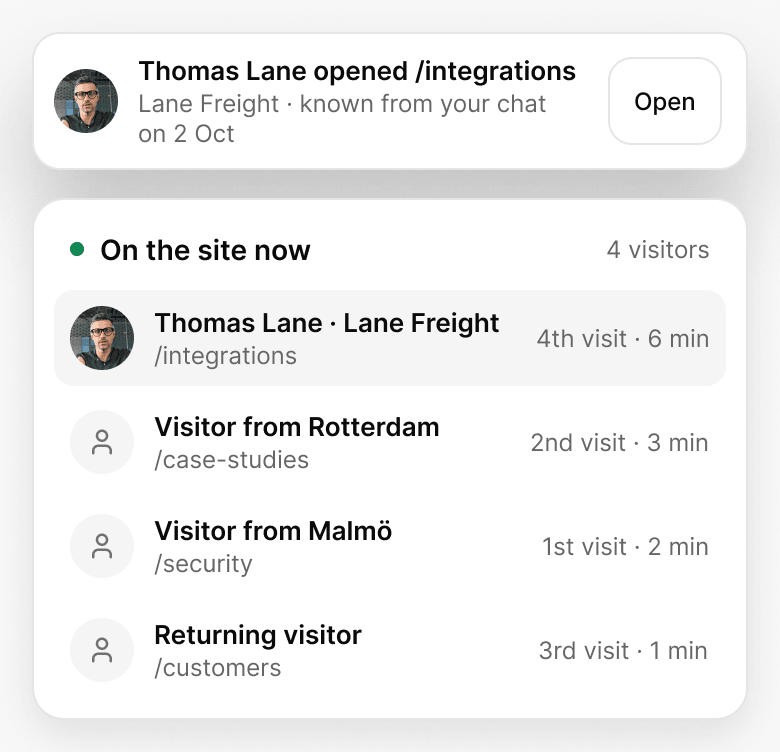

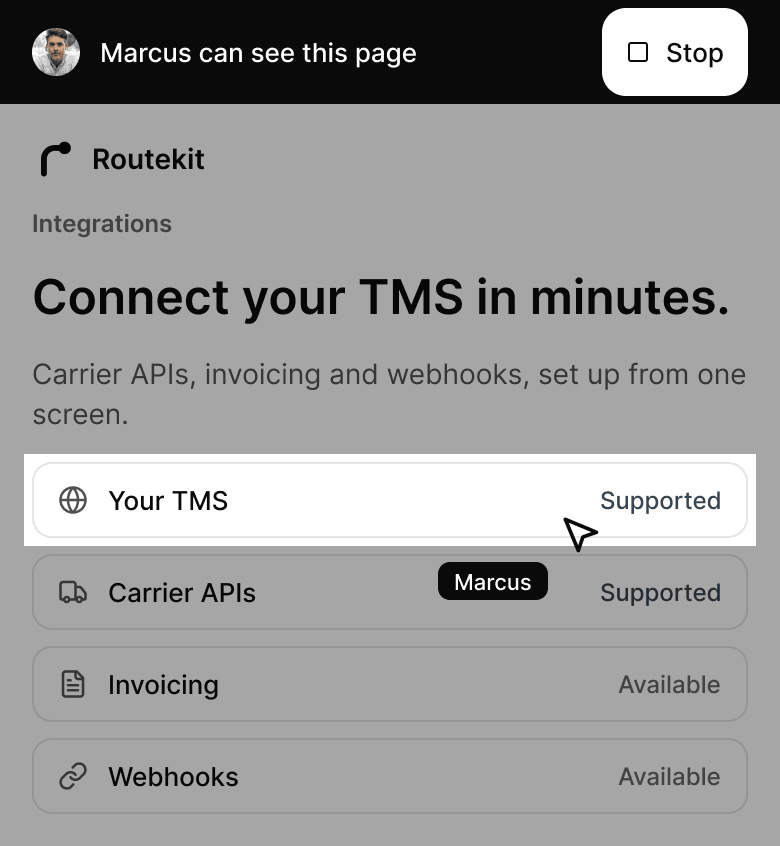
What the buyer sees, and what your team sees. The same conversation, two views.

What the buyer sees
Visitor- Who is taking calls, by name and face
- The greeting written for the page they are on
- A call in the tab they already have open
What your sales team sees
Your team- The page they are on, and for how long
- Their visits and earlier conversations
- Name, email and company, when known
A fourth visit, then a call. Thomas is comparing tools.
How the product fits in. Not a customer result.
- 10:02 AMVisitorThomas opens /integrations, his fourth visit this month.
- 10:04 AMVisitorThomas taps Talk now in the widget on /integrations and asks about connecting their TMS.
- 10:05 AMYour teamMarcus answers on video. Thomas keeps his own camera off, then lets Marcus see the page.
- 10:24 AMGreetDockThe thread, the call and the team notes stay in Thomas's record for the follow-up.
Around the conversation. What works in the private beta today.
- One record per buyer
The conversation, the call and shared files sit in one record per visitor, ready for the follow-up.
- Hand it to the right seller
Mention a colleague in a team note, or assign the thread with a transfer note. The buyer never sees either.
- After hours, the offline form
When nobody is online, the buyer leaves an email and a question, with the page it came from.
The live chat widget - Read it from your AI tool
Ask what buyers asked about integrations this month, over MCP, with a read-only token.
Intelligence - Security paperwork
The DPA is public. Calls run through a media relay GreetDock self-hosts in the EEA.
Security
Live on your pricing page. Three steps, with guided onboarding.
Before the first buyer writes
- 01Add the script to your siteSettings → Install
One tag before </body> on the pages where buyers should reach you.
- 02Greet /pricing and /integrationsSettings → Widget → Greeting
A rule per page path, with up to three suggested questions.
- 03Set your status to OnlineYour avatar in the inbox
While you are Online, buyers can chat. Say hi first from Live, or wait for them to write.
What the buyer controls
- A greeting they can ignore or dismiss
- Calls only after they tap Accept
- Their page, shared only after they allow it
- Team notes never reach the widget
Before you put chat on the pricing page. What sales leads ask.
The products behind it
- InboxSee who is on which page, live.
- CallsTalk while the buyer is still reading.
- Co-browsingPoint at the answer on their screen, with consent.
For sales teams: Conversations from your site, Questions before the call, Sales handoff
By industry: SaaS, Logistics software, Fintech, Cybersecurity, HR and payroll software
Other teams: Online stores, Support teams, Agencies
Comparing tools? GreetDock vs Chili Piper, GreetDock vs Drift, GreetDock vs Qualified, GreetDock vs 1mind