AI call summaries your team checks, and records for your AI.
Every recorded sales call gets a transcript and an AI summary draft for the follow-up. Your own AI tools can read the records over MCP, read-only.
Free 30-day trial. No card, no automatic charge.



From a recorded call to an answer. From the records it read.
Recorded calls get a transcript and a summary draft. Your own AI tool can then read your records over MCP, read-only.
Step 1 of 3: The call leaves a transcript
- Summary · draft
The call leaves a transcript
Your teamWhen your team records a call, GreetDock saves the transcript and a short AI summary. The summary is a draft: read it, edit it or ignore it.
Summary · draft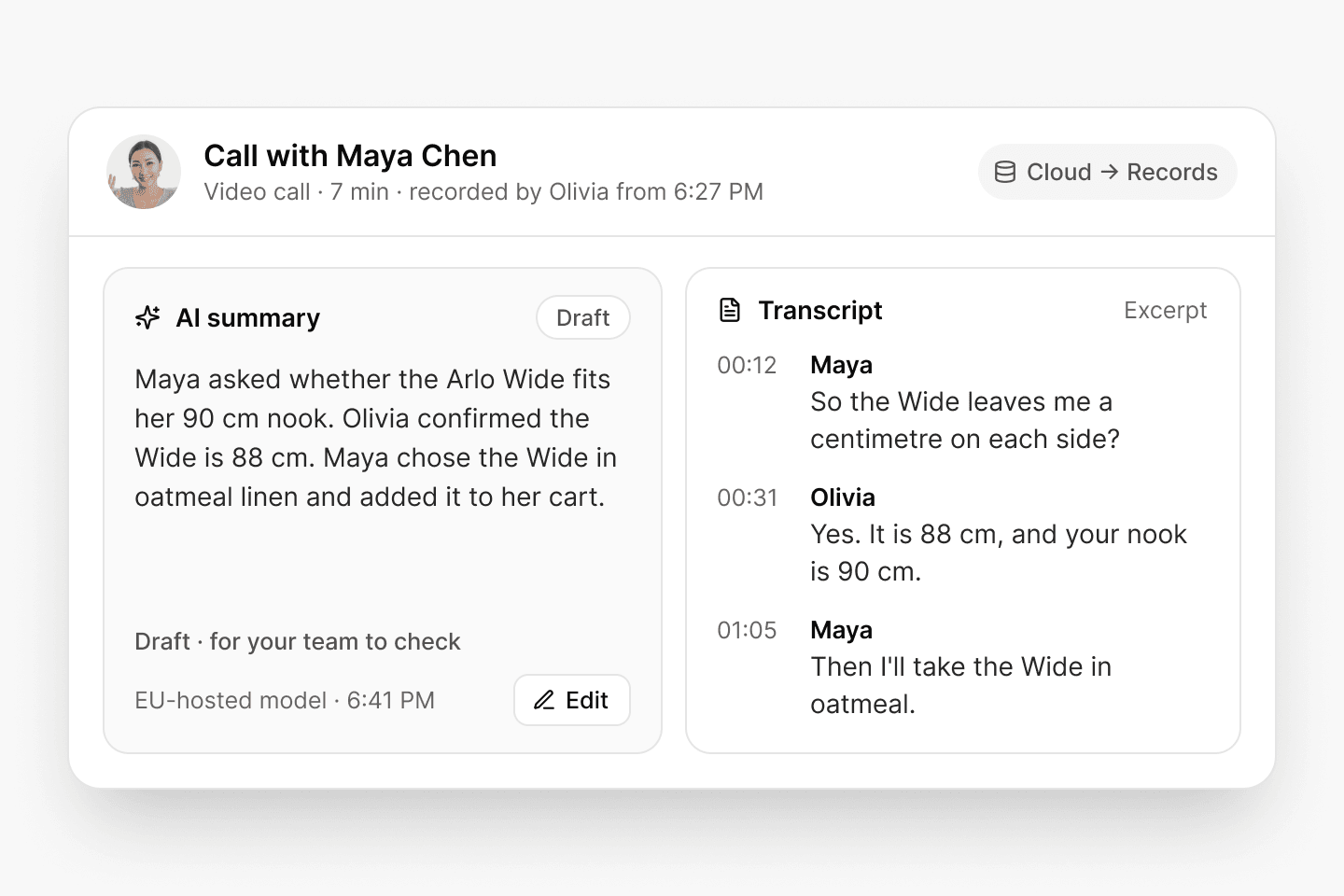
- Token · read-only
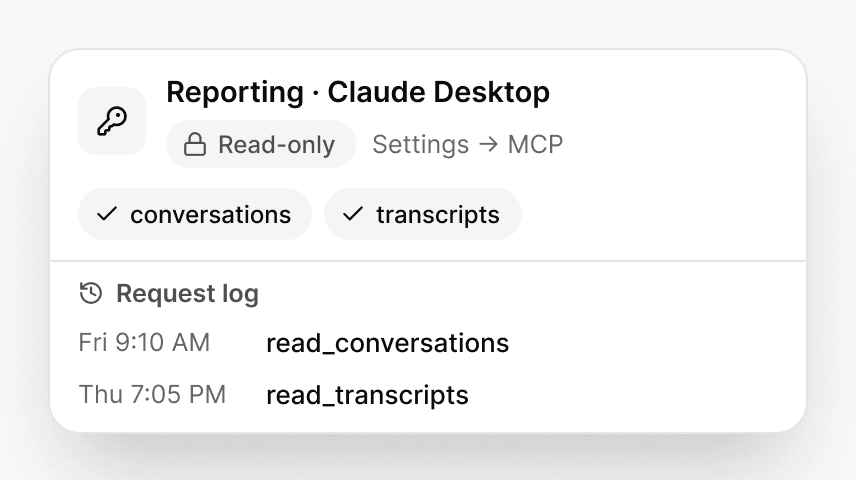
Create a read-only token
Your teamIn Settings → MCP, name a token after the tool that will use it and pick its scopes. Copy it: it is shown once.
Token · read-only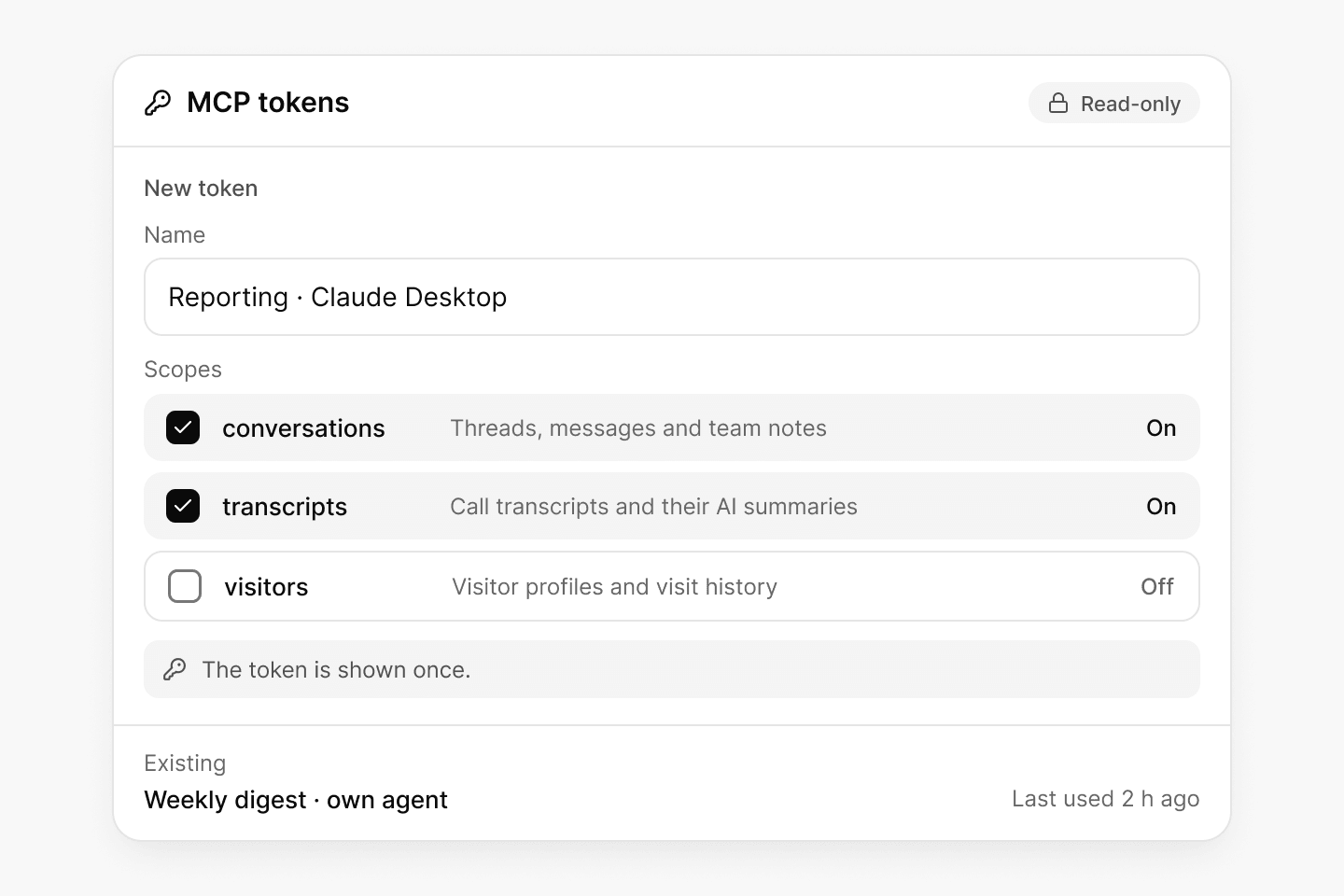
- 3 conversations read
Ask in the tool you already use
Your teamAsk what visitors asked about the Wide. The answer comes from the conversations it read, and each request lands in the token's log.
3 conversations read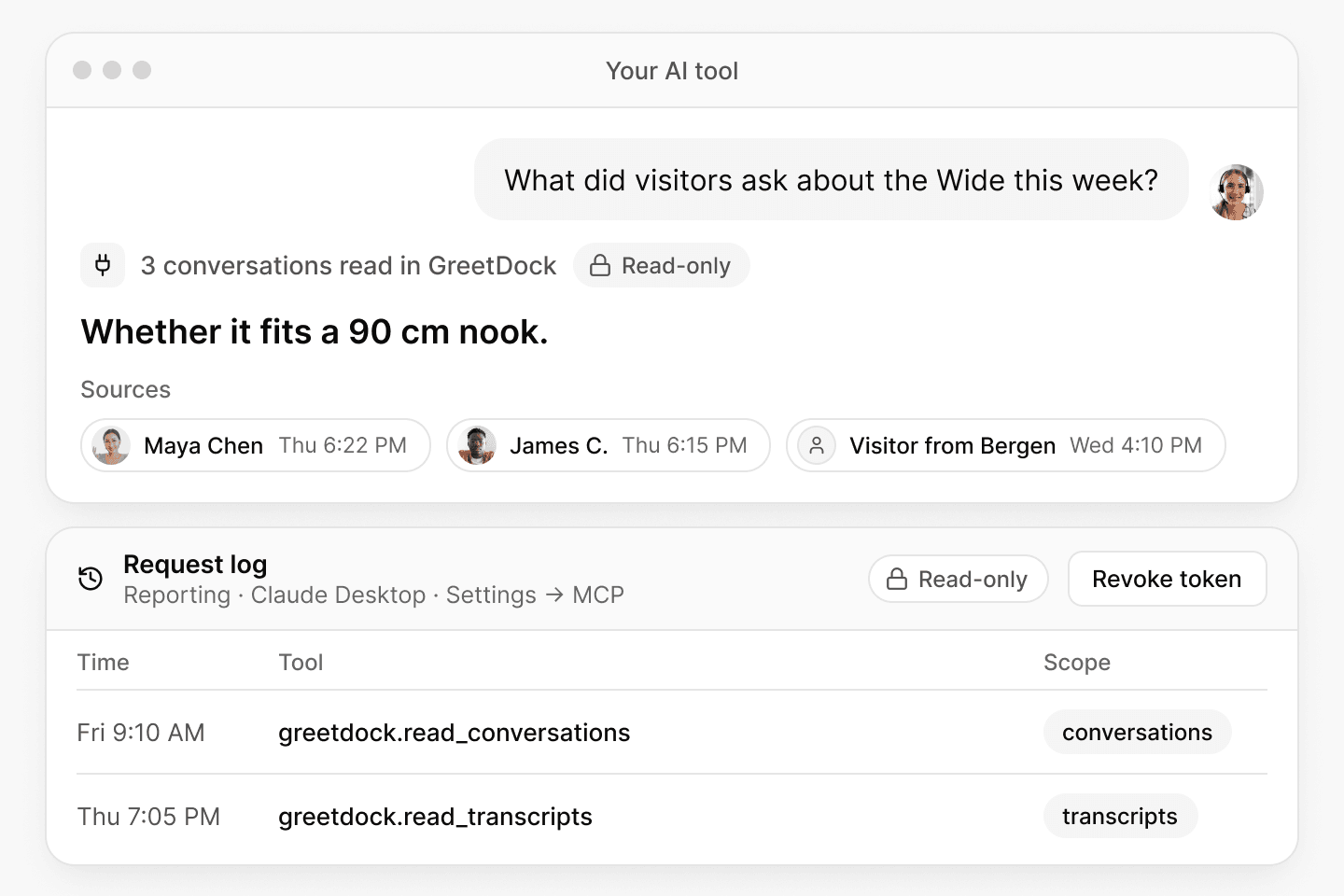


Two kinds of AI, kept apart. One drafts. One reads for you.
GreetDock's AI
- Summarises recorded calls, as a draft
- Drafts replies for a person to send
- Runs on an EU-hosted model and never answers visitors
Your own AI tool
- Reads over MCP with a token you create
- Read-only, limited to the scopes you pick
- Every request in the token's log
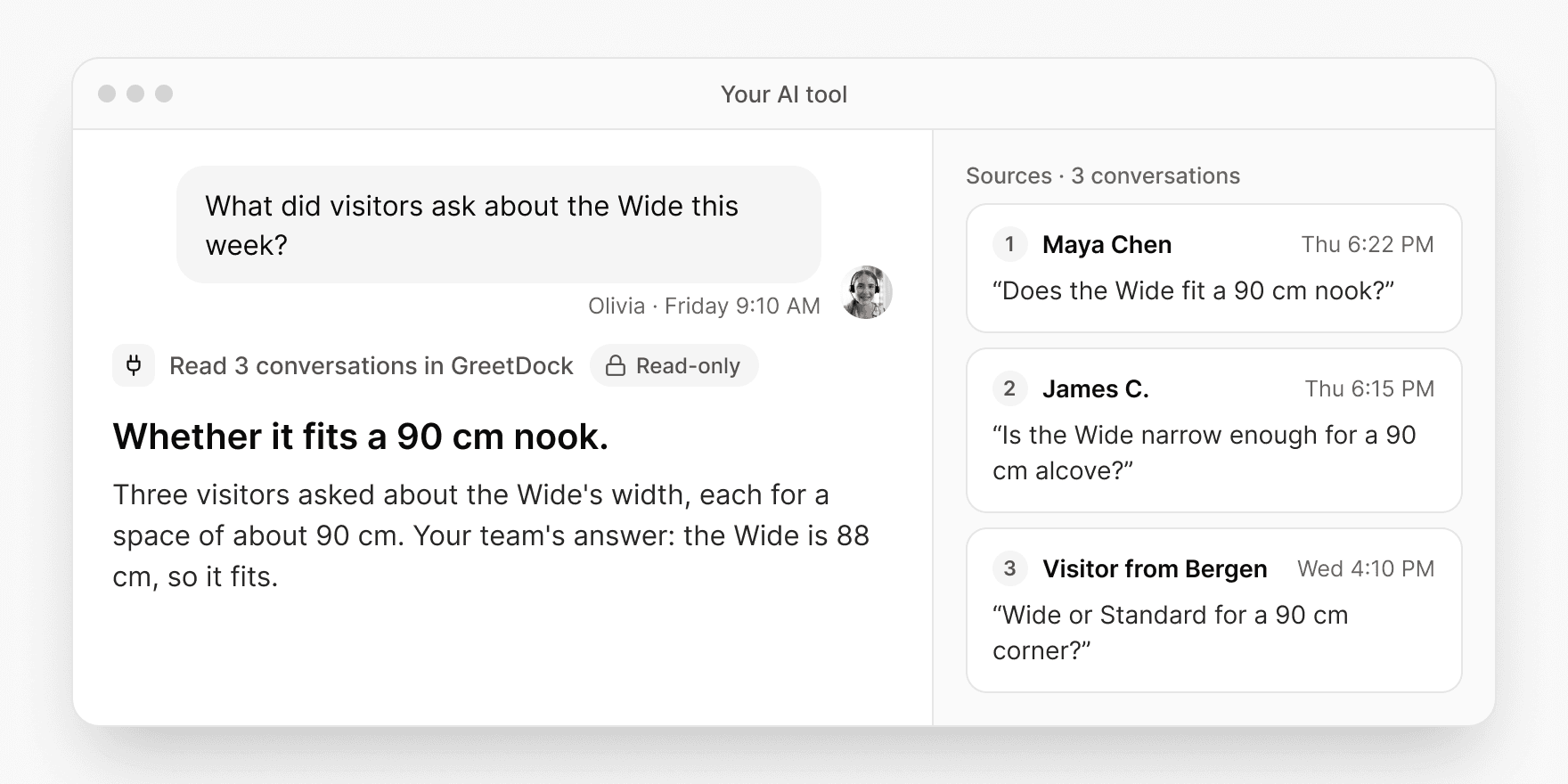
Answers from your own records. And a log of every request.

- Read-only, and logged
No tool can send a message, change a setting or delete anything. Every request lands in the token's log.
- Conversations
Threads, messages and team notes.
conversations - Transcripts
Call transcripts and their AI summaries.
transcripts - Visitors
Visitor profiles and visit history.
visitors
Connect the assistant you already use. No code on your site.
What your team sets up
- 01Create a tokenSettings → MCP
Name it after the tool and pick its scopes. Copy it; it is shown once.
- 02Add GreetDock to your AI toolYour AI tool's MCP settings
Claude, ChatGPT, Cursor or your own agents, over streamable HTTP, with the token as a bearer header.
- 03Revoke when you are doneSettings → MCP
The token stops working at once; the request log is kept.
What stays in your hands
- Tokens you create and can revoke
- Every request logged
- Customer data not used to train GreetDock's own models
- GreetDock's own AI on an EU-hosted model
Before you connect an AI tool. What founders and technical reviewers ask.
Next in the flow
All product pages: Inbox, Co-browsing, Widget, Booking & callbacks, Pop-ups & forms
Comparing tools? GreetDock vs 1mind, GreetDock vs Qualified