Chat scripts for customer service: greetings and replies for a small human team
A script is a starting point, not a reply. The greetings, first replies and handover lines a small team can adapt, and the rules that keep them sounding like a person.
Chat scripts for customer service are short lines your team writes once and adapts each time a familiar moment comes round. The moments are the greeting, the first reply, "let me check", the handover, the offer of a call and the note for when nobody is in. On a small team a script is a starting point a person finishes, never text pasted unchanged.
A team of four uses scripts differently from a large support centre. The same person answers the pricing question on Monday and the delivery question on Friday, between other work. Scripts save them from writing each reply from scratch, without making it sound as if it came from a queue.
What is a chat script for customer service?
A chat script for customer service is an agreed line or short reply for a moment that repeats in live chat. It fixes the structure and the facts, and leaves a slot for the detail that only this visitor's question can supply. A good script is reused often and never sent exactly the same way twice.
The difference from a canned response is intent. A canned response is meant to be sent as it is. A script is meant to be finished by the person sending it.
Why do scripted chats sound robotic?
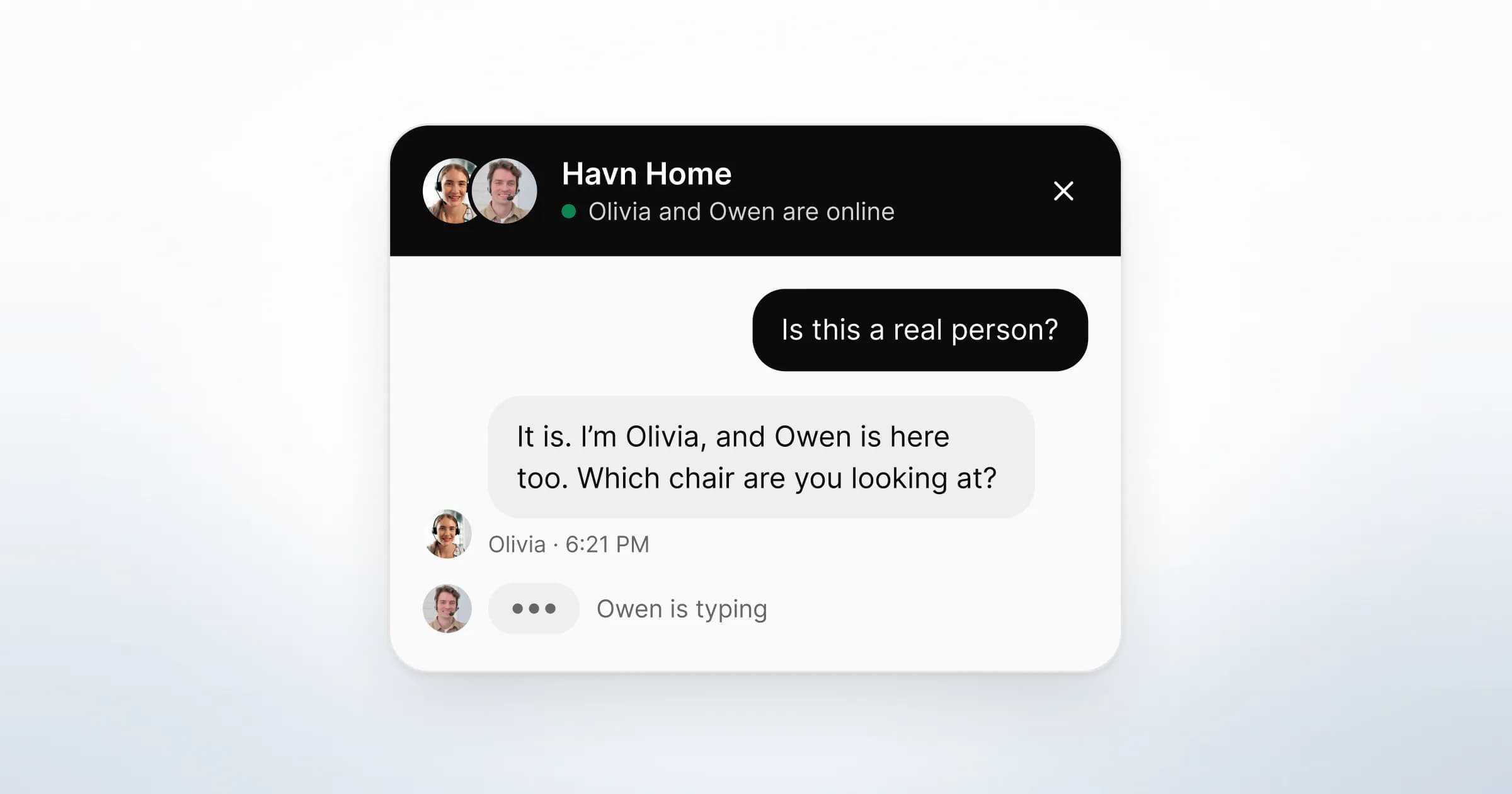
Scripted chats sound robotic when the line was written for every visitor and so fits none of them. "Thank you for contacting us, how may I assist you today?" could come from any company to anyone, and the visitor can tell.
Three habits cause most of it:
- Replying to a question nobody asked. The visitor wrote about delivery to Norway, and the reply opens with a welcome and an offer to help.
- Formal words where short ones will do. GOV.UK's guidance on clear language puts it in one line: "Do not use formal or long words when easy or short ones will do." Its swaps, "help" for "assist" and "buy" for "purchase", work in chat too.
- Apologies by reflex. "Sorry for any inconvenience" before anything has gone wrong reads as a script, because it is one.
Script the structure and leave the wording to the person sending it. Every line below has a fixed part, which you always say, and a slot, which only this conversation can fill. If the slot is empty, the line is not ready to send.
Which moments in a chat need a script?
Script the moments that repeat and that go wrong when someone improvises under pressure. Nine moments repeat in nearly every chat, from the greeting to the line shown when nobody is online. Each has a different job, which is why one generic customer service reply template cannot cover them.
| Moment | What the visitor needs | What the line must do |
|---|---|---|
| Greeting | To know a person is there | Name the question this page raises |
| First reply | An answer | Answer first, then ask one question |
| Checking something | To know they are not forgotten | Give a time you can keep |
| Saying no | A straight answer | Say what you do instead, or who does |
| Handover | Not to repeat themselves | Name the colleague and what they can see |
| Offering a call | An easy yes and an easy no | Say what the call is for; the camera is optional |
| Asking to see the page | To know what will be shared | Say what you can and cannot do |
| Closing | To know how to come back | Say where a new message will reach you |
| Nobody online | When a person will be back | Name the hours and how the reply arrives |
How do you write a greeting for each page?
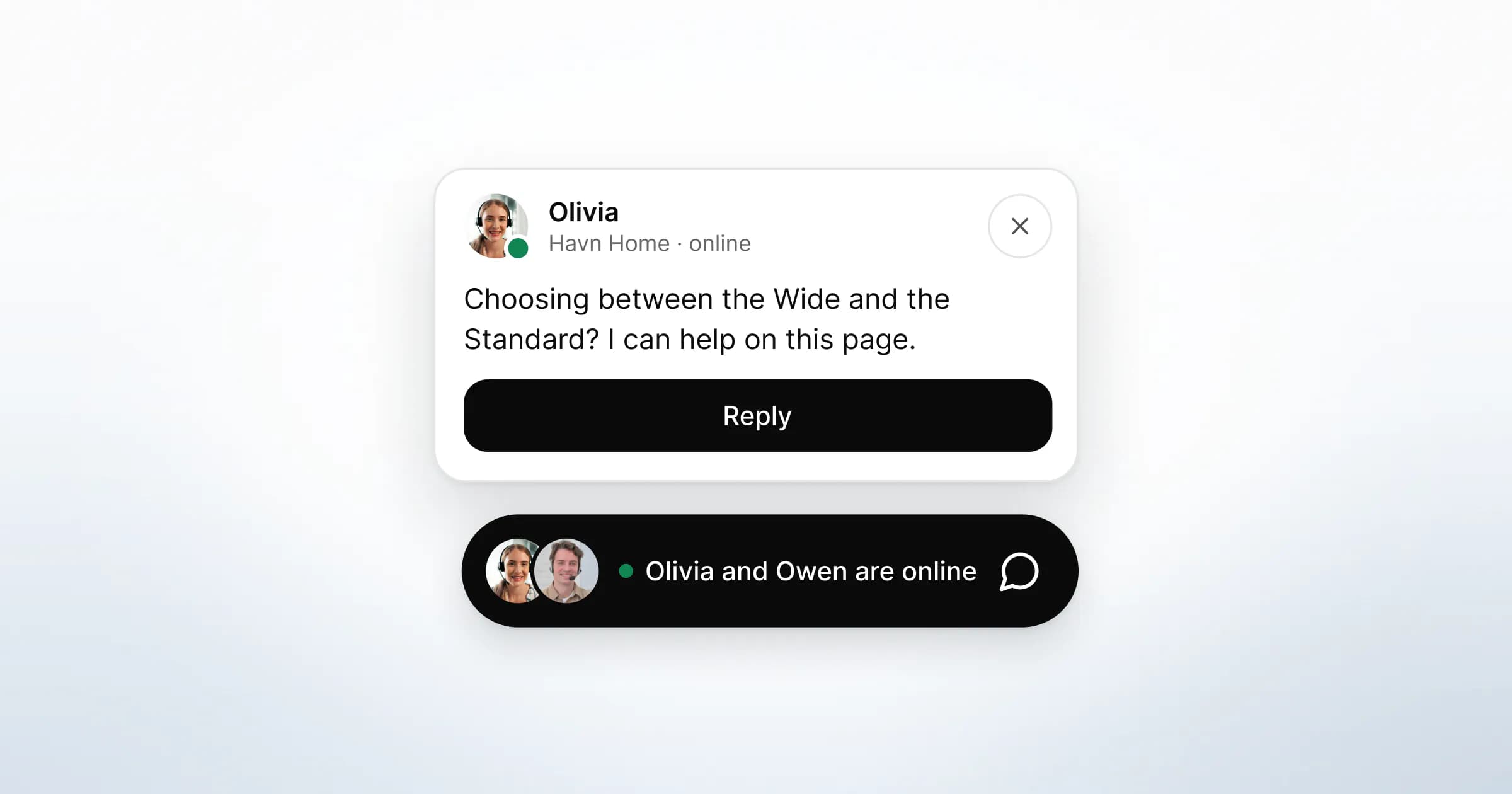
Write the greeting for the question the page raises, not for visitors in general. A pricing page raises "which option fits us?". A product page raises size, fit or compatibility. A checkout raises delivery and payment. Naming that question shows the visitor someone has read the same page.
| Page | Instead of | Try |
|---|---|---|
| Pricing | "Hi, how can we help?" | "Comparing options? I can answer on this page." |
| Product | "Hello! Any questions?" | "Not sure it fits? Tell me the size you need and I'll check." |
| Checkout | "Welcome!" | "Stuck on payment or delivery? I'm here now." |
| Help article | "Need help?" | "Stuck on a step? Tell me which one and I'll walk you through it." |
Two rules hold for every greeting. Keep it to one sentence, so it reads at a glance. And only promise presence, "I'm here now", if the greeting disappears when nobody is. Whether to greet on a page at all is covered in proactive chat: when to greet a visitor.
In GreetDock, greetings live in Settings → Widget → Greeting, with rules matched by page path. The most specific rule wins, and pages without a rule use the default greeting. The greeting appears when the visitor opens the live chat widget, and when nobody on your team is online the widget switches to the offline form instead.

Suggested questions are scripts too
Suggested questions are the visitor's half of the script. In GreetDock each greeting rule can carry up to three, and a tapped question is sent as the visitor's first message. Take them from what visitors already ask on that page, in their words: "When does it arrive?" rather than "Delivery information".
Live chat scripts you can adapt
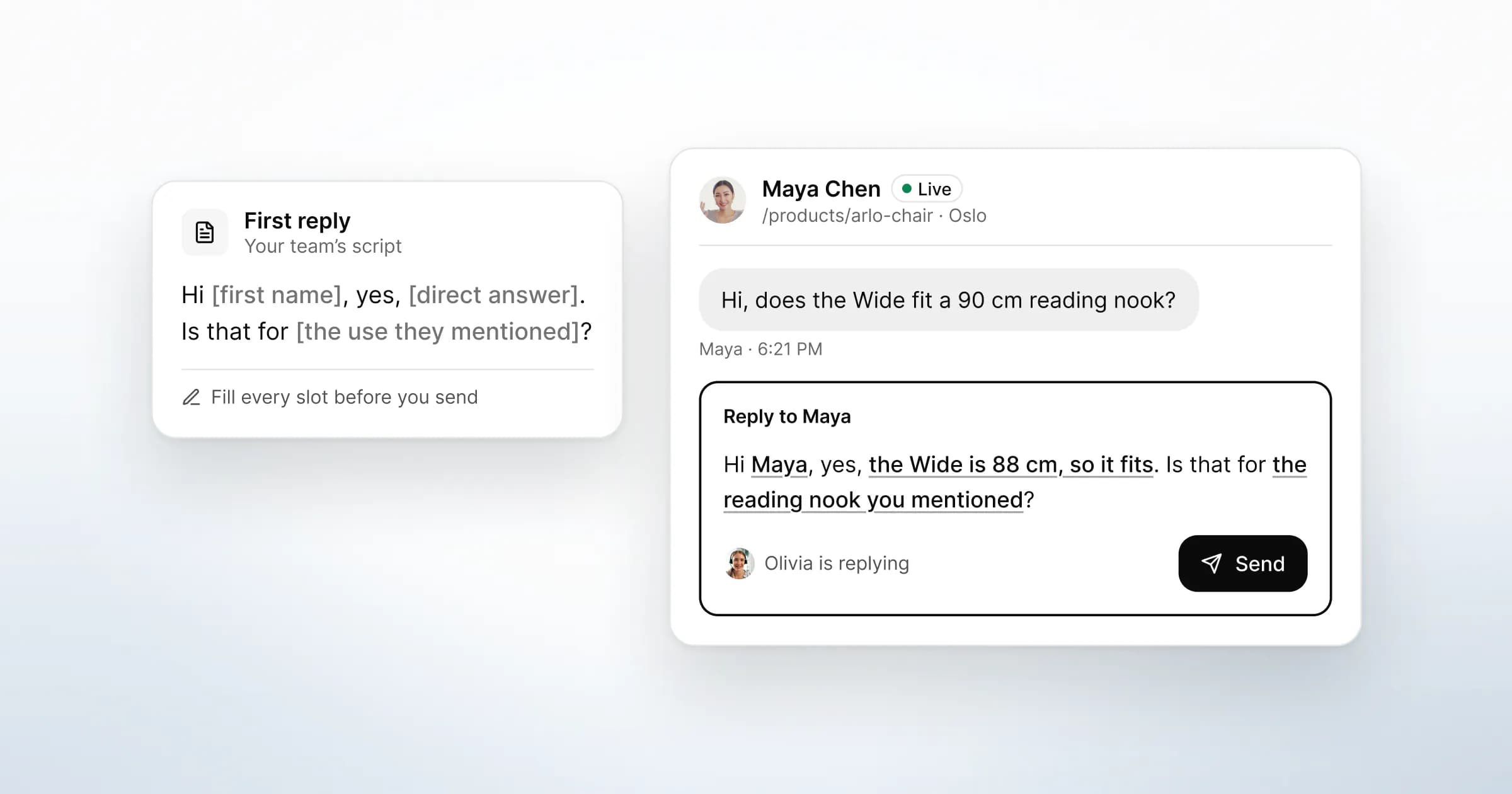
Each line below has a slot in square brackets. Fill it from the conversation, cut anything that does not fit, and read the line once before sending. A bracket that survives into a sent message is the clearest sign of a pasted script.
The first reply
Answer first, then ask at most one question.
- "Hi [first name], yes, [direct answer]. Is that for [the use they mentioned]?"
- "It does, as long as [condition]. Which [option] are you looking at?"
When the question is vague, offer two readings of it rather than asking for more detail:
- "Happy to help. Are you [first reading] or [second reading]?"
"Could you give me more details?" makes the visitor do the work. Two concrete options let them answer with one word.
When you need a minute to check
Say something straight away, even when the answer will take longer. Jakob Nielsen's response-time limits put about 10 seconds as the limit for keeping a user's attention on a dialogue. That research is about software, not people, but a chat is a dialogue, and a holding line keeps it open.
- "Good question. I'll check with [colleague], who looks after [topic], and reply here by [a time you can keep]."
- If it takes longer: "Still checking with [colleague]. I haven't forgotten you."
In GreetDock you can ask that colleague without leaving the thread. A private team note with an @mention notifies them, and team notes are never delivered to the visitor's widget.
When the answer is no
A clear no, given early, saves the visitor a longer conversation that ends in the same place.
- "We don't [thing they asked for]. What we do is [closest thing], which covers [the part of their need it meets]."
- If you do not know: "I don't know yet, and I'd rather not guess. I'll find out and reply here by [time]."
Handing over to a colleague
- "I'm passing you to [name], who handles [topic]. They can see everything we've written, so you won't need to repeat it."
Send the second sentence only if it is true in your tool. In the GreetDock inbox, the colleague sees the whole thread and the team notes before accepting, and the visitor stays in the same conversation throughout.
Offering a call
Write the way out as carefully as the invitation. A visitor who feels pushed towards a call may leave the chat as well.
- "This might be quicker to talk through. Would a short call here in your browser work? Your camera can stay off. If not, I'm happy to keep typing."
In GreetDock your team offers a voice or video call from the thread. The visitor sees who is calling, taps Accept or Not now, and can join video with the camera off. Browser calls start only when the visitor accepts.
Asking to see the visitor's page
- "Would it help if I pointed to it on your page? You'll see a request first. I can point and highlight, but I can't click or type for you, and you can stop at any time."
GreetDock's request says much of this itself. The visitor chooses Allow for this page or Not now, and password and card fields are hidden from your team. A Stop bar stays on screen while sharing is on. The script's job is to explain why you are asking before the request appears. See co-browsing for what is shared.
Closing the conversation
- "Glad that's sorted. If anything else comes up about [topic], write here and it reaches us."
Drop the reflex "Is there anything else I can help you with?". It asks the visitor to close a conversation they thought was finished. In GreetDock a returning visitor is recognised, so a new message continues the same record, and a closed conversation reopens when they write again.
When nobody is online
- "We're offline until [day and time, with timezone]. Leave your email and question, and [name or team] will reply by email [when you can meet it]."
GreetDock switches to an offline form automatically when nobody on your team is online. It tells the visitor the team is away and will reply by email, then confirms the address the reply will go to. The message reaches your inbox marked Offline, with the page it was sent from attached. The widget page shows how the offline form looks.

How do you make a reply template sound like a person?
Read it aloud. A line that sounds odd said to someone across a desk reads odd in a chat window. GOV.UK's guidance on tone asks writers to "write conversationally", as if talking one-to-one "but with the authority of someone who can actively help".
The rules that do most of the work:
- One idea per message. Send two short messages rather than one long block.
- Short sentences. GOV.UK suggests splitting sentences over 25 words. Chat lines can be shorter still.
- The visitor's words. If they wrote "sofa", do not reply "seating product".
- Active voice. "I've sent the link", not "the link has been sent".
- No unmeasured promises. Never promise a reply time your team has not checked it can meet.
- A first name in the sign-off. "Olivia" tells the visitor which person is answering; "the support team" does not.
The same lines, before and after:
| Scripted | Rewritten |
|---|---|
| "Thank you for reaching out! I'd be happy to assist you with your enquiry." | "Hi Maya, yes, it ships to Norway." |
| "We apologise for any inconvenience caused." | "Sorry, that link was broken. Here's the right one." |
| "Your request has been escalated to the relevant team." | "I've asked Owen, who handles invoices. He'll reply here this afternoon." |
Where should a small team keep its scripts?
Keep them in one shared document with one owner, and review them against real conversations once a month. A script library nobody prunes grows until nobody can find the right line, and the team starts improvising again.
A monthly review has four steps:
- Find the questions that repeat. In GreetDock Cloud you can search names, emails and message text across every visitor record.
- Compare scripts with what was sent. If everyone rewrites a line the same way, adopt the rewrite.
- Delete scripts nobody used. Every unused line is one more to scroll past mid-conversation.
- Move repeat answers onto the page. A question that arrives every week is a page that is not saying it clearly.
In GreetDock, the answers your team gives often belong in the knowledge base. AI reply drafts, part of the private beta, are built from it and from the conversation so far. A draft appears in the composer, and a teammate edits it, sends it or discards it. The AI never answers a visitor on its own, and every message is sent by a person on your team. AI processing for drafts runs on an EU-hosted model.

What to do next
Start with the moments that go wrong most often.
- List the nine moments above and mark the two your team handles worst today.
- Write a greeting for each of your three busiest pages, naming the question that page raises.
- Write a first reply and a "no" line for your five most common questions.
- Read every line aloud, then cut it until nothing is left that you would not say.
- After two weeks, compare the scripts with what your team actually sent, and keep the better version.
When a support question is faster on a call or a shared page, see live chat and video calls for support teams. For choosing between chat, calls and co-browsing, read what co-browsing is and when it helps.
GreetDock is in private beta, with a free 30-day trial. If per-page greetings and an offline form that keeps the page context suit your team, get early access.