How to reduce cart abandonment with live chat: what a conversation fixes and what it cannot
Some carts are abandoned over a question: will it fit, when will it arrive, can I send it back. A person on the product page can answer those. Surprise costs, forced accounts and slow checkouts need fixing in the checkout.
Live chat can reduce cart abandonment when the shopper is leaving over a question. Will it fit? Will it arrive in time? Can I return it? A person on the product page can answer each of those before the shopper gives up. A conversation cannot fix costs that appear late, a forced account or a slow checkout. Those are design problems, and the fix is in the checkout.
So the honest answer to how to reduce cart abandonment with chat is to use it for doubts and fix the checkout for friction. Below are the reasons shoppers give in Baymard Institute's research, a reason-by-reason table and the steps a small store team can take this week.
What are the main reasons for cart abandonment?
Baymard Institute keeps a running list of published abandonment studies. Its cart abandonment statistics page, last updated 22 September 2025, puts the average documented rate at 70.22%, calculated from 50 studies.
Baymard's own survey of US online shoppers found that 42% had abandoned a cart because "I was just browsing / not ready to buy". Baymard calls these "largely unavoidable", and a reply will rarely change their plans.
Leave that group aside and Baymard gives this distribution of the remaining reasons:
| Reason given | Share |
|---|---|
| Extra costs too high (shipping, tax, fees) | 40% |
| Delivery was too slow | 20% |
| I didn't trust the site with my credit card information | 19% |
| The site wanted me to create an account | 18% |
| Too long / complicated checkout process | 17% |
| Website had errors / crashed | 17% |
| Returns policy wasn't satisfactory | 13% |
| I couldn't see / calculate total order cost up-front | 12% |
| The credit card was declined | 10% |
| There weren't enough payment methods | 9% |
| I don't know | 7% |
Most of the list is about the checkout itself, and Baymard says many of these issues "can be fixed purely through design changes". The list covers costs, delivery, trust and the checkout itself. Product doubts such as size and fit are not among the reasons listed. Those come up earlier, on the product page, which is where a conversation does most of its work.
How to reduce cart abandonment, reason by reason
Ask one question of each reason: is the shopper missing an answer, or is the store making buying harder? A person can supply a missing answer. Only a change to the store removes friction.
| Reason | Does a conversation help? | What to do |
|---|---|---|
| Extra costs too high | Rarely. A person can say what delivery costs, but cannot make it cheaper | Show delivery costs and fees on the product page, before the cart |
| Total cost not visible up-front | Partly. A person can work out the total for one shopper | Show the full total early; treat repeated questions as a page bug |
| Delivery too slow | Yes, when the doubt is "will it arrive by Friday?" No, when delivery is slow | Answer with a date, not a range. Put the date on the product page |
| Didn't trust the site with card details | Partly. A named person answering shows a real business behind the page | Show who you are, your returns and contact details. Never ask for card numbers in chat |
| Returns policy not satisfactory | Partly. A person can explain the policy in plain words | If the explanation keeps changing minds, rewrite the policy page in those words |
| Forced to create an account | No | Offer guest checkout |
| Checkout too long or complicated | Only for the shopper who asks | Cut fields and steps; a conversation cannot shorten the form |
| Errors or crashes | No, though chats show you where they happen | Fix the bug. Read which page each complaint came from |
| Card declined | Rarely | Offer another payment method; the decline sits with the payment provider |
| Not enough payment methods | No, beyond saying which methods you take | Add the methods your shoppers ask for |
| Just browsing | Sometimes, if one answer moves them closer | Answer when asked; do not chase |
In the "yes" and "partly" rows, the shopper needs a fact or reassurance that the page does not give clearly enough. Each of those conversations is also a note on what the page is missing.

Which questions stop a purchase on the product page?
The questions that stop a purchase are specific, and the same ones come back. Sort them into five groups, each with a better and a worse answer.
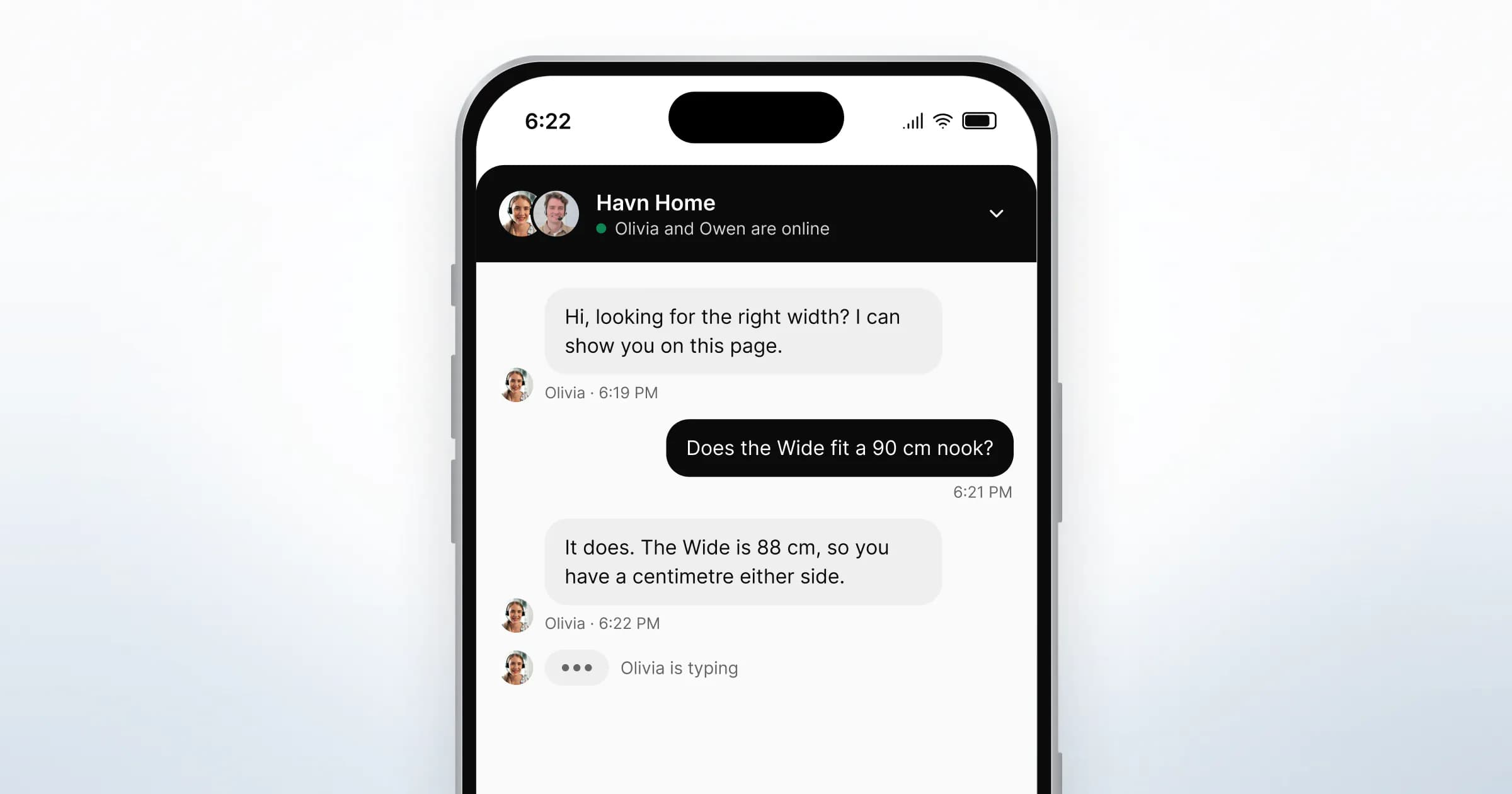
- Size and fit. "Will the 88 cm Wide fit by my window?" A good answer uses the shopper's measurement, not the size chart. If they gave a number, answer with a number.
- Delivery date. "Can it arrive by Friday?" Give a date and a time window if you have one. "Three to five working days" makes the shopper do the maths.
- Returns. "Can I send it back if the colour is wrong?" Say yes or no first, then the condition and who pays for the return.
- Payment worries. "Can I pay by bank transfer?" or "Is this site safe?" Name the payment methods and point to your company details. Never take card details in the chat.
- Which one. "Standard or Wide for a 1.5 m nook?" This is where showing beats telling, which the next section covers.
A size guide sent as a file in the thread can settle the first group. The shopper can open it while they read the reply.

Chat, call or co-browsing: which answers the question fastest?
Start in chat, because it asks least of the shopper. Move to a call or a shared view when typing has become slower than talking or showing.
| The shopper's question | Best channel | Why |
|---|---|---|
| A fact: delivery date, returns, payment methods | Chat | One line answers it, and the shopper keeps browsing |
| A measurement or a comparison of two options | Chat with the size guide attached | The file stays in the thread for later |
| A long or nervous question about a big purchase | Voice or video call | Talking can settle a worry faster than a long message |
| "Which of these do I pick?" on the page itself | Co-browsing, with consent | Your team points at the right option on the shopper's own screen |
When a call helps
A call suits a large purchase where the shopper wants to hear a person. Offer it from the conversation, never as a surprise. With browser voice and video calls, the shopper accepts or says "Not now", and can join a video call with their camera off. The chat stays open beside the call for links and files.
When showing beats telling
"Is it the Wide or the Standard?" is easier to answer by pointing than by describing a layout the shopper is looking at. Co-browsing with consent lets your team see the page the shopper is on, after they choose "Allow for this page". Your team points and highlights; the shopper clicks "Add to cart" themselves. For how a session works, read what co-browsing is and how it differs from screen sharing.

What can live chat not fix?
Live chat cannot fix what the shopper objects to in the checkout itself, or a product page that hides the facts they need.
- Unexpected costs. If delivery and fees appear only at the last step, a friendly reply does not make them less of a surprise. Show them earlier.
- Forced accounts. A shopper who does not want an account will not change their mind in a chat. Offer guest checkout.
- A slow or long checkout. Every extra field and step is still there after the conversation. Baymard estimates the average large ecommerce site "can gain a 35.26% increase in conversion rate" through better checkout design, on the same page as the list above.
- Errors and declines. A bug or a declined card needs a fix in your platform or with your payment provider.
- Nobody there to answer. A widget with no person behind it adds one more thing that does not work. When your team is offline, show a short form and reply by email.
Chat helps with these problems in one indirect way. Each complaint arrives with the page it came from, so repeated complaints point to the step that needs fixing.
Where should a conversation start, and where should it stay quiet?
Start conversations where doubts appear and stay quiet where the shopper is busy. The same rules as in our guide to proactive chat apply here.
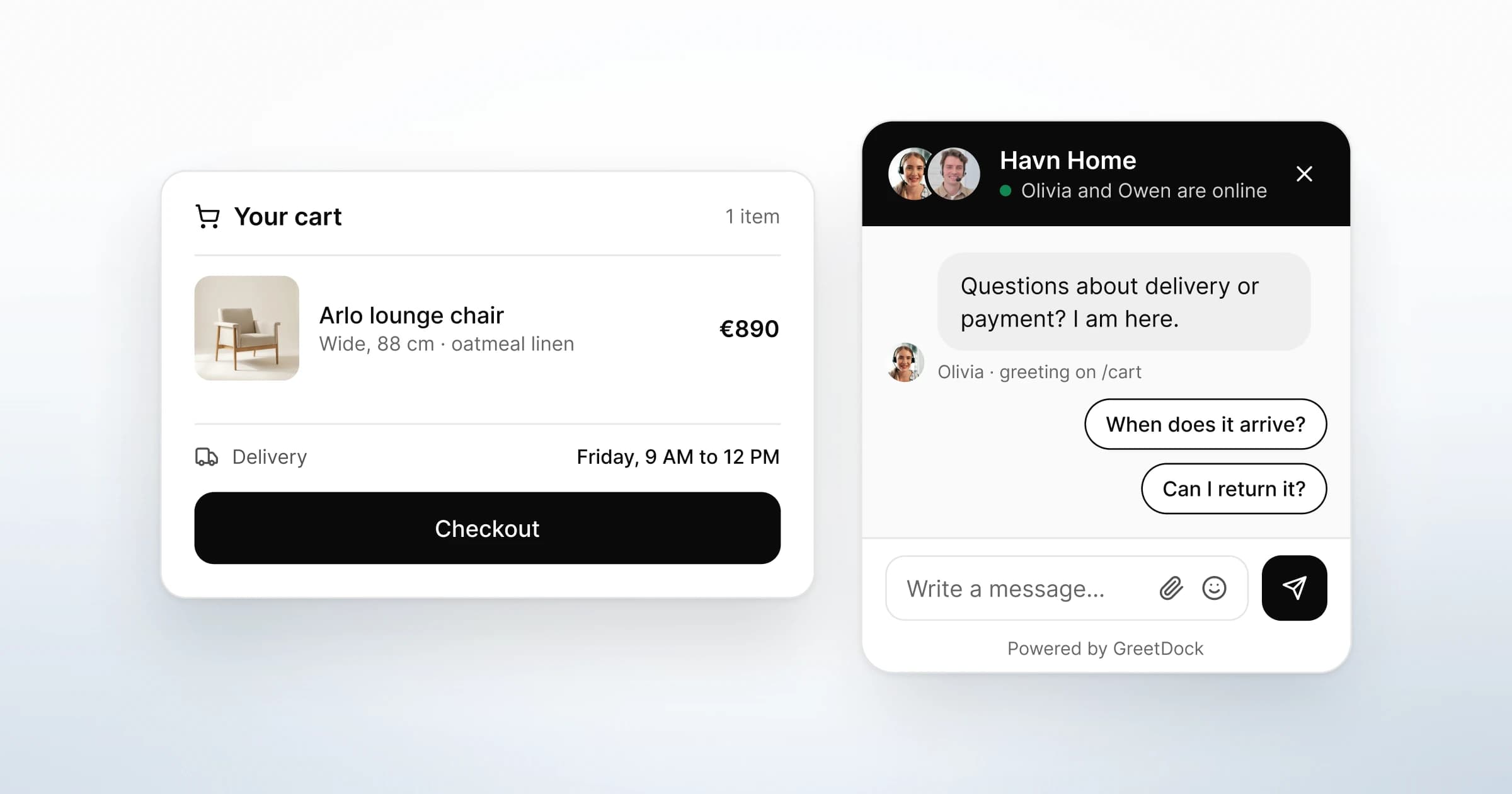
- Product pages. Write a greeting that names the likely doubt: "Not sure about the size? I can show you on this page." Add suggested questions such as "When does it arrive?" and "Can I return it?".
- Delivery and returns pages. A shopper reading these has a specific worry. A greeting can offer a direct answer.
- The cart. A greeting such as "Questions about delivery or payment? I am here." works because it shows only when the shopper opens the widget.
- Checkout forms. Do not say hi to someone typing an address. Keep the widget one tap away instead.
When a teammate says hi first, refer to the page, never to the tracking. "Deciding between Standard and Wide? I can show you on this page" offers help. "I see you've been here for seven minutes" tells the shopper they are being watched.
Is a cart recovery email still worth sending?
It can be, but it does a different job. A recovery email reaches a shopper after they have left. A conversation reaches them while they are still on the page with the question.
A shopper who left over a fit question may come back after a reminder and still not know whether it fits. The reminder works better when someone can answer on the product page.
What GreetDock does and does not do
GreetDock puts a person from your store on the product page, by chat, a browser call or co-browsing. Here is what it does today:
- A live list of shoppers. Your team sees who is on the site now, the page they are on and how long they have been there. Returning shoppers are recognised.
- Greetings by page. Rules matched by page path, each with up to three suggested questions. The greeting shows when the shopper opens the widget.
- Saying hi first. A teammate can send the first message from the live list. It appears in the shopper's widget, and they can ignore it.
- Chat with files. Send the size guide or a link to the delivery page in the thread.
- Calls in the browser. Offered by your team, accepted or declined by the shopper, with the camera optional on their side.
- Co-browsing with consent. Pointer, spotlight and pen, with no clicking or typing for the shopper. Password and card fields are hidden from your team, and payment provider frames are not shared.
- An offline form. When nobody is online, the widget switches to a short form, and the message arrives with the page attached.
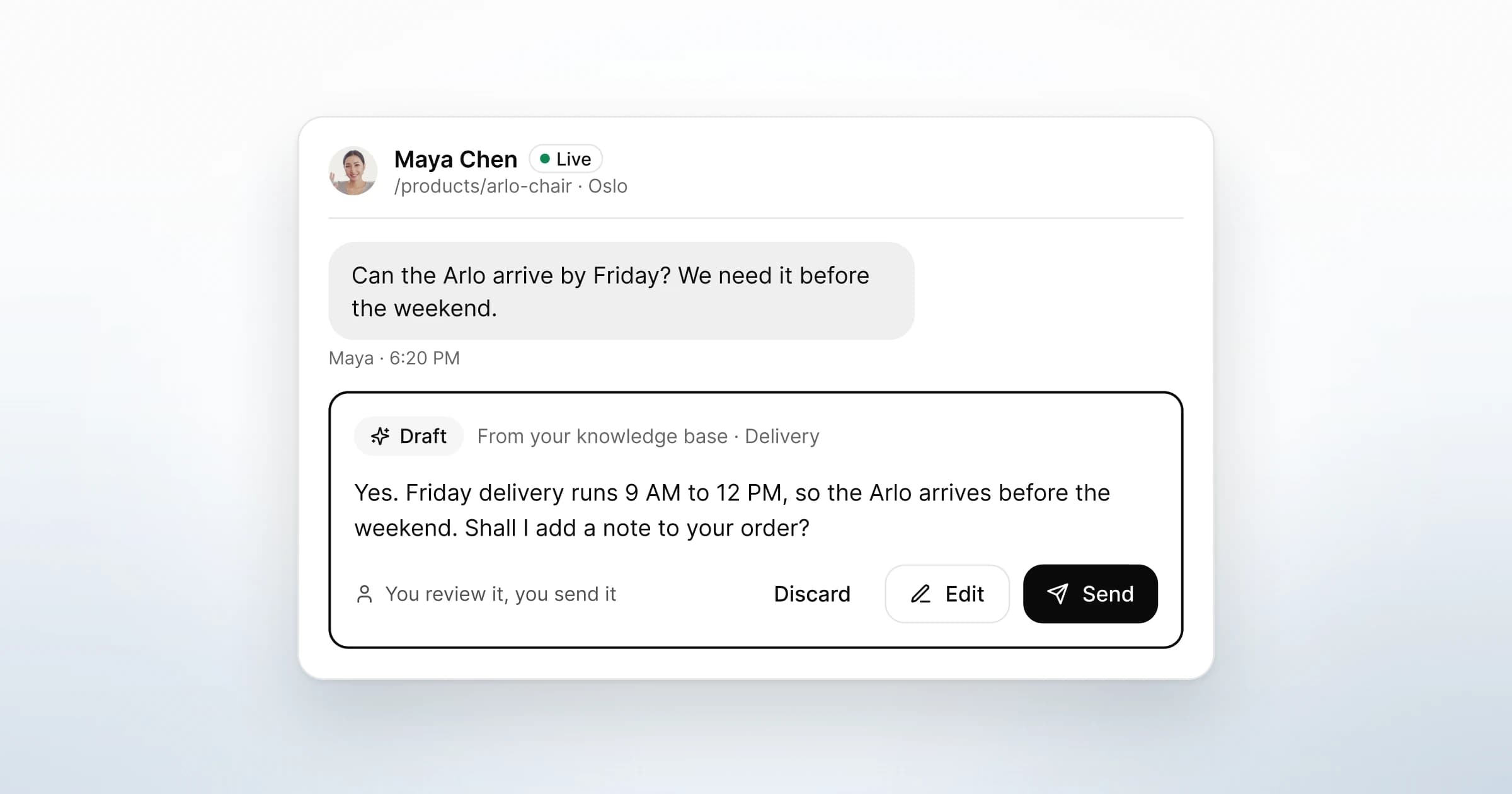
What it does not do: there are no exit-intent or time-on-page triggers, no automatic invitations and no cart recovery emails. No bot answers shoppers; from 4 November 2026, the AI drafts replies from your knowledge base for a person to edit and send. On Shopify, the widget goes in as one script in your theme, not as an App Store app, and our team confirms compatibility during the beta review. The live chat for ecommerce page shows the whole flow on a store.
How do you know whether it is working?
Read the conversations before any dashboard. A small store has too few orders for a clean before-and-after comparison in the first weeks. The threads show sooner whether you are answering the questions that stop people.
Once a fortnight:
- Sort the first messages by question. Size, delivery, returns, payment, cost or something else.
- Move repeated answers onto the page. If the same delivery question arrives five times, the date belongs next to "Add to cart".
- Check what chat cannot fix. Questions about total cost and complaints about the checkout belong on the checkout to-do list, not in replies.
- Retire suggested questions nobody taps, and replace them with what shoppers typed.
What to do next
- Read Baymard's list against your checkout. Fix the rows chat cannot touch first: costs shown late, a forced account, extra fields.
- Pick your three busiest product pages. Write one greeting and three suggested questions for each, about size, delivery and returns.
- Agree who answers, and when. Decide what shoppers see when nobody is online before the widget goes live.
- Keep a size guide and your delivery dates ready to send. Between them, they answer the first two question groups above.
- Decide when your team offers a call or a shared view, so it happens when typing gets slow, not by default.
GreetDock is in private beta, with a free 30-day trial, no card and no automatic charge. To put a person on your own product pages, get early access.