When to move live chat to a video call
A call is useful when it makes the buyer's question easier to resolve. Learn how to spot that moment, offer a choice and keep a short conversation focused.
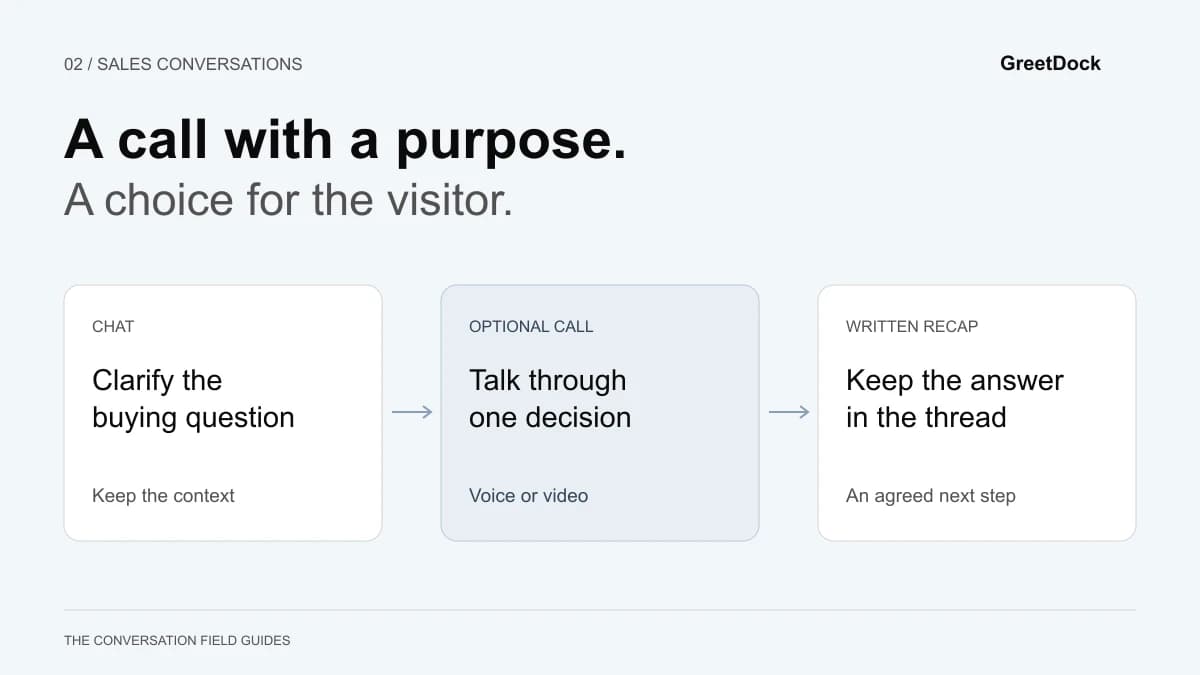
“Can we jump on a call?” can be a helpful offer or an unnecessary obstacle. The difference is whether the call makes the visitor's question easier to answer.
Move live chat to a voice or video call when you have a clear purpose, a teammate available to help and a visitor who wants to talk. Keep chat available when the answer is simple, the visitor prefers writing or the environment makes a call inconvenient.
This playbook covers the transition from a website conversation into a short sales call. It is not a recommendation to turn every visitor into a meeting. The sample exchanges below are illustrative, not customer case studies.
Decide whether a call will reduce the work
Before offering a call, complete this sentence: “Talking will help us resolve ___.” If the blank is “get their contact details” or “give our standard demo”, you have not yet identified a benefit for the buyer.
| Situation in chat | Useful next move | Reason |
|---|---|---|
| A visitor asks for a published limit or price | Answer in text and link to the detail | A call would add effort to a simple question |
| Each answer raises another dependent question | Offer a short voice or video call | A conversation can clarify assumptions as they arise |
| The visitor cannot locate an option | Ask whether visual guidance would help | Seeing the relevant page may matter more than seeing a face |
| Several people must approve a workflow | Share written material and arrange an appropriate follow-up | An immediate one-to-one call may exclude the actual decision-makers |
| The visitor is in a shared office or on the move | Continue in chat | Privacy, noise and connection quality may make a call impractical |
A long message is not necessarily an escalation signal. Sometimes the visitor has thoughtfully described a requirement and would value an equally thoughtful written answer. Repeated misunderstanding is a stronger signal than message length.
For the earlier stage of the conversation, use the B2B live chat qualification guide to establish the job and the constraint. You should not need to repeat that discovery when the call starts.
Offer a purpose, a boundary and a choice
A good call invitation tells the visitor what they will get, gives the discussion a manageable scope and makes declining easy.
For example:
“There are two setup options here, and the right one depends on who will answer. Would a short call help us compare them? Audio is fine, or we can keep going in chat.”
If you suggest a time estimate, treat it as a boundary you intend to respect. A “five-minute answer” should not quietly become a half-hour demo. When the issue needs more investigation, say that before asking for a bigger commitment.
Do not make video a requirement
The visitor may want to speak without appearing on camera. A voice conversation can resolve a complicated question without asking them to prepare their surroundings or show their face.
Your own video may help introduce the person answering, but it is not proof that the call will be useful. Let the buyer choose the level of interaction that suits them. If they decline, answer in chat with the same care.
Avoid unexplained incoming calls
An offer in a thread should follow the conversation, not surprise someone who has only opened a pricing page. Ask first, wait for a response and make the purpose visible. Do not treat a browsing signal as permission to call.
Prepare the handoff before opening the microphone
The rep should be able to summarise the question in one sentence before the call starts. If another teammate is joining instead, give that person a concise note:
Question: Can the visitor's team cover two sites together?
Already discussed: Their current staffing arrangement.
Need to clarify: Whether the same people answer for both sites.
Call goal: Choose a setup to evaluate, or identify a blocker.
Keep relevant links and files in the conversation. Do not make the buyer search their email for a meeting link while your rep searches another tool for the chat transcript.
GreetDock's browser calls start from the thread, and the visitor accepts in the widget. The conversation remains available beside the call. A teammate can also consult someone through private team chat before offering an answer that depends on specialist knowledge.
Explain permissions and keep a fallback ready
“Nothing to install” does not mean “nothing to approve”. A browser-based call still needs access to the relevant microphone or camera. MDN's documentation on media permissions explains that browser access requires permission and can fail when permission is denied or a suitable device is unavailable.
Tell the visitor what they are about to see: “Your browser will ask to use your microphone. You can leave the camera off.” Avoid vague prompts such as “accept everything”.
If the call does not connect:
- Keep the chat thread open and acknowledge the problem there.
- Ask whether the browser showed a permission request, without asking the visitor to change unrelated security settings.
- Offer audio if video is the obstacle and audio is available.
- Return to text if troubleshooting would take longer than answering the question.
A corporate device may restrict media access. A mobile browser may behave differently from the desktop setup your rep tested. Your fallback should not depend on the visitor changing devices or installing software during a buying question.
Test the actual visitor journey on the devices your audience uses. Include declining the call, dismissing a permission prompt and hanging up. A successful connection is only one part of a working flow.
Run a call around one decision
Open with the context you already have:
“You’re checking whether your current team can cover both sites. Let’s work through that setup first, and then decide whether a trial would answer the remaining questions.”
This gives the visitor a chance to correct your understanding before the conversation expands.
Confirm the constraint
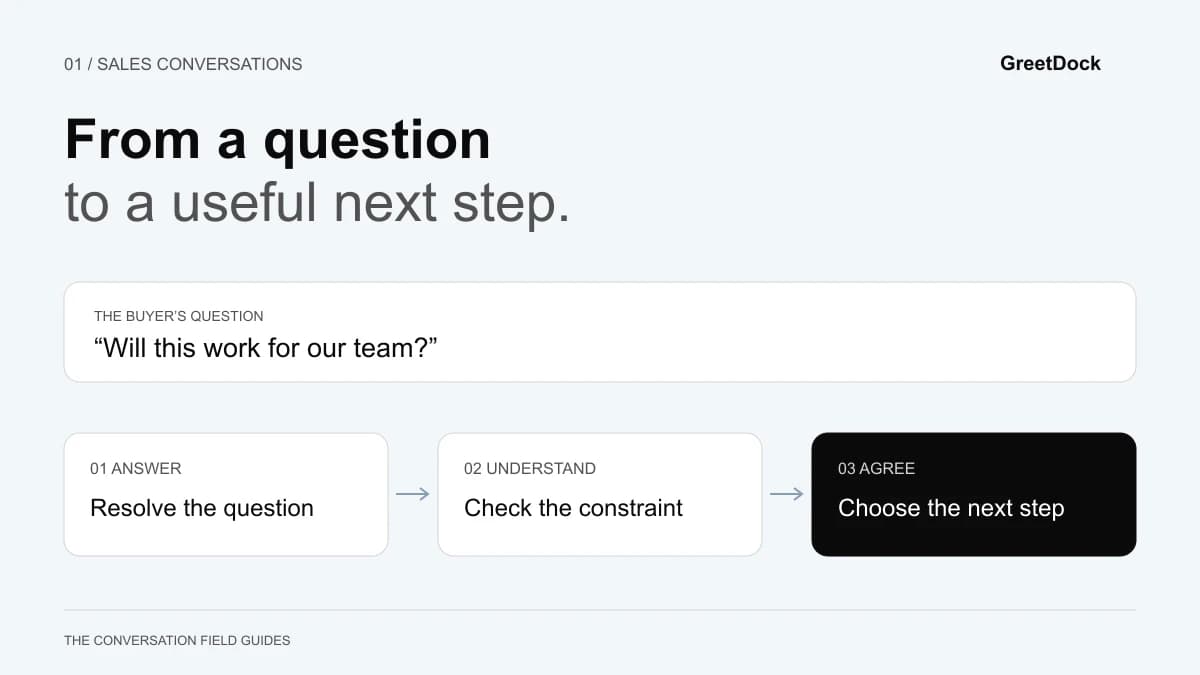
Ask the one missing question that changes the recommendation. If you already know the intended workflow, do not start again with a broad discovery checklist. Keep facts, assumptions and unknowns separate.
When a requirement cannot be met, say so. A confident explanation of a limitation is more useful than a tour designed to distract from it.
Show only what resolves the question
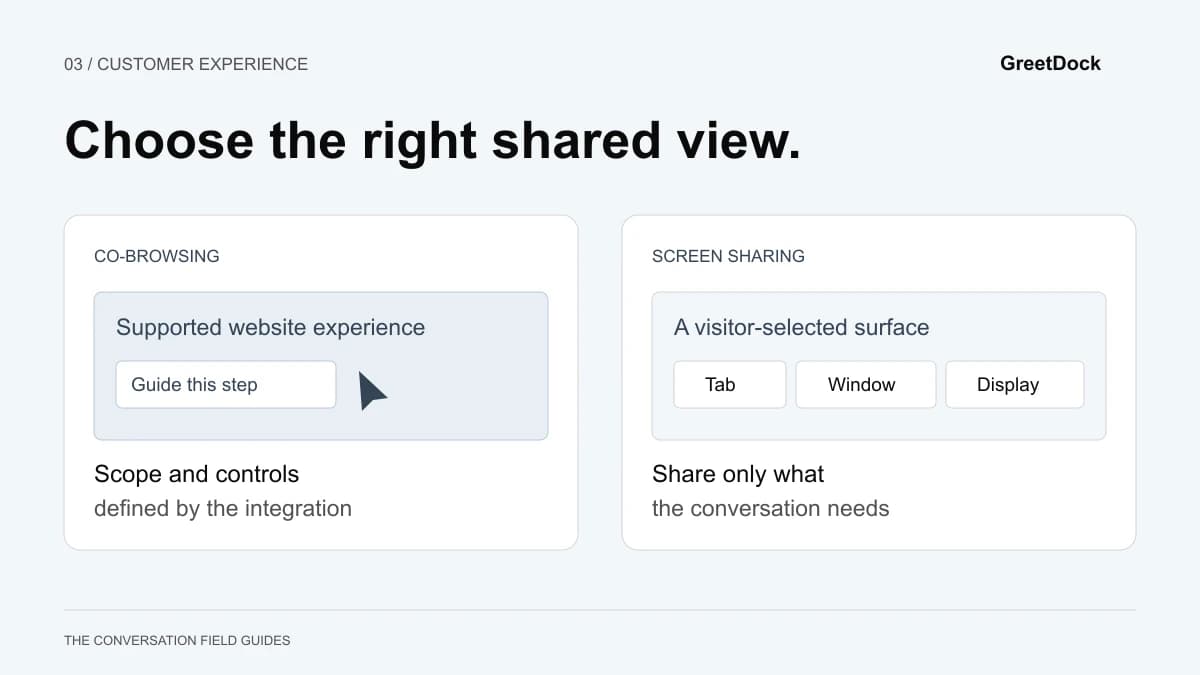
If the visitor needs to see where an option lives on their own page, ask separately whether they want to share it. Accepting a call is not permission to view a page.
GreetDock's co-browsing requires a separate acceptance. The team can point, highlight and draw; it cannot click or type for the visitor. For questions that cross tabs or desktop applications, review the differences between co-browsing and screen sharing before assuming the same tool fits both tasks.
If the question is conceptual, a clear spoken explanation may be enough. Do not add screen interaction just because the control is available.
Check the answer, then stop
Try, “Does that resolve the setup question, or is there a part we have not covered?” This is more informative than “Any questions?” after a feature tour.
End when the stated purpose is complete. If a new issue emerges, ask whether to continue or arrange a separate next step. A visitor should be able to accept a small conversation without accidentally agreeing to a full sales meeting.
Leave a written answer in the thread
A productive call should leave something the visitor can use after it ends. Write a short recap with the answer, any limitation and the action you agreed to take.
For example:
“We covered how your team would answer for both sites. The remaining question is the handoff between shifts. I’ll send the setup outline we discussed; you’ll check it with the support lead before deciding on a walkthrough.”
That example only works if those actions were actually agreed. Do not add a follow-up commitment on the buyer's behalf.
Keep exact product limits and documentation links in writing. A colleague who did not attend the call should be able to understand the decision without watching a recording. If you use an AI-generated summary, review it for incorrect commitments or omitted constraints before relying on it.
GreetDock keeps conversations and associated records in Cloud. Recorded calls have a transcript and a short AI summary. Do not assume an unrecorded call has a transcript; write down the relevant outcome yourself.
Evaluate the transition, not the number of calls
Review a sample of invitations with your team. Was the purpose clear? Could the visitor decline? Did the call answer the original question? Did the written recap match what was agreed?
Track invitations, acceptances, successful connections and completed outcomes separately. A low connection rate may point to a technical issue; a low acceptance rate may reflect an unhelpful invitation or a preference for chat. Neither number alone explains sales performance.
Watch the cost to other conversations, too. If calls leave the inbox unanswered, your team may be improving one visitor's experience while delaying several others. Narrow the coverage window or designate who can take a call.
To try this with GreetDock, start with one recurring question that genuinely benefits from discussion. Apply for early access and describe that situation. GreetDock is in private beta; in-widget booking and callbacks are planned features, so the current process should rely on an available teammate or a message through the offline form.