B2B live chat: qualify leads without a form
A pricing-page question is a chance to help someone decide. Here is a practical way to answer it, understand fit and agree on a next step without a qualification script taking over.
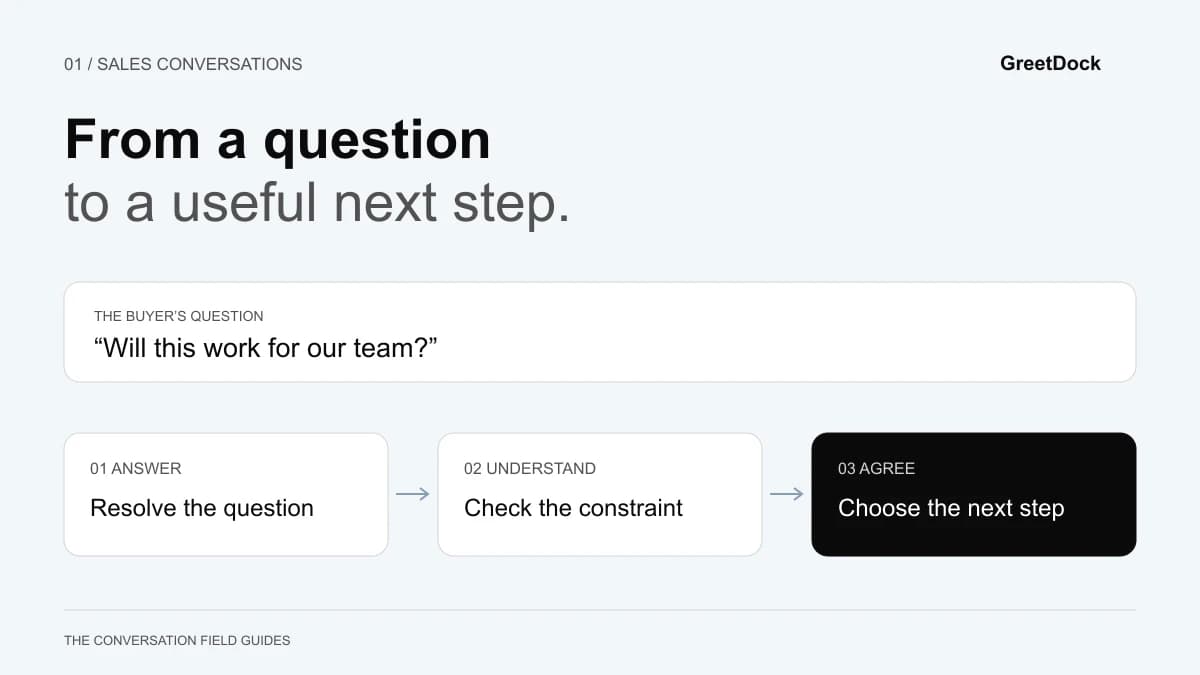
A visitor asks, “Can two teams use this separately?” Your rep replies, “What is your work email, company size and budget?” The visitor still does not know whether the product fits. Your team has started collecting a lead before helping a buyer.
B2B live chat lead qualification works best when the questions help resolve the visitor's decision. Answer what you can, find out what changes the answer, and agree on the smallest useful next step. Qualification becomes the record of that conversation.
This guide is for small SaaS sales teams, founders covering the inbox and agencies helping clients handle inbound enquiries. It describes an operating process you can run manually. It does not require automated scoring, company identification or a CRM integration.
Start with one buying decision, on one page
Putting chat everywhere creates a coverage problem before you have learned which conversations help. Start with a page where a visitor can describe a specific uncertainty and someone on your team can answer it.
| Page | A plausible buying question | Prepare your team to explain |
|---|---|---|
| Pricing | “Which plan covers two separate teams?” | The relevant limit, how usage is counted and when the recommendation changes |
| Integrations | “Can this work with our existing process?” | What connects today, what needs manual work and what is unavailable |
| Product feature | “Will this solve our particular workflow?” | One concrete supported workflow and its boundaries |
| Security | “What happens to the information we share?” | The published security documentation and who handles questions it does not answer |
Treat page context as a clue. A repeat visit to pricing might mean active evaluation, a colleague checking a detail or an existing customer looking for an invoice link. It is not proof of budget, urgency or authority.
Write a one-sentence purpose for your pilot: “Help visitors determine whether our team plan supports their workspace structure.” That is easier to staff and evaluate than “increase engagement”.
Answer first, then ask the question that matters
A useful opening should make it easy to respond without demanding personal information.
For a pricing page, try:
“Comparing options for your team? I can help you check which limits matter for your setup.”
For an integration page, try:
“Have a particular workflow in mind? Tell me what needs to connect and I’ll check what works today.”
These are sample messages, not scripts you must send word for word. Name the job you can help with. Avoid claiming to know why the visitor is there, and do not recite their browsing history back to them.
When they ask a question, give the known part of the answer immediately. If the answer depends on something, explain the dependency before asking:
“That depends on whether the two teams need separate records. Are they departments in one business, or separate clients?”
The buyer can see why the question matters. You also learn more about fit than you would from a company-size field.
When the answer is no
Say so clearly. A missing requirement is useful qualification information, even when it ends the sales conversation.
Use “We do not support that integration today” rather than “We are always expanding our ecosystem.” If a feature is planned, distinguish the plan from a committed release. Do not book a demo that can only repeat the limitation.
Use four qualification questions as a map
Your rep does not need to ask all four questions in every chat. Use them to identify the information still missing from an otherwise useful conversation.
1. What job are they trying to complete?
Ask, “What would your team use this for first?” A concrete workflow is more useful than a broad request to “improve customer experience”. Listen for the people involved, the page or tool they work in, and what happens after the task is complete.
For example, “Our sales rep needs to explain a configuration while the buyer is on our site” gives you a workflow to assess. “We need more conversions” does not yet tell you what is blocking the buyer.
2. Which constraint could rule the product out?
Ask a question that follows from the workflow: “Does the rep need to change settings for the visitor, or is pointing out the setting enough?” Those are different requirements. A tool that allows viewing and pointing may fit the second and fail the first.
Other constraints might be a particular integration, deployment arrangement, staffing window or security review. Record confirmed requirements separately from your assumptions.
3. What would make the next step worth their time?
Try, “What would you need to see to decide whether a trial is useful?” The answer can be a short demonstration, a written explanation or a conversation with a technical colleague.
A visitor requesting documentation is not automatically less serious than someone accepting a call. They may need evidence to share with a buying group. Give them the format that helps their decision.
4. Who needs to take that next step, and when?
Once there is a reason to continue, ask about ownership and timing: “Would you be testing this yourself, or should we include the person who runs support?”
Ask for an email address when it serves an agreed purpose, such as sending the answer or arranging a walkthrough. Explain what you will send. Avoid making contact details a toll gate for a basic product fact.
Match the handoff to the unresolved question
Consider this illustrative situation: a SaaS buyer wants to help visitors complete a setup page. They ask whether an agent can take control. Your product supports pointing, but not remote control.
Your rep explains the limit. The buyer says pointing may be enough, but the support lead needs to see the visitor's experience. The next step is a focused walkthrough of the consent request and the guidance controls. It is not a generic tour of every feature.
Use a short handoff note:
Job: Help new customers finish the setup page.
Must-have: Visitor keeps control; team can point at a setting.
Confirmed: Viewing and pointing may fit the workflow.
Open question: Support lead needs to see the consent experience.
Next action: Offer a walkthrough of that flow.
Owner: The teammate accepting the handoff.
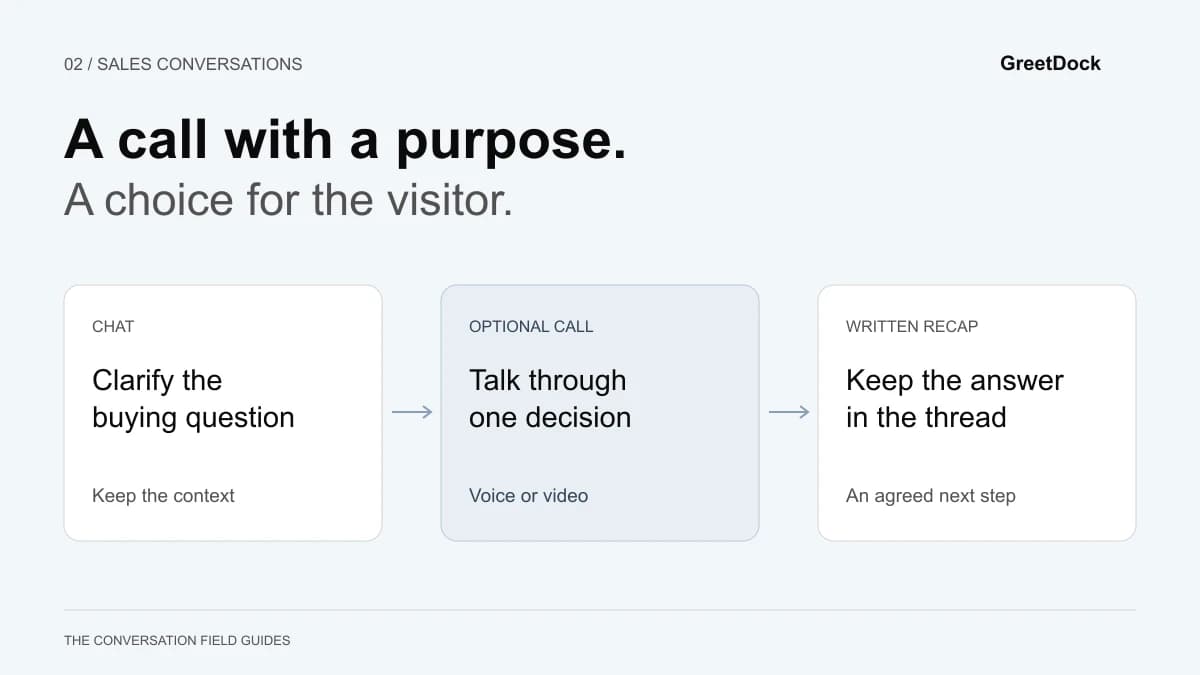
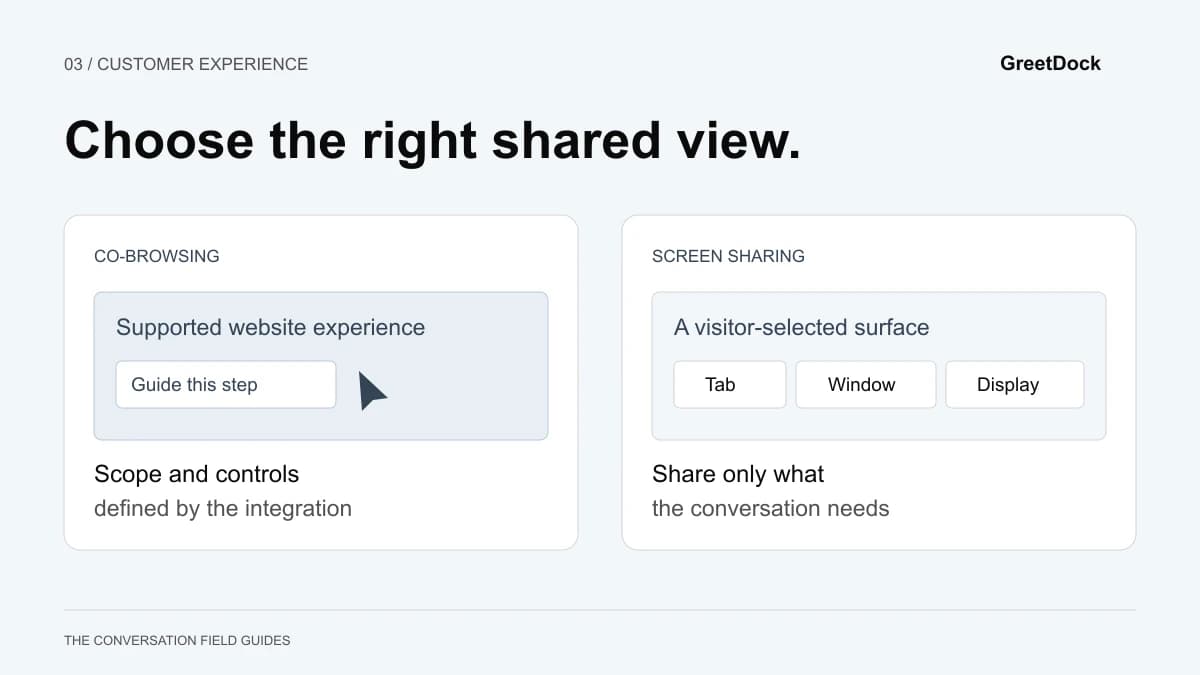
If the conversation can be resolved with one link, send the link with an explanation of what to look for. If talking would remove repeated clarification, offer a voice or video call with a specific purpose. If the difficulty is finding an option on a page, compare co-browsing and screen sharing before choosing how to show it.
The receiving teammate should read the note before joining. Asking the visitor to repeat the same discovery questions is a sign that the handoff preserved the contact but lost the context.
Make coverage part of the sales process
Before inviting conversations, decide who owns the inbox, who covers breaks and what happens when nobody can respond. “Live” is an expectation your team has to fulfil.
Start with coverage windows you can sustain. Prepare answers to the recurring questions on the pilot page and name the colleague who can handle exceptions. Have a clear way to collect a message when the team is away; promise a response time only if you can meet it.
During busy periods, stop adding new live conversations before existing ones become neglected. If you operate chat and calls together, remember that a rep who can manage a few short text exchanges may have capacity for only one live call. Plan around actual attention, not just an online status.
For agencies, assign ownership by client site and record whose offer the visitor is asking about. Never use another client's pricing or product answer just because the question sounds similar.
Measure useful progress, not just collected emails
Agree on the meaning of a qualified conversation before reviewing results. A practical definition is: a relevant use case, no known blocking requirement and a next step the visitor has actually accepted. Adjust that definition to your sales process, then apply it consistently.
Track a small set of measures:
- First human response time during staffed hours. Separate acknowledgements from answers that address the question.
- Answered questions. Review whether the visitor received a clear answer, including honest “not supported” answers.
- Qualified next steps. Count agreed actions, not unsolicited calendar links or email addresses collected.
- Completed next steps. Check whether the promised follow-up happened and whether the next teammate had enough context.
- Repeated objections. Look for questions that belong on the pricing or product page itself.
Use the same denominator when comparing periods. “Qualified conversations divided by sales conversations handled” answers a different question from “qualified conversations divided by all visitors”. Record which one you mean.
Visitors who choose chat may already be more interested than visitors who do not. A higher conversion rate among chat users alone does not establish that chat caused the improvement. Compare similar traffic and staffing periods, and use an appropriately designed experiment when you need a causal answer. With a small sample, describe what you observed without claiming a reliable uplift.
Put the process into practice with GreetDock
GreetDock's shared inbox places the visitor's page and visit history beside the conversation. Your team can answer in context, use private team chat for a second opinion and offer a browser call when talking would help. Those are tools for carrying out the process; they do not replace a clear qualification decision.
GreetDock is in private beta. Booking and callbacks and pop-ups and forms are described as coming to the beta, so do not build your current coverage plan around them. The available offline form collects a message when the team is away.
For a first trial, choose one page, one staffed window and one type of buying question. Read the resulting conversations together. Improve the public answer when the same confusion keeps appearing. The most useful result may be a clearer website, as well as a better sales handoff.
See the B2B sales use case, or apply for early access and tell us which visitor question you want your team to handle first.